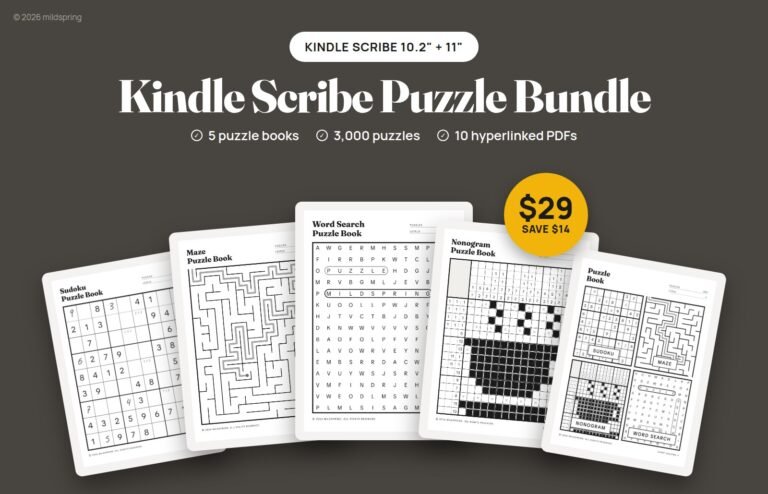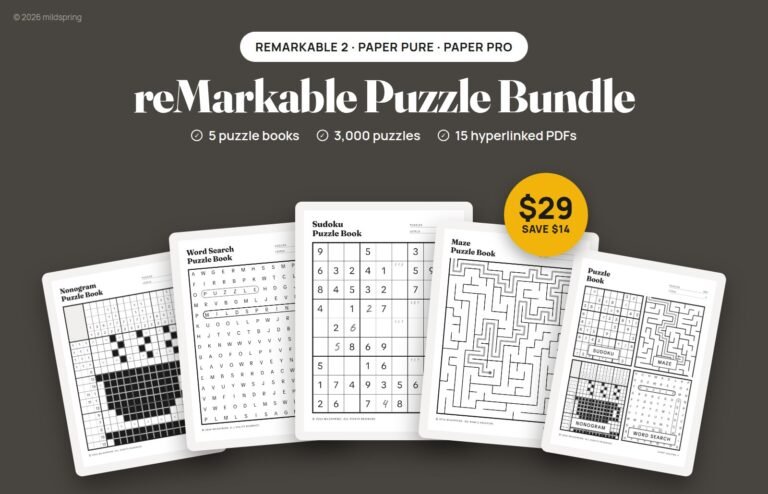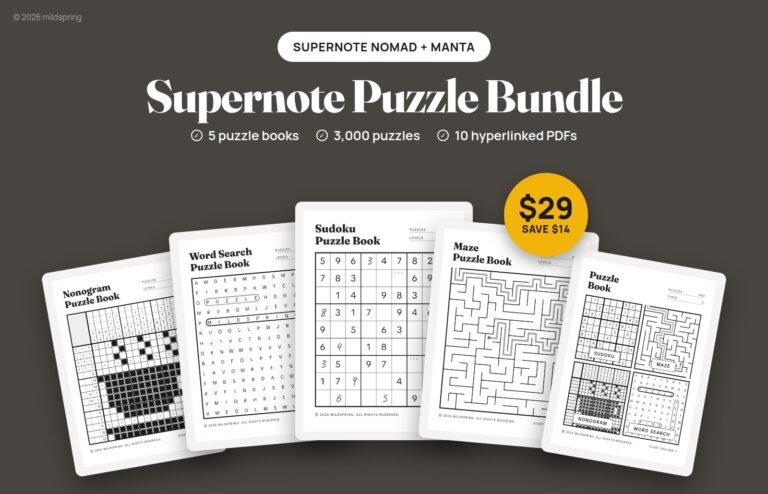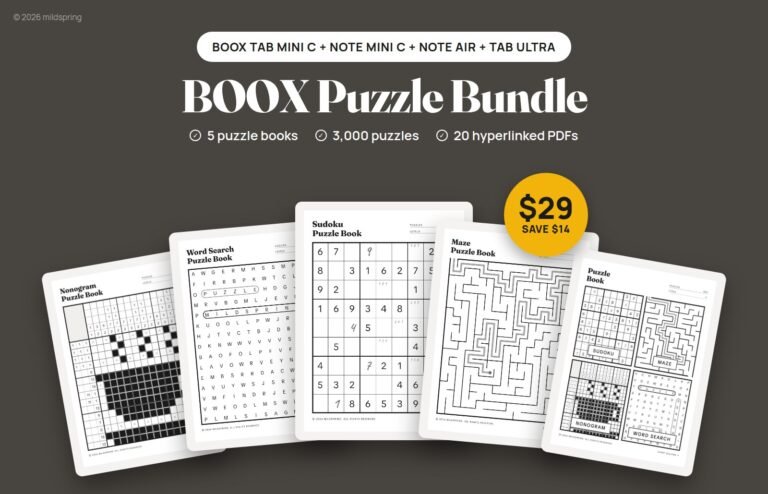
If you own a pen tablet, you already have one of the nicest ways to play pencil puzzles. Sudoku on e-ink tablets works the way it does on paper: you write a digit with the pen, jot small notes in the corner of a square, and rub them out when they turn out wrong. The difference is that one PDF can hold hundreds of puzzles, the answers are a tap away, and you never run out of pages.
This guide covers how a puzzle PDF works on an e-ink tablet, how to get one onto your device, and a few habits that make solving more fun. It covers mazes, word search and nonograms too, since they all work the same way.
Why a pen tablet suits pencil puzzles
Puzzle books have always been pencil books. You guess, you erase, you guess again. An e-ink screen keeps that feel because you’re writing on the page with a pen instead of tapping numbers into an app. There are no ads, no timers and no notifications, which is half the reason people buy these tablets in the first place.
A good puzzle PDF also does something paper can’t. The pages are linked, so you can jump from a list of puzzles straight to the one you want, and from a puzzle straight to its answer. When you’ve finished a level, the next one is one tap away instead of a lot of page flipping.
Playing sudoku on e-ink tablets, step by step
The rules don’t change. Fill every row, every column and every 3×3 box with the digits 1 to 9, with no digit repeated. What changes is how you work the grid with a pen.
- Open the PDF in your tablet’s own reader, the one that lets you write on documents.
- Pick a puzzle from the level list and tap it to open its page.
- Write your digits big and clear in the middle of each square.
- Use the corners for pencil marks, the small candidate digits you’re not sure about yet. Write them smaller so you can tell them apart from your answers.
- When a candidate is ruled out, erase it or cross it out. Your tablet’s eraser removes your writing and leaves the printed grid alone.
- Stuck or finished? Tap the Answer link on the page to check your grid against the solution.
Grid size matters more than people expect. On a small screen a cramped grid makes pencil marks hard to read, so look for a book that draws one puzzle per page across the full width of the screen. That’s how we laid out our books, and it’s the main reason they’re made at a separate size for each tablet rather than one file stretched to fit.
What to look for in a puzzle PDF
Not every PDF is made for sudoku on e-ink tablets. A scan of a paper puzzle book will open, but the grids are often tiny, the margins are wrong for your screen, and there’s no way to jump around. Here’s what makes a puzzle file pleasant to use day to day.
- Sized for your screen. The page should match your tablet’s shape so the grid fills the screen without zooming.
- Linked lists and contents. You should be able to tap from a contents page to a level, and from a level list to any puzzle.
- Answers you can reach in one tap. Ideally each puzzle links to its answer and each answer links back.
- Checked puzzles. A sudoku with two solutions is a broken sudoku. Look for books that say every puzzle has exactly one.
Picking a level
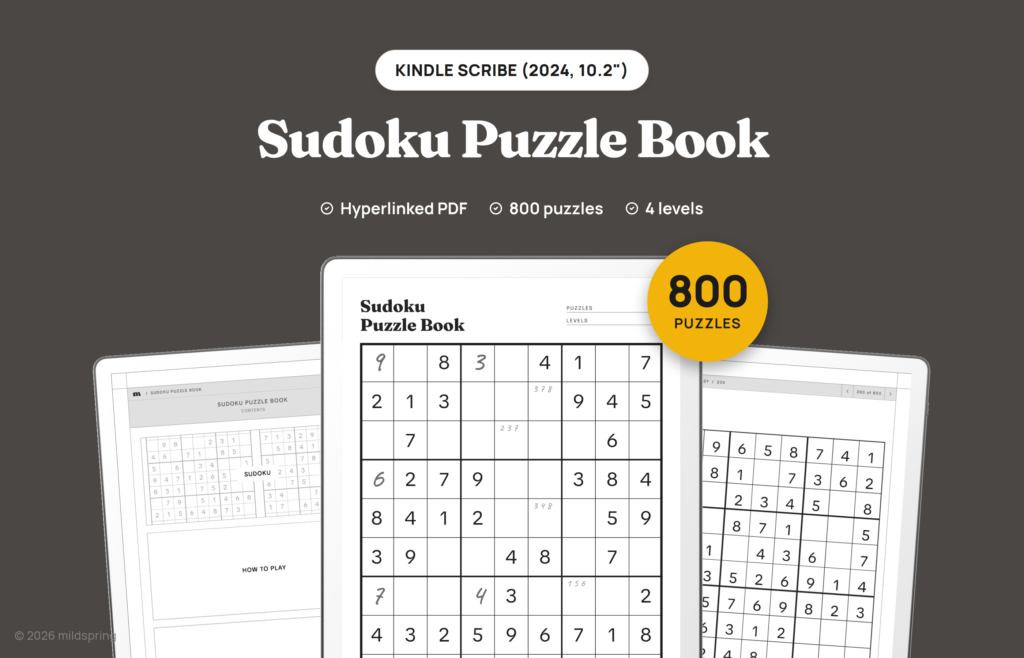
Sudoku difficulty mostly comes from how many squares are filled in when you start. In our Sudoku Puzzle Book, Easy puzzles start with 62 of the 81 squares filled, Medium with 53, Hard with 44 and Very Hard with 35. Every puzzle was checked with a solver, so each one has exactly one solution.
If you’re new to sudoku, start on Easy. You’ll learn the basic scanning moves without leaning on pencil marks. If you already do newspaper sudoku, jump to Hard. Very Hard is where pencil marks stop being optional, and that’s where writing on a tablet really pays off, since you can erase cleanly as often as you like.
Mazes, word search and nonograms
Once you’re comfortable with the pen, the other classic pencil puzzles work just as well.
- Mazes: trace the path with the pen. If you hit a dead end, erase back to the last turn. Round mazes start in the middle and finish at the gap in the outer ring.
- Word search: circle each word in the grid, then cross it off the list underneath. On harder grids, words can run in any direction, including diagonally and backwards.
- Nonograms: the numbers beside each row and above each column tell you how many squares to fill in, and in which groups. Fill the squares you’re sure of and put a small cross in the ones you know are empty.
Nonograms are the sleeper hit here. They’re pure logic, like sudoku, but with shading instead of digits, and a pen is a much nicer way to fill squares than tapping them one by one in an app.
Getting a puzzle PDF onto your tablet
Each tablet has its own way to add a PDF. These are the steps we give our own customers.
- Kindle Scribe: send the PDF with Amazon’s Send to Kindle and keep it as a PDF. Amazon only lets you write directly on PDFs that arrive this way.
- reMarkable: upload the PDF with the reMarkable app or at my.remarkable.com.
- Supernote: send the PDF with Supernote Partner or Supernote Cloud, then open it from the file list.
- BOOX: send it from your computer with BOOX’s BooxDrop transfer, then open it in the built-in reader.
- Kobo: link your Kobo to Dropbox at kobo.com/dropbox, put the PDF in the Rakuten Kobo folder, and sync your Kobo over Wi-Fi. Kobo’s own guide has the steps: add files to your Kobo using Dropbox.
Whichever device you have, download the file to a computer or phone first so you keep a copy you can find again.
A few habits that make it more fun
- Tick off what you finish. Our level lists have a tick box next to every puzzle, so you can see at a glance how far you’ve got.
- Check one answer, not the page. Answers are grouped several to a page, so cover the others with your hand if you only want to check one.
- Keep one puzzle book open. It’s easier to pick up a puzzle in a spare five minutes if the book is already the last thing you had open.
- Mix it up. If sudoku starts to feel like a chore, switch to a maze or a nonogram for a few days. Different puzzles use different kinds of thinking.
Try it free first
If you’d like to see how puzzles feel on your own screen before buying anything, we made a free Puzzle Sampler. It has five sudoku, three mazes, three word searches and three nonograms, each with a How to play page and the answers at the back, in 23 device sizes. There’s no sign-up.
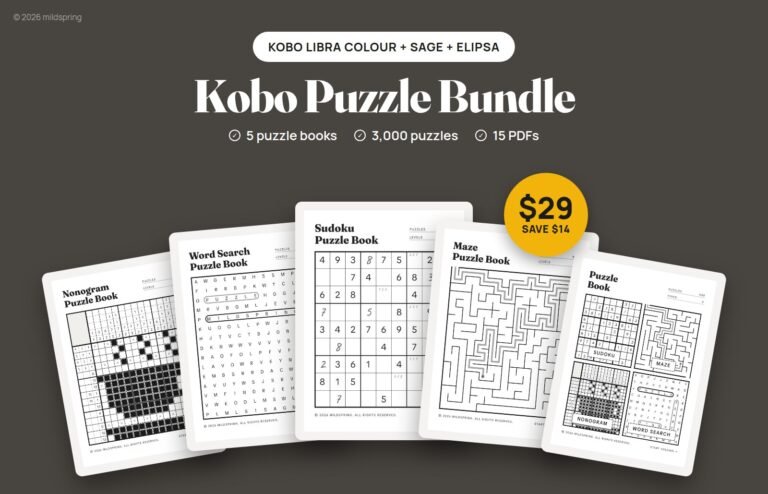
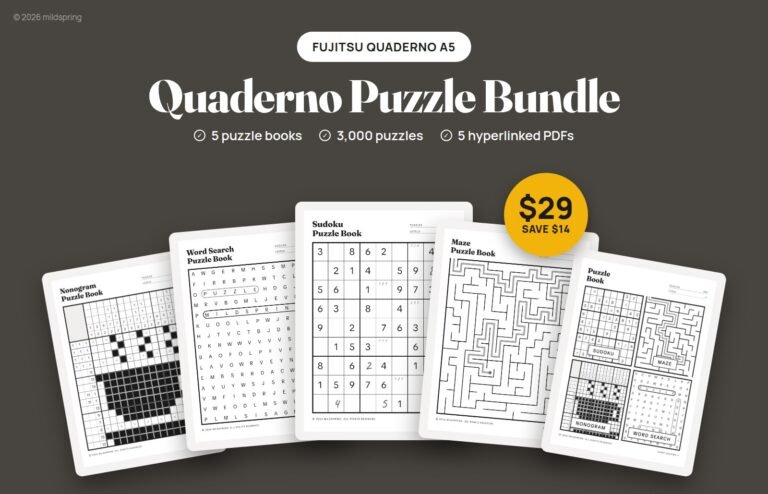
When you’re ready for more, our puzzle books come in sizes for Supernote, reMarkable, Kindle Scribe, BOOX, Kobo and Quaderno: 800 sudoku, 900 mazes, 600 word searches, 300 nonograms, or a 400-puzzle mix of all four. Pick your tablet, grab a book, and start solving.