remarkable
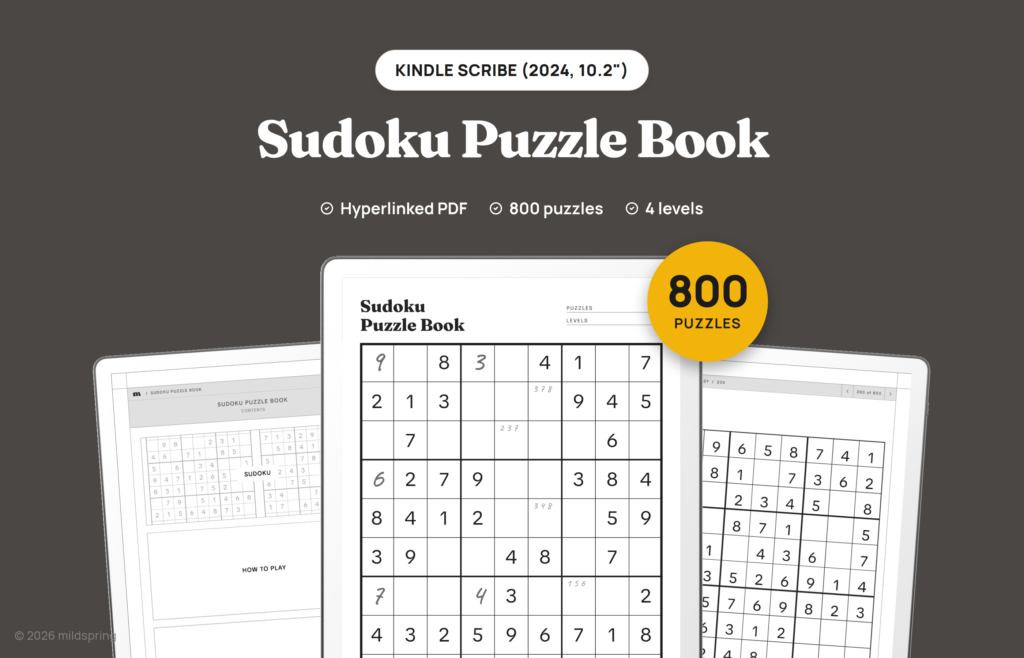
How to Play Sudoku on an E-ink Tablet (and Other Pen Puzzles)
If you own a pen tablet, you already have one of the nicest ways to play pencil puzzles. Sudoku on e-ink tablets works the way it does on paper: you write a digit with the pen, jot small notes in the corner of a square, and rub them out when they turn out wrong. The […]
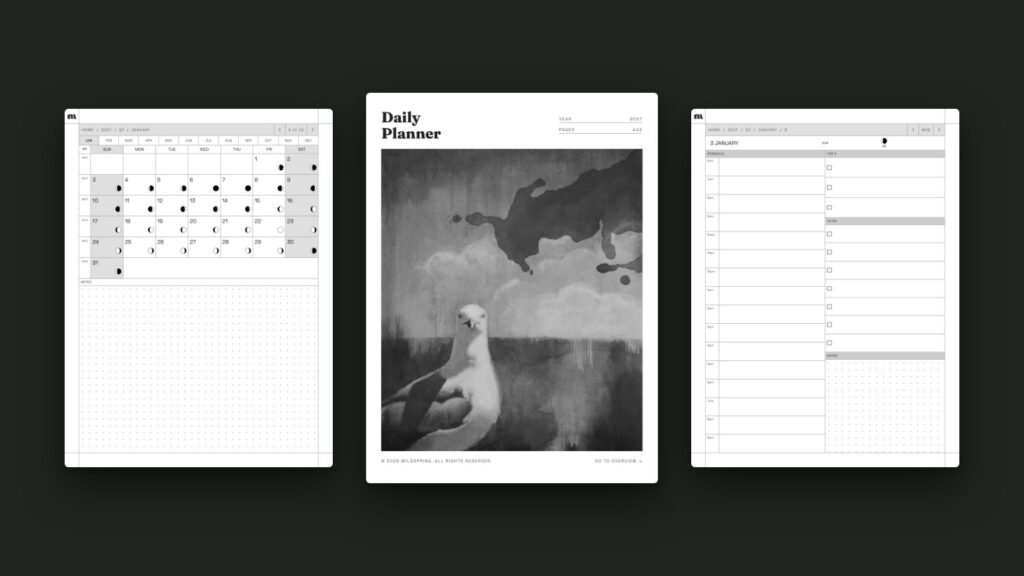
How to Use a Hyperlinked PDF Planner on reMarkable
A hyperlinked reMarkable planner is a PDF where the dates, tabs and headers are tappable links, so you can jump from the year to a month, a week or a single day without flicking through hundreds of pages. reMarkable has supported links inside PDFs since software version 2.6 in March 2021, so on any reMarkable […]
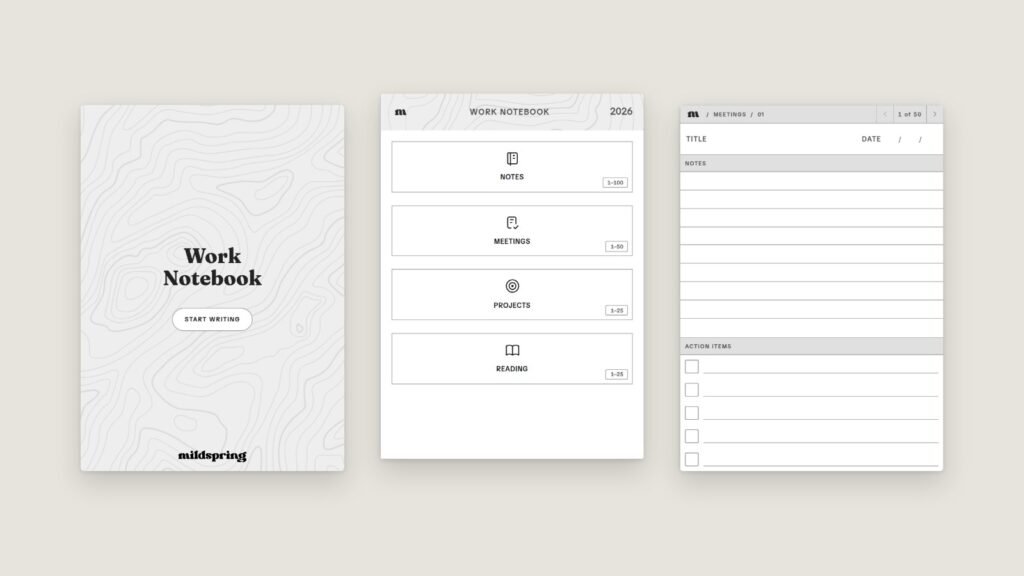
How to Make a Custom Notebook for Your E-Ink Tablet
If you've ever bought a notebook PDF and then ignored half its sections, you already know why we built this. You can now make a custom notebook for your e-ink tablet on mildspring: pick your device, name your sections, choose a page style for each one, and we build a hyperlinked PDF sized for your […]
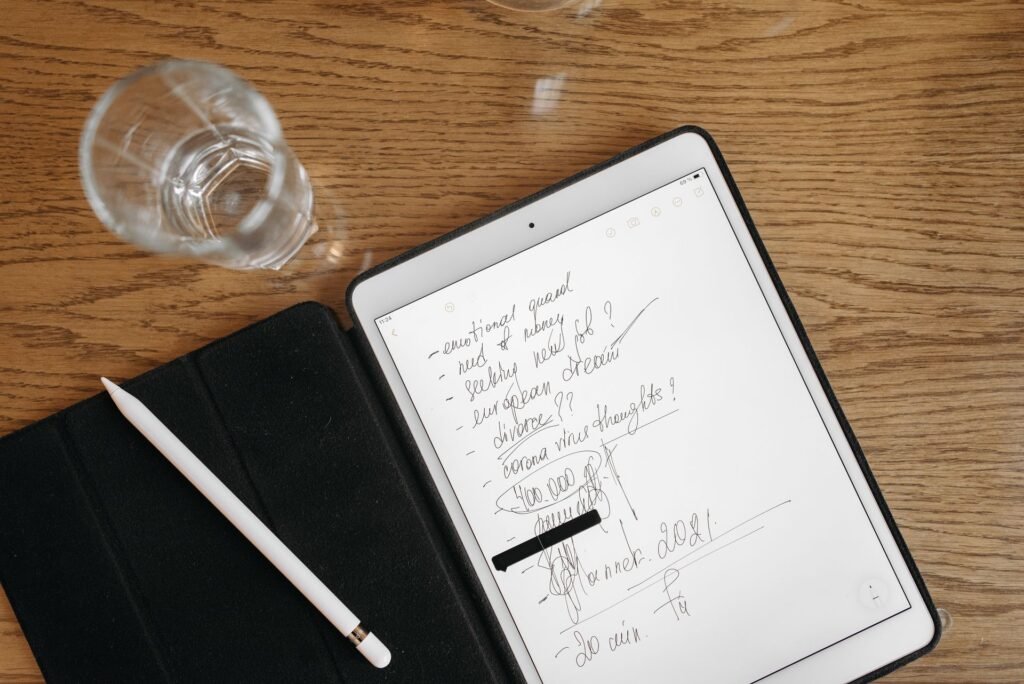
Bullet Journal on reMarkable: A Simple Setup That Sticks
Running a bullet journal on reMarkable works best when you keep the method plain: blank dot grid pages, an index you can tap, and the same short symbols you'd use on paper. You don't need a planner that pre-prints your whole year. You need a page that stays out of the way and a fast […]