Blog
Tips, guides, and updates from the team at mildspring.
How to Make a Custom Notebook for Your E-Ink Tablet
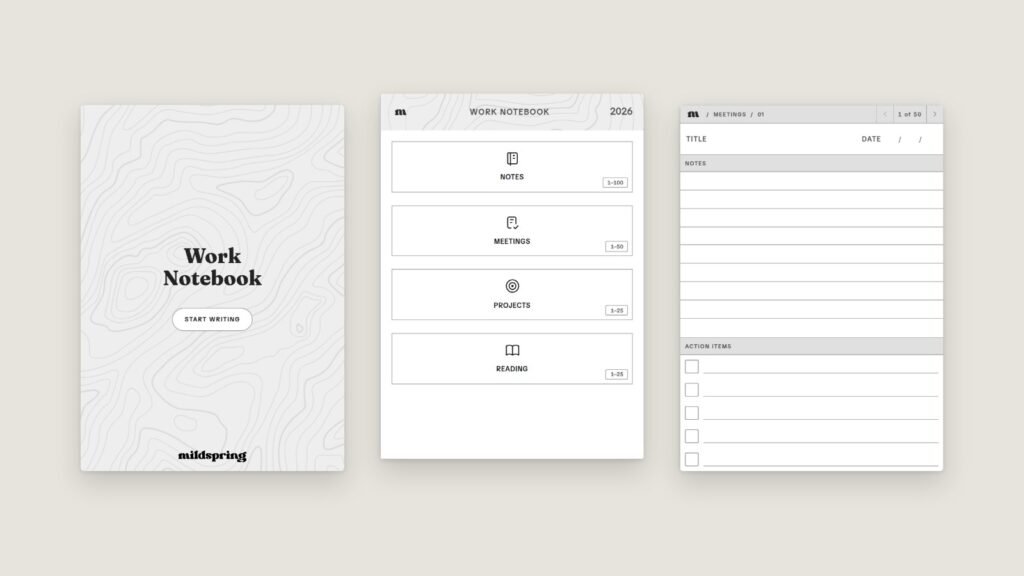
If you've ever bought a notebook PDF and then ignored half its sections, you already know why we built this. You can now make a custom notebook for your e-ink tablet on mildspring: pick your device, name your sections, choose a page style for each one, and we build a hyperlinked PDF sized for your […]
Bullet Journal on reMarkable: A Simple Setup That Sticks
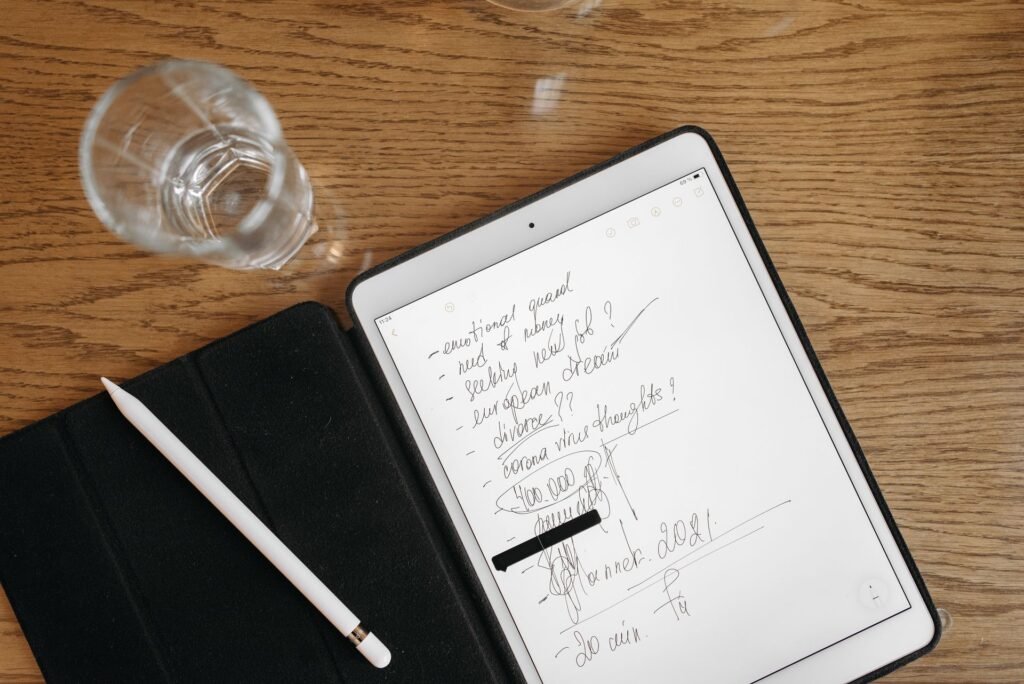
Running a bullet journal on reMarkable works best when you keep the method plain: blank dot grid pages, an index you can tap, and the same short symbols you'd use on paper. You don't need a planner that pre-prints your whole year. You need a page that stays out of the way and a fast […]
How to Run Better Meetings With a Dedicated Supernote Meeting Notebook
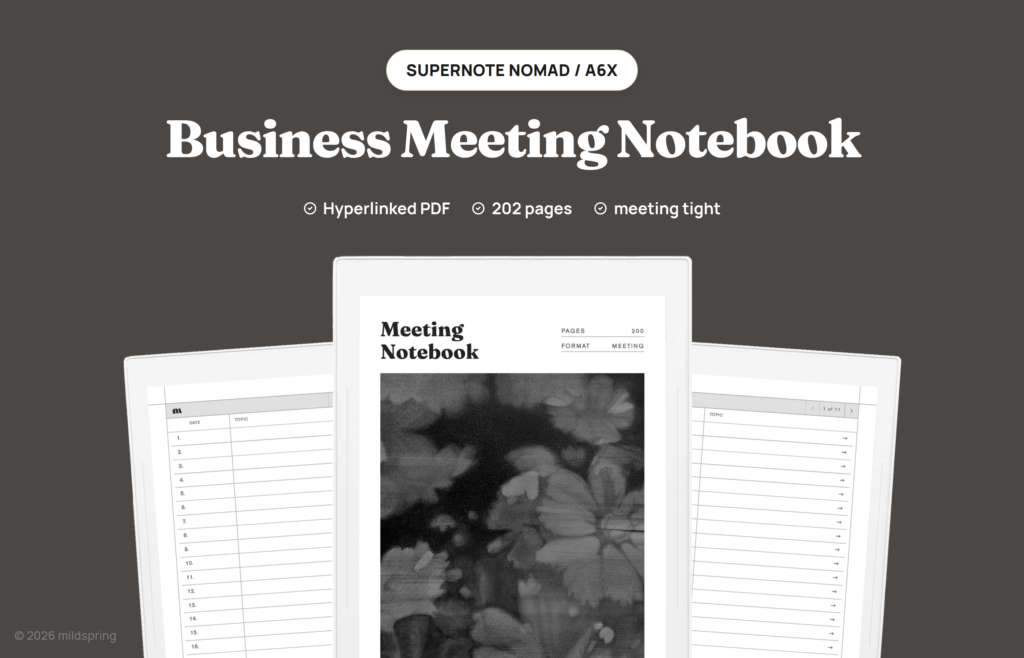
On a Supernote, meeting notes usually land in whatever notebook was already open. A week later the date is a guess, the people in the room are missing, and the follow-ups are stuck in a paragraph you have to reread. We built a dedicated meeting notebook for that mess. This is the Business Meeting Notebook […]

How the Cornell Notes Layout Works on E-Ink
The Cornell method looks simple until you try to draw it freehand every lecture. A good cornell notes layout on an e-ink tablet keeps the cue column, notes column, and summary band in the same place on every page so your hand stops reinventing the margins. We already have a Supernote walkthrough and a buying […]

100 Pages vs 500 Pages: How Many Notebook Pages You Need
Shoppers stare at page counts like they are buying paper reams. Online, the fight is often framed as a 100 page vs 500 page notebook decision. On e-ink tablets the number still matters, but for different reasons than paper weight or shelf space. I ship notebooks at more than one size, and the feedback is […]

Hyperlinked PDF vs Native Notebook Apps on E-Ink
People shopping for an e-ink tablet eventually hit the same fork: use the native notebook app, or import a hyperlinked pdf e-ink template. Both can work. They solve different problems, and the wrong pick usually shows up as friction after a week, not on day one. I build hyperlinked notebooks for Supernote, reMarkable, and Kindle […]

Which Page Style Works Best for Bullet Journaling
Most people asking about bullet journal page style already know the method. They are stuck on the page under it: dotted, lined, blank, or grid. The short answer is that dotted pages fit the classic BuJo workflow best, while lined and blank still win for specific kinds of writing. I sell templates for e-ink tablets, […]

Evernote Bullet Journal Template vs Digital Bullet Journal
An Evernote bullet journal template and a digital bullet journal on an e-ink tablet solve different problems. Evernote gives you folders, tags, and search across devices. A bullet journal gives you one calm notebook where today, this week, and this month stay in fixed places you can flip to without thinking. If you searched for […]

Cornell Notes Digital: How to Pick a Notebook for E-Ink Tablets
Cornell notes digital setups work best when the page layout matches how you actually review notes later. If you are moving from paper or a generic PDF, the cue column, note area, and summary strip need to stay in the right proportions on your tablet screen. This guide covers what to look for in a […]
Why 10 Sections Is the Sweet Spot for Digital Notebooks
Most digital notebook setups start with a good intention and end in a mess. You make a section for everything, then a section inside that section, then you stop opening half of them. The freedom that made digital feel better than paper is the same freedom that ends up burying your notes. When I built […]