For the reMarkable 2
reMarkable 2 Templates
Hyperlinked PDF notebooks, planners and puzzle books made for the reMarkable 2's 10.3" screen. Every page is drawn at the reMarkable 2's own size, so it fills the screen and every tab is one tap.
Templates for your reMarkable 2
Each link opens the product with the reMarkable 2 version already picked.
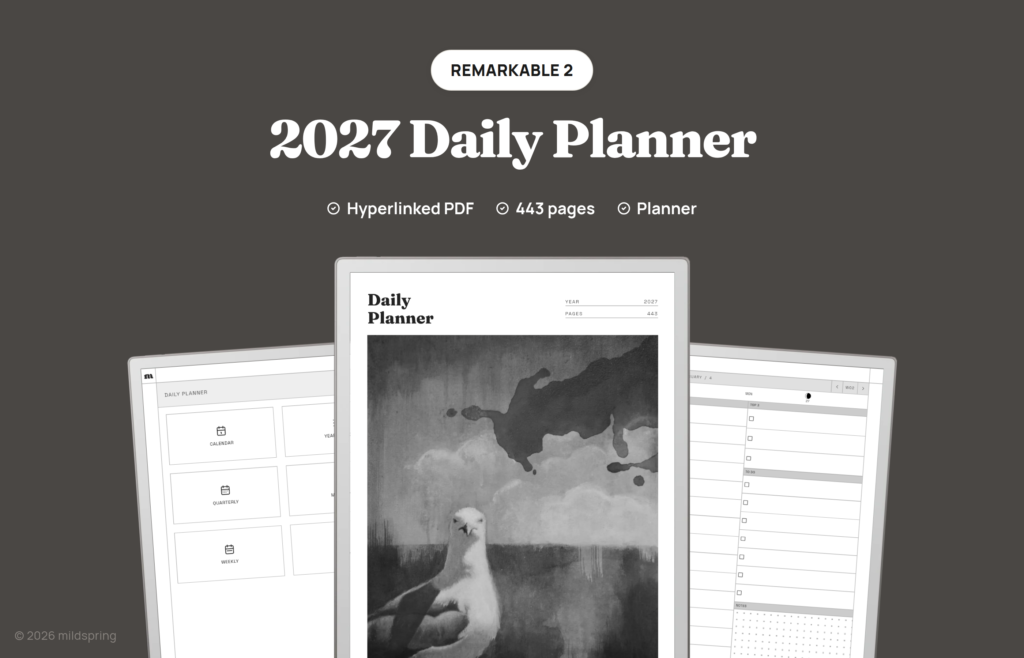
2027 Daily Planner
$14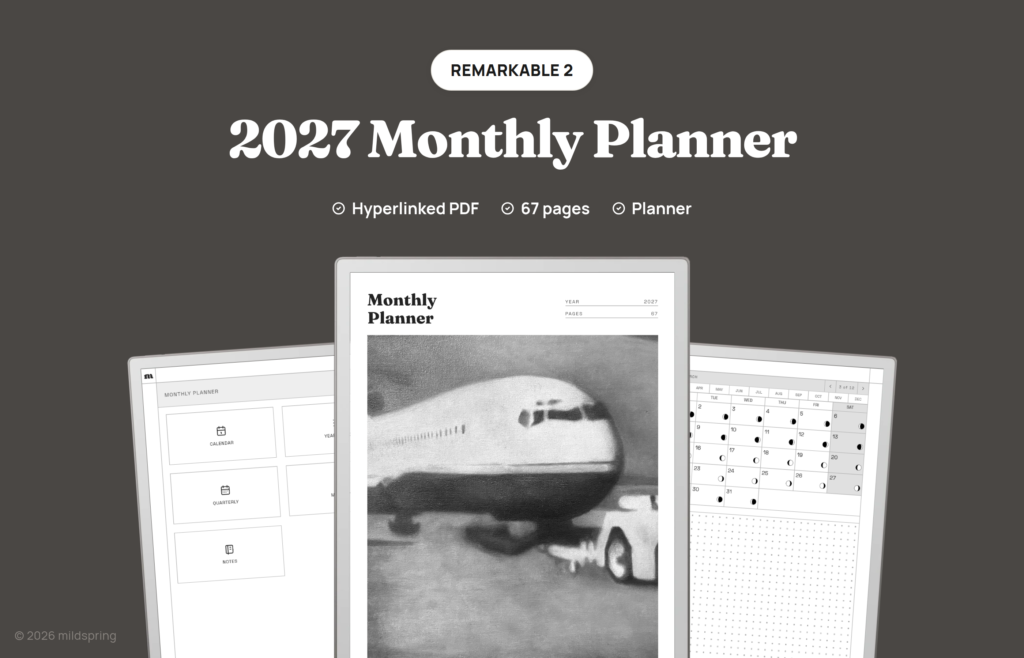
2027 Monthly Planner & Calendar
$9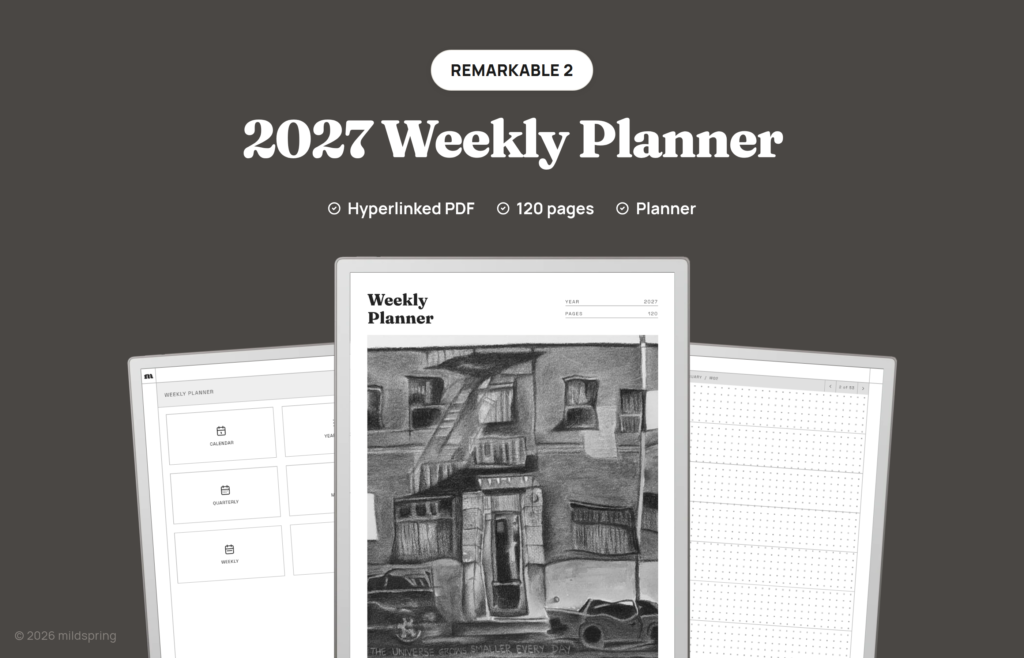
2027 Weekly Planner
$12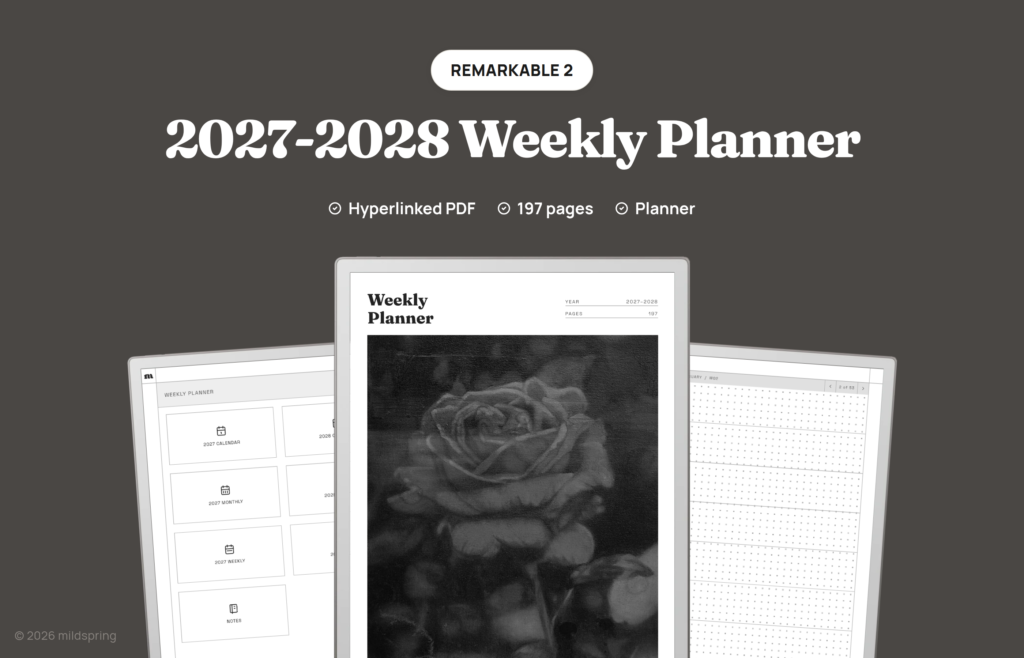
2027-2028 Weekly Planner
$18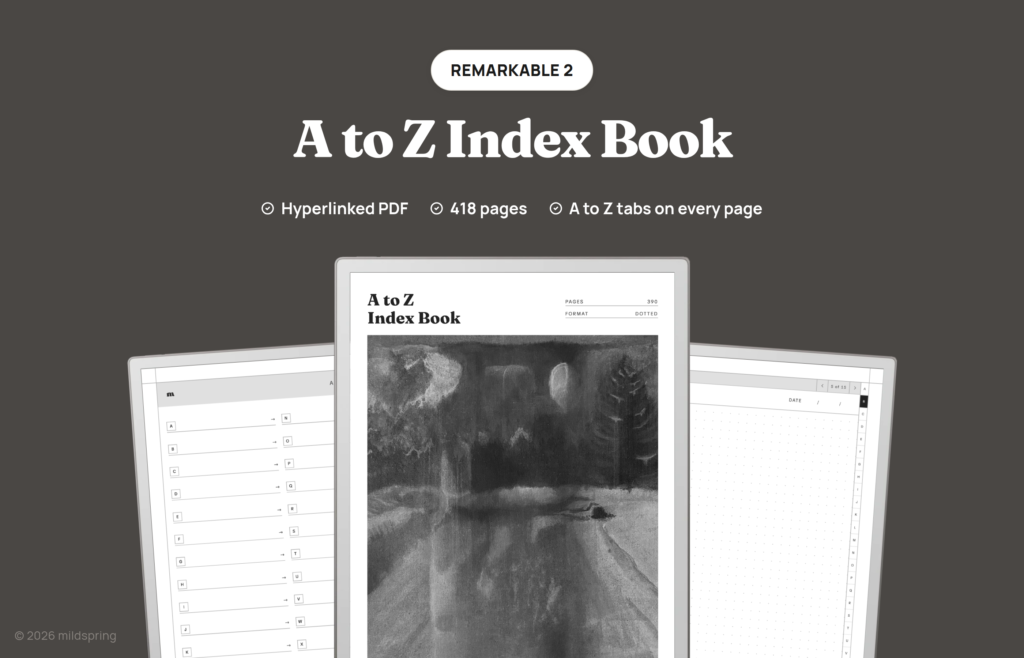
A to Z Index Book
$14
ADHD Planner
$14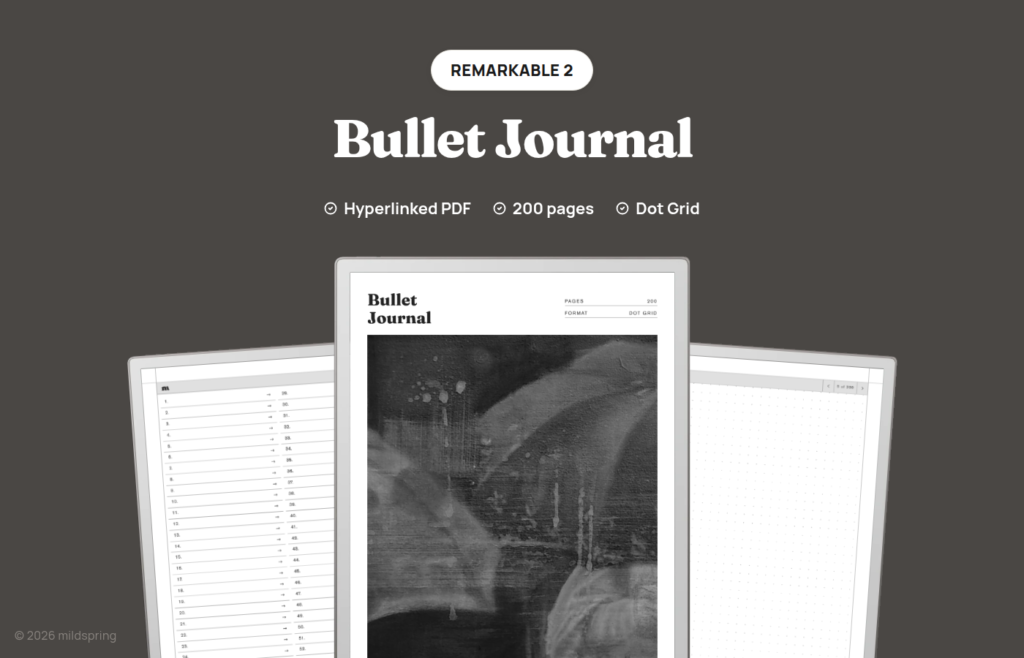
Bullet Journal
$9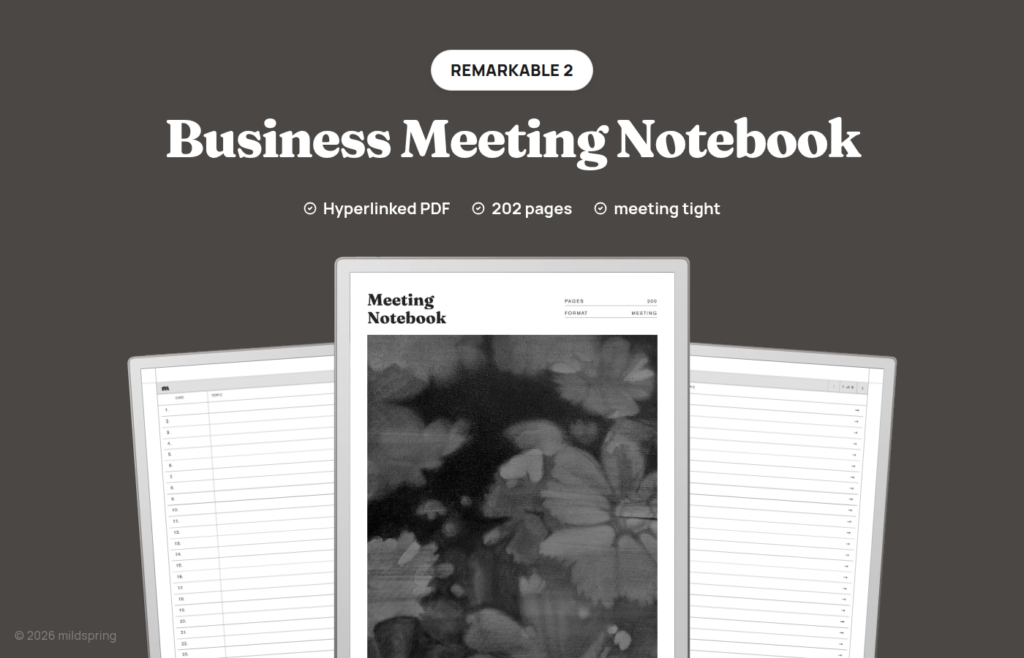
Business Meeting Notebook
$9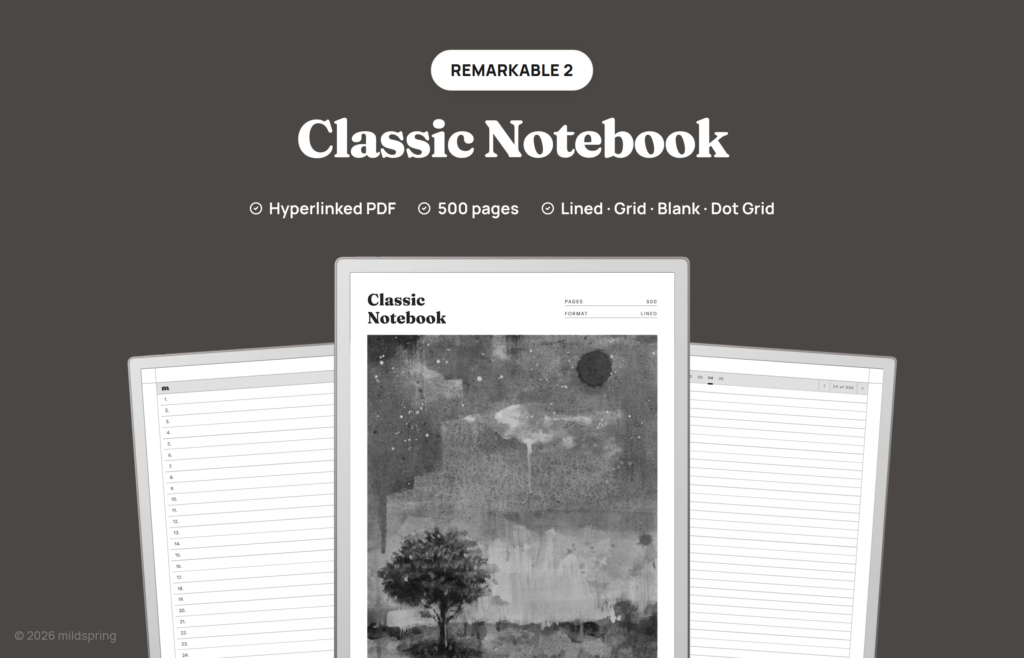
Classic Notebook
$11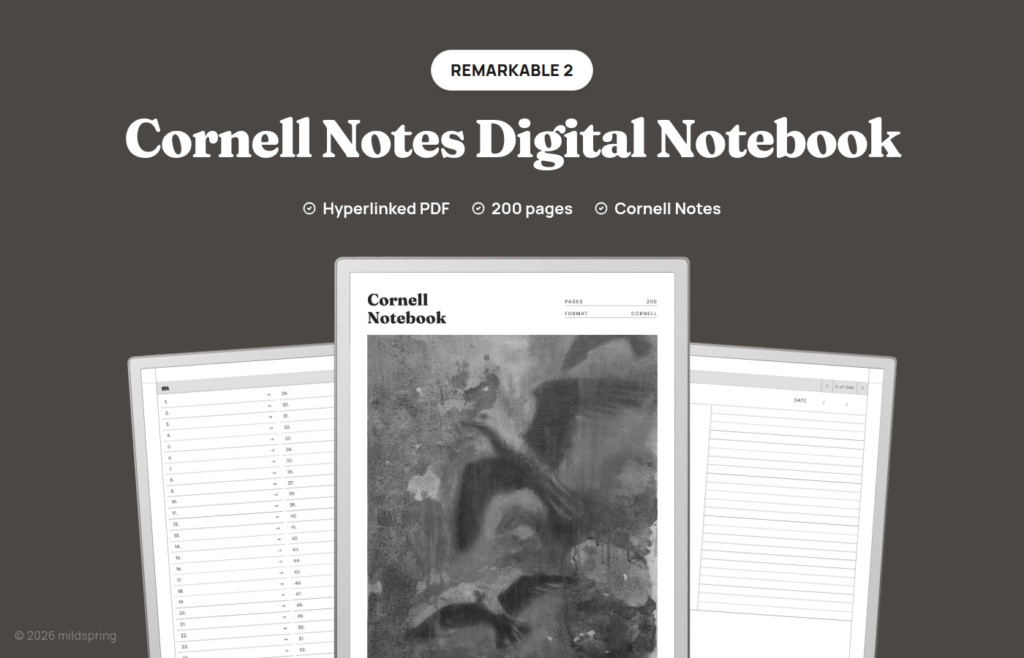
Cornell Notes Digital Notebook
$9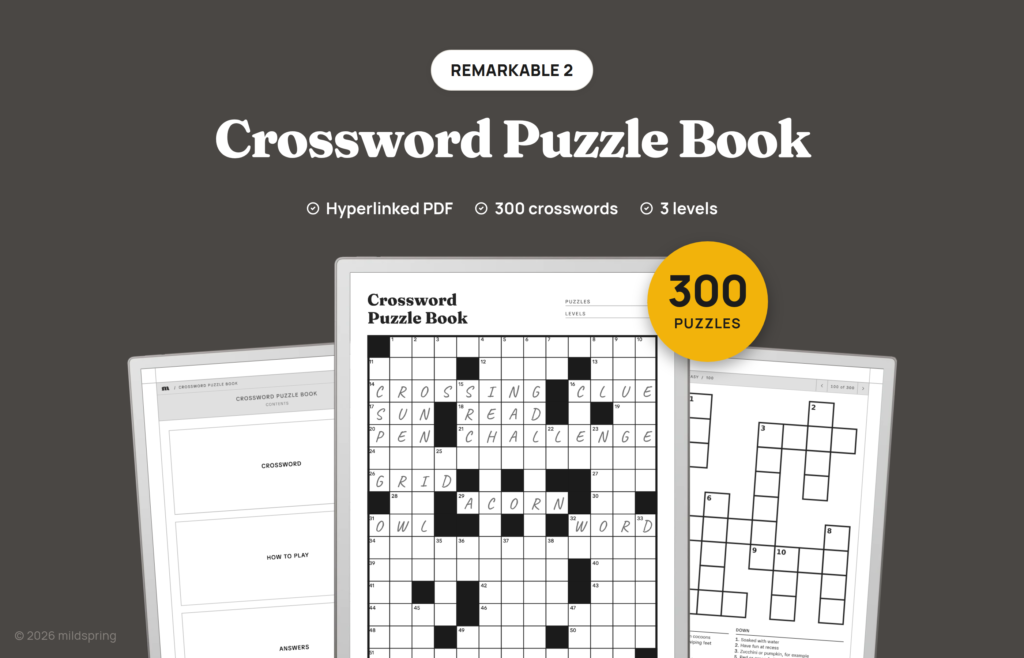
Crossword Puzzle Book
$9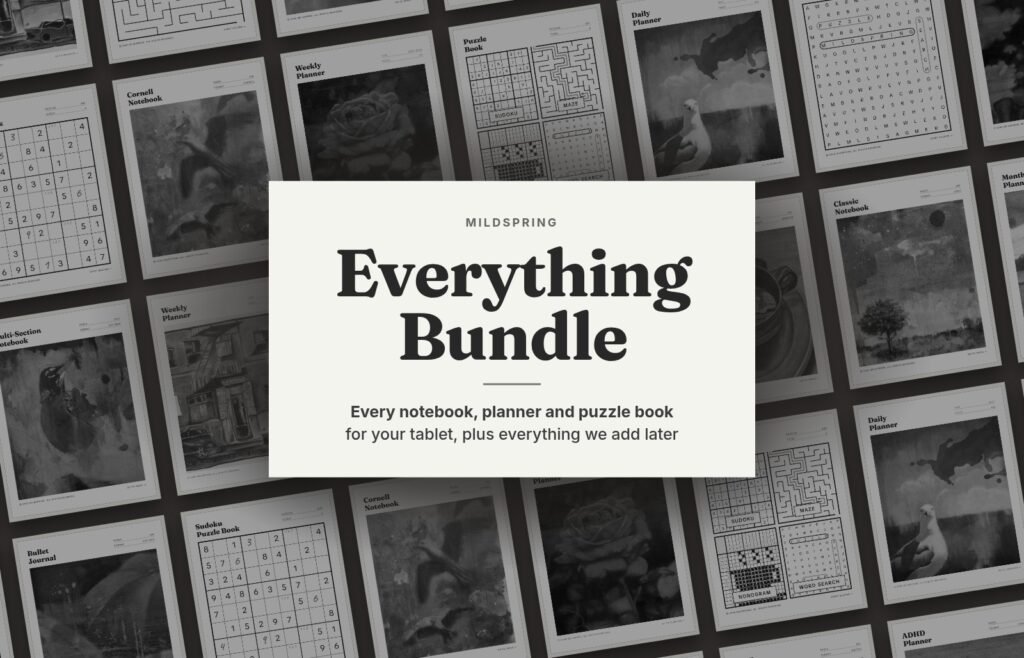
Everything Bundle
$69
Habit Tracker
$12
Maze Puzzle Book
$9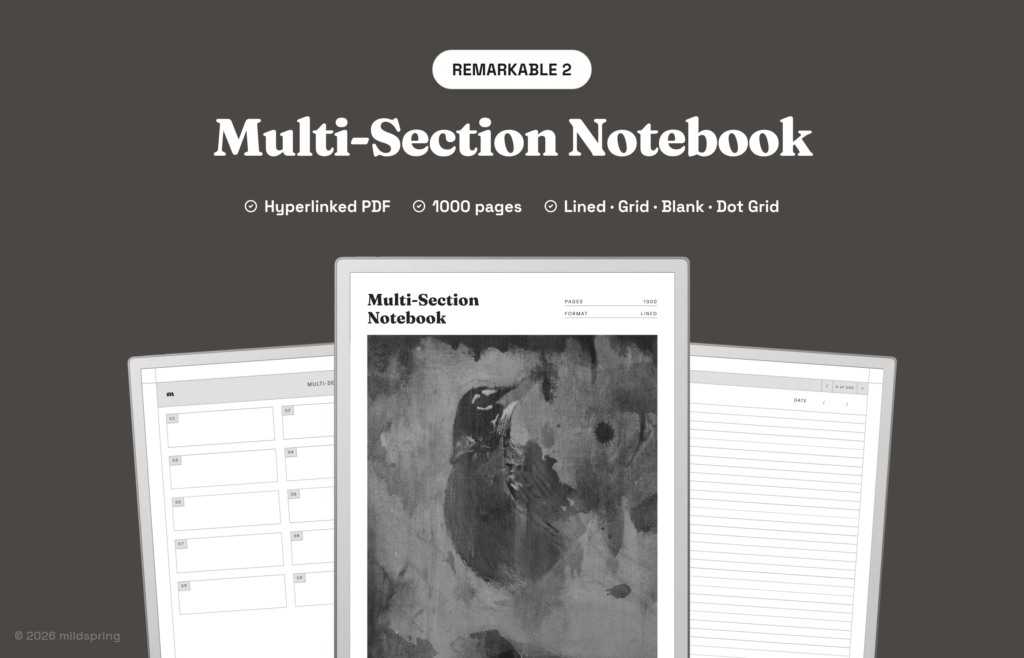
Multi-Section Notebook
$14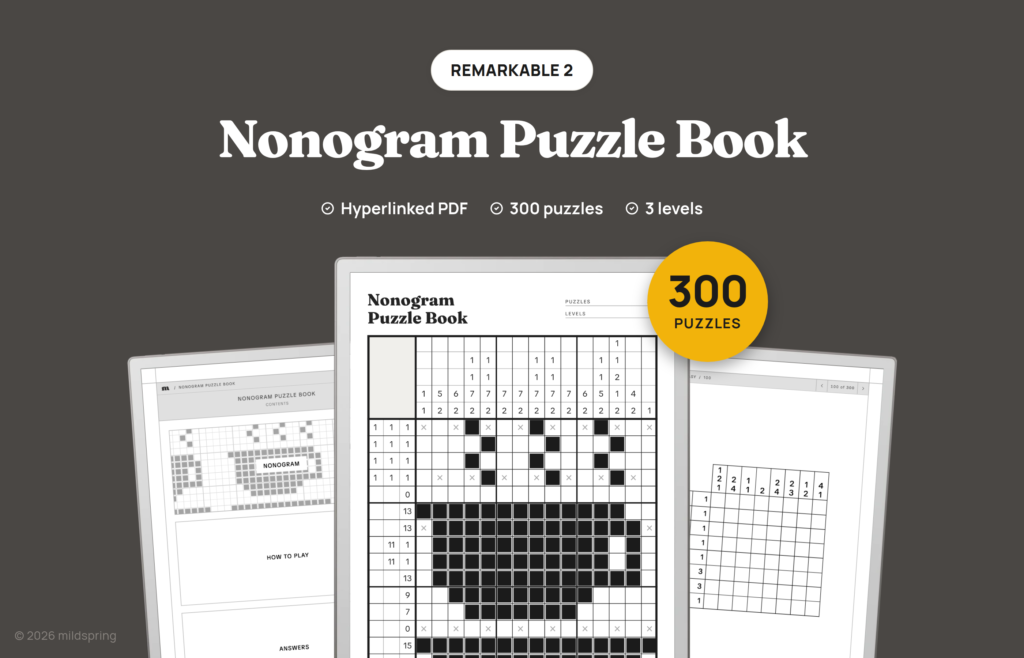
Nonogram Puzzle Book
$9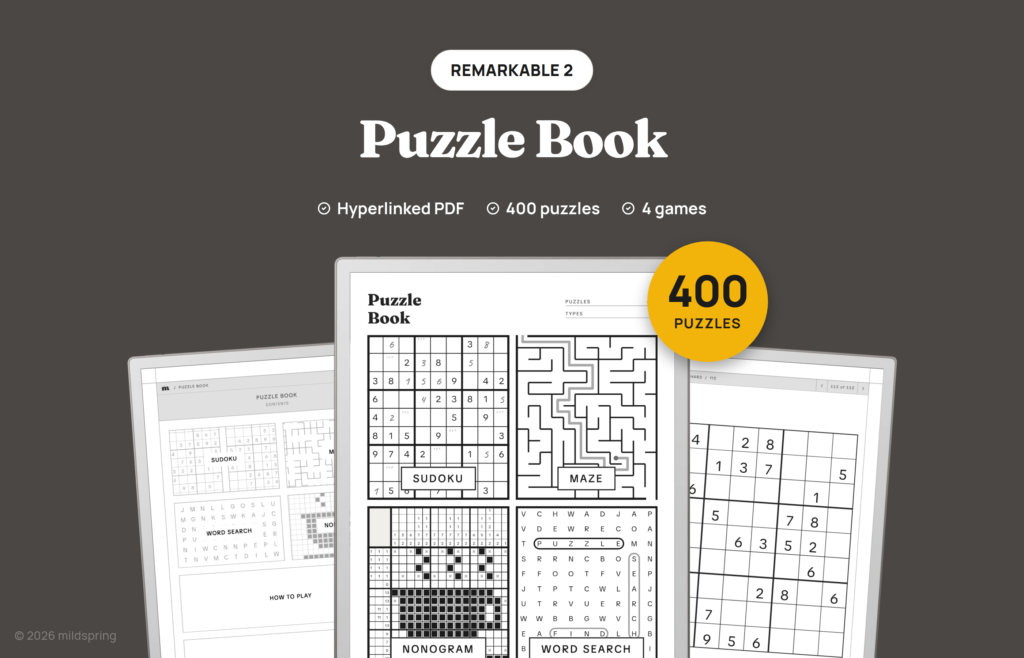
Puzzle Book
$7
Reading Journal
$9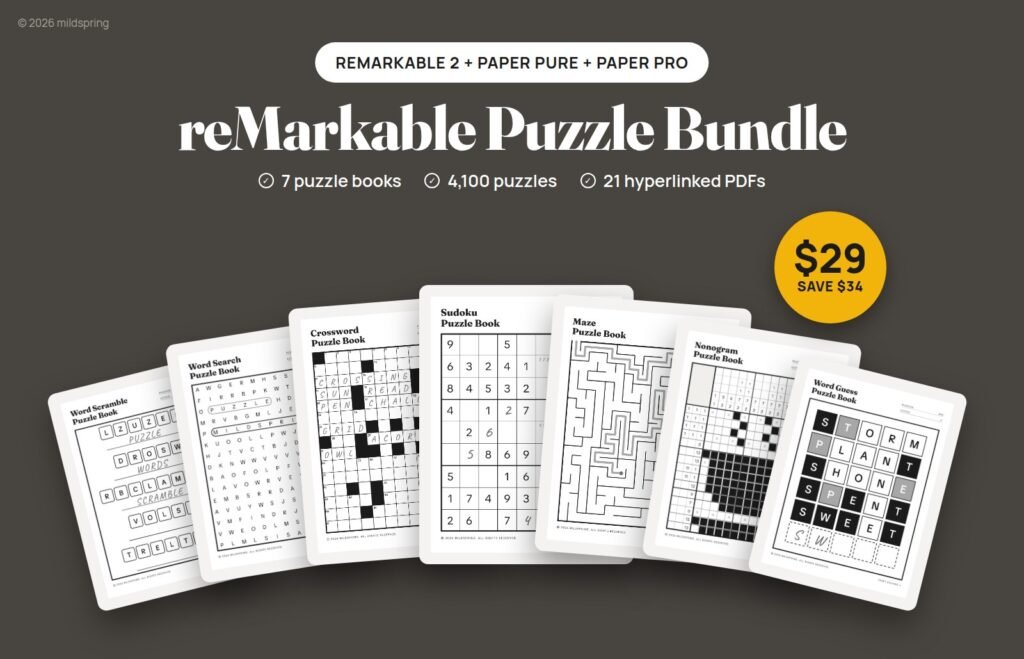
reMarkable Puzzle Bundle
$29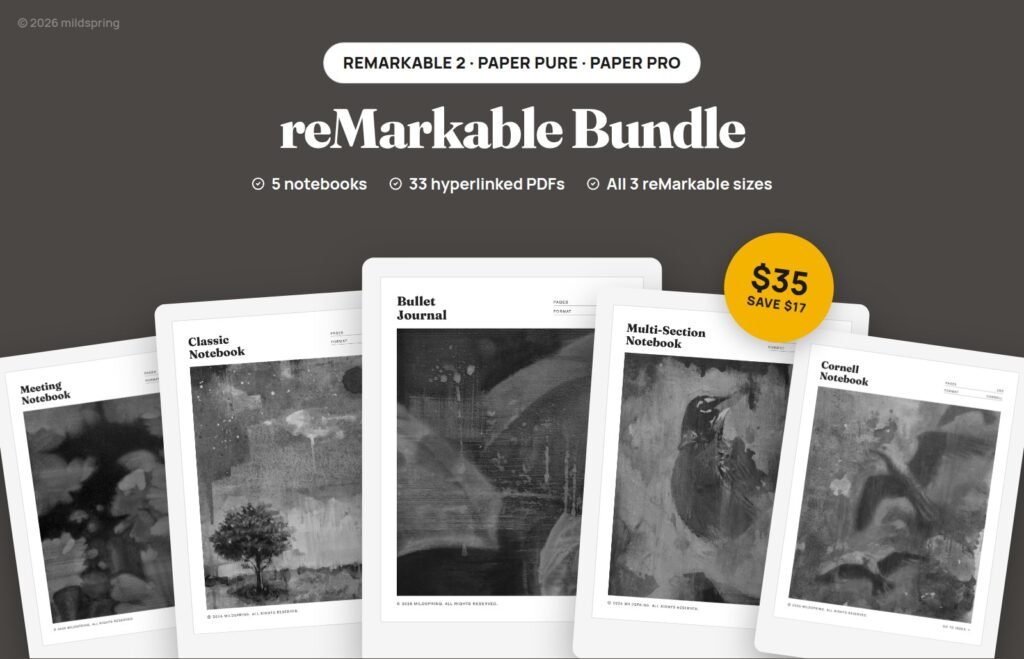
reMarkable Templates Bundle
$35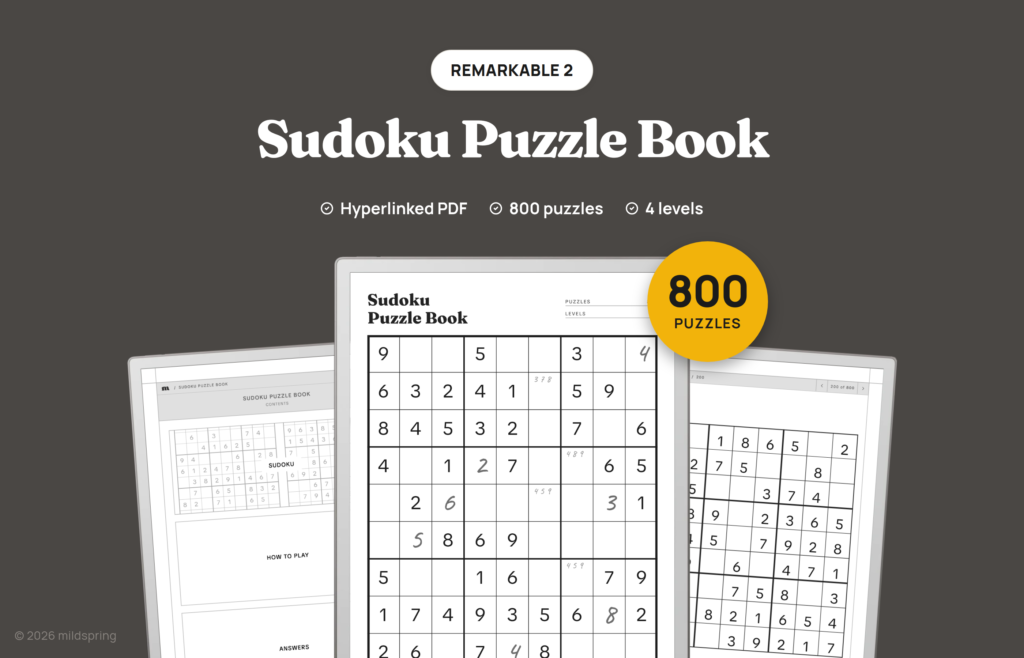
Sudoku Puzzle Book
$9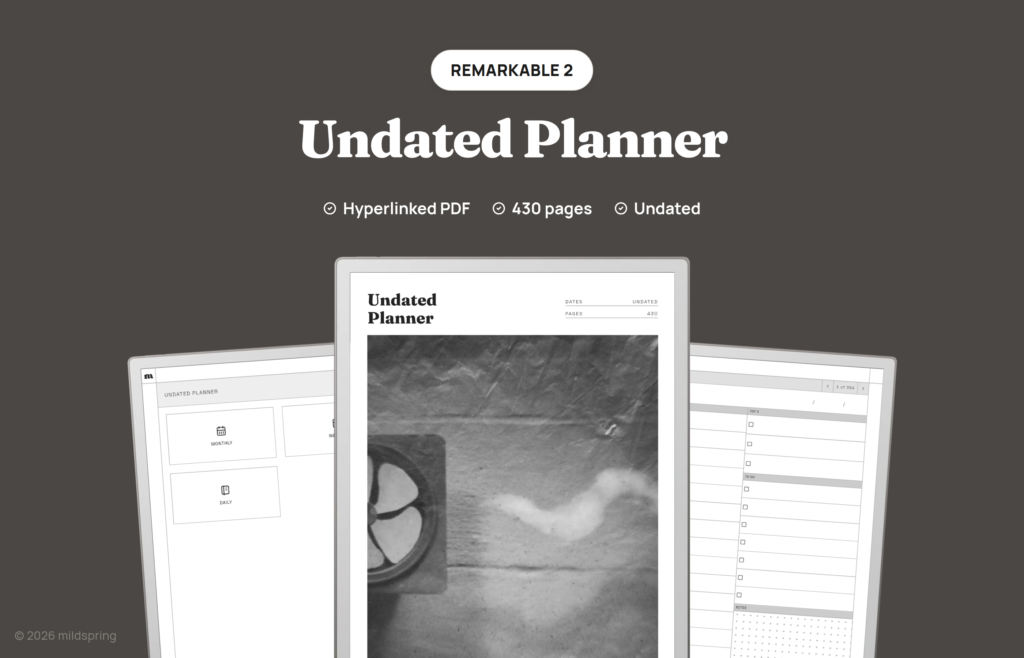
Undated Planner
$12
Word Guess Puzzle Book
$9
Word Scramble Puzzle Book
$9
Word Search Puzzle Book
$9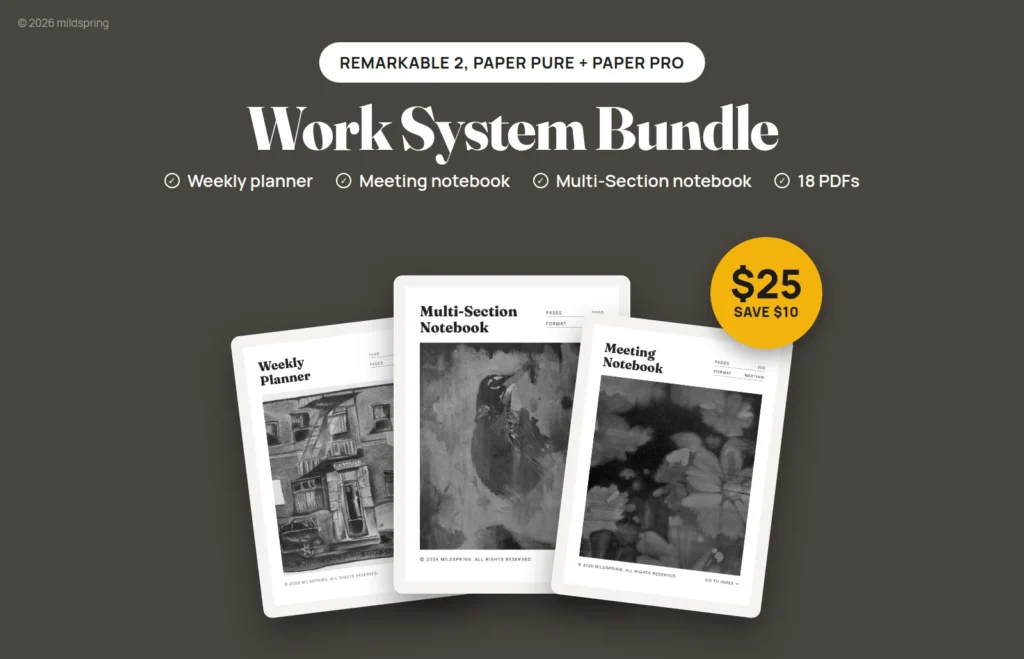
Work System Bundle
$25Made for the reMarkable 2’s screen
The reMarkable 2 has a 10.3-inch black-and-white screen at 1872 × 1404 pixels, 226 pixels per inch, in a 4:3 shape (reMarkable’s specs). We draw every reMarkable 2 file at 157 × 210 mm, the same 4:3 shape, so the page fills the screen edge to edge. No grey bands at the sides, no pinching to zoom, and the lines are the size we drew them.
Many planners you find online are A4 or US letter pages, a taller shape than this screen. Fitted to the screen, they shrink and leave space at the sides.
Fills the screen
The page is the reMarkable 2’s own shape and size, not a shrunk A4 or letter page.
Tabs at their real size
The page isn’t scaled up or down, so index links, month tabs and back buttons come out at the size we designed them for a tap.
Made for e-ink
Pages are black, white and grey, with no colour that turns muddy on a black-and-white screen.
No light, so contrast matters
The reMarkable 2 has no built-in light (reMarkable). You read it like paper, by the light in the room. So we keep the pages simple: clear black text, grey guide lines that sit back behind your writing, and no shaded boxes that turn dark in dim light.
Where to start on a reMarkable 2
2027 Weekly Planner
One week across a page, with months and the year linked from every week. 120 pages, light enough to keep open all year.
Bullet Journal
A dot grid journal with an index and linked pages, for people who like to build their own spreads.
Word Search Puzzle Book
600 puzzles in three levels, with answers linked from every puzzle. A break that still uses the pen.
Moving to a Paper Pure or Paper Pro?
reMarkable no longer lists the reMarkable 2 as available, and its black-and-white tablet is now the Paper Pure. The Paper Pure has the same 10.3″ screen size and resolution (reMarkable’s specs), so our files for both are drawn at the same 157 × 210 mm. The Paper Pro is bigger, 11.8″, so it has its own version at 180 × 240 mm. See our Paper Pure and Paper Pro templates.
Put a template on your reMarkable 2
About two minutes, and you don’t need a subscription. Full guide with pictures
- Buy the template, choose reMarkable 2 on the product page, and download the PDF from your account.
- Add it with reMarkable’s desktop or phone app, or at my.remarkable.com.
- Open it on the tablet and tap the index to jump to any page.
Which reMarkable do you have?
Same products, a different file for each model.
| Model | Screen | Our page size | |
|---|---|---|---|
| reMarkable Paper Pro | 11.8", colour | 180 × 240 mm | Paper Pro templates |
| reMarkable 2 | 10.3", black and white | 157 × 210 mm | This page |
| reMarkable Paper Pure | 10.3", black and white | 157 × 210 mm | Paper Pure templates |
Questions
Can I still get files for my reMarkable 2?
Yes. Every product we sell today comes in a reMarkable 2 version.
Will my reMarkable 2 file fit a Paper Pure?
Yes. Both have a 10.3" screen at 1872 × 1404 pixels, so our files for both are drawn at 157 × 210 mm.
Will these work on a reMarkable Paper Pro?
Pick the Paper Pro version for that one. Its screen is bigger, 11.8", so we draw its files at 180 × 240 mm. See our Paper Pro templates.
Do I need a reMarkable Connect subscription?
No. You can add a PDF with reMarkable's free desktop or phone app, or at my.remarkable.com, without Connect (reMarkable's help page).
Is there a way to get everything at once?
Yes. The Everything Bundle has every product for the tablet you pick, plus everything we add later.
Can I try one first?
Yes. Our free samples come in a reMarkable 2 size, so you can check the fit before you buy.