Calendar year
January to December with every page type.
- Starts · January
- Pages · year calendar and index, quarterly goals, monthly calendars, weekly pages, daily pages
Build a dated, hyperlinked planner PDF for your Supernote, reMarkable, Kindle Scribe, Boox, Kobo, Quaderno, or iPad. Start it in any month, keep only the pages you use, and add your own note sections.
$19 for one planner on one tablet, and you can see the pages before you pay.
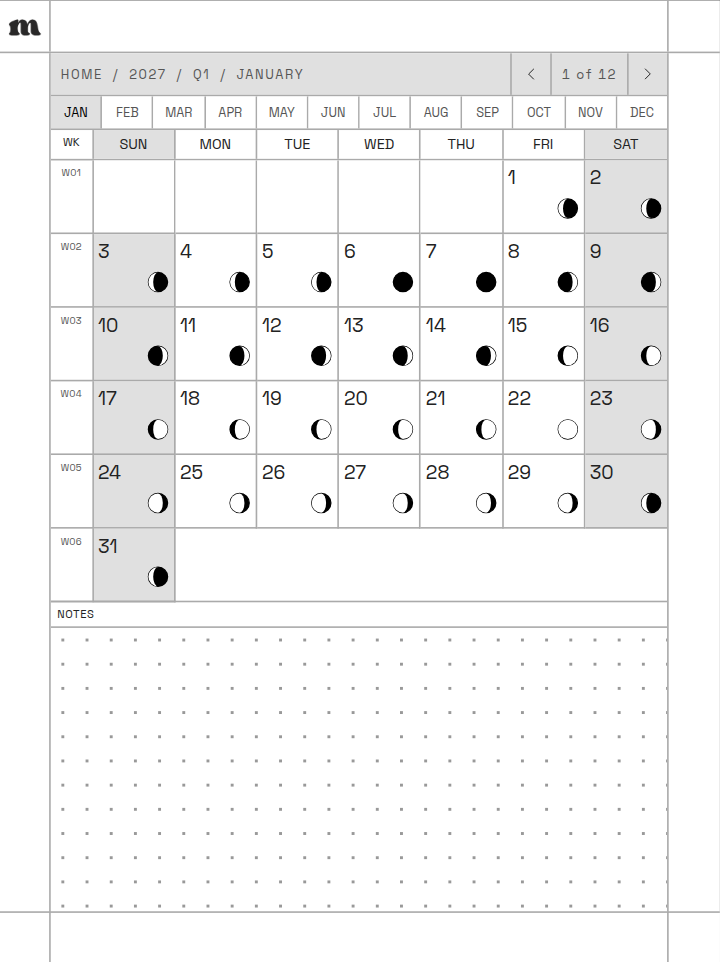
A sample planner for the Supernote Nomad, rendered by the builder.
Tap a month on the contents page, a week number on the month, then a day on the week. A breadcrumb at the top of every page takes you back up, and arrows step to the day, week or month on either side. Every monthly page also has tabs for all twelve months, and the PDF has bookmarks for the cover, contents, and each part you include, so your tablet's sidebar can jump there too.
Month. Each date shows its moon phase and opens its daily page, and the WK column opens the week.
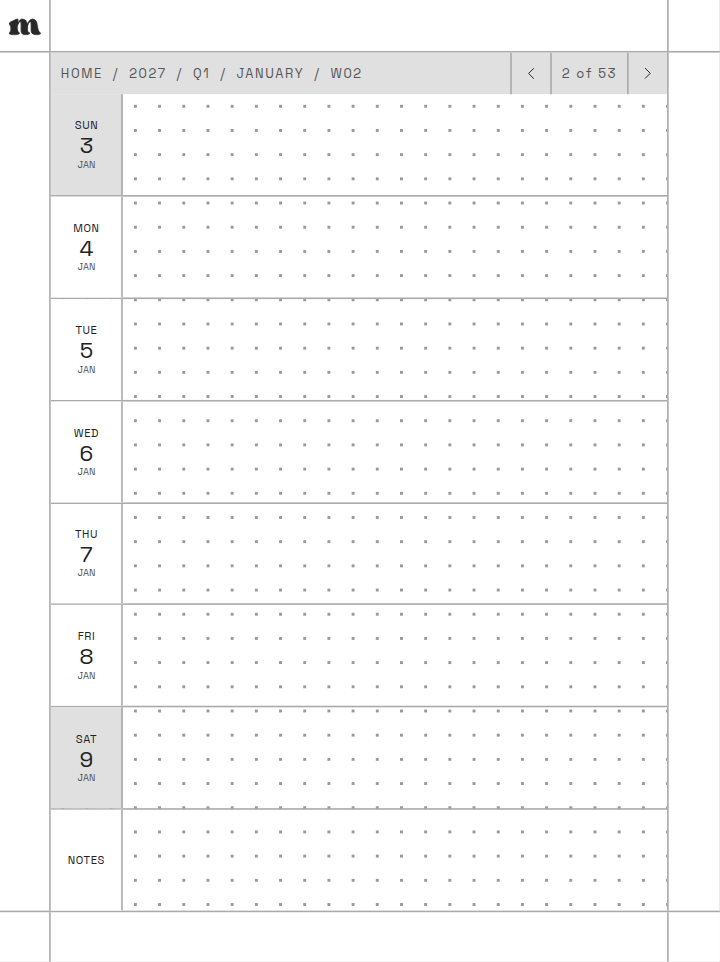
Week. A row for each day and a notes row, with each day linked.
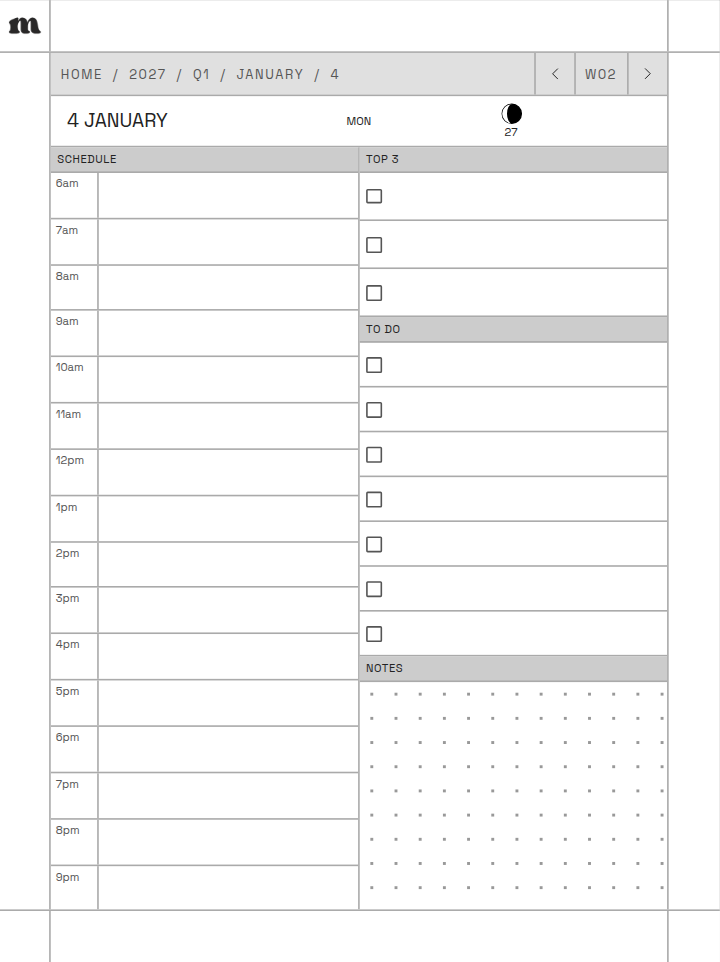
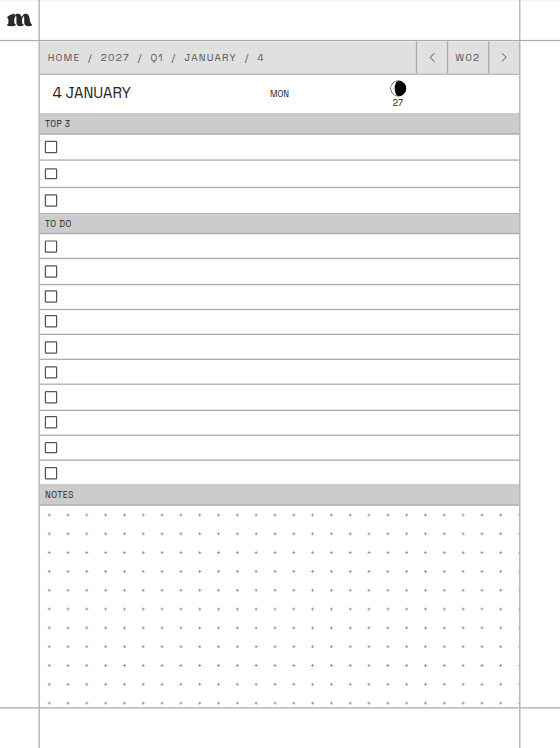
Day. Schedule, Top 3, to-do list and notes, the day's moon phase, and the week one tap away.
Each setup opens in the builder ready to go. Change the dates, pages or cover before you check out.
January to December with every page type.
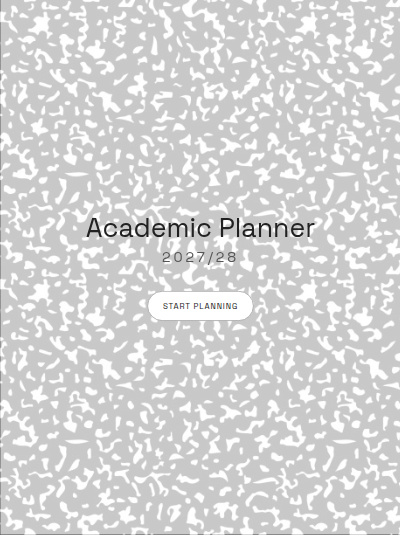
August to July, with class notes and assignments.
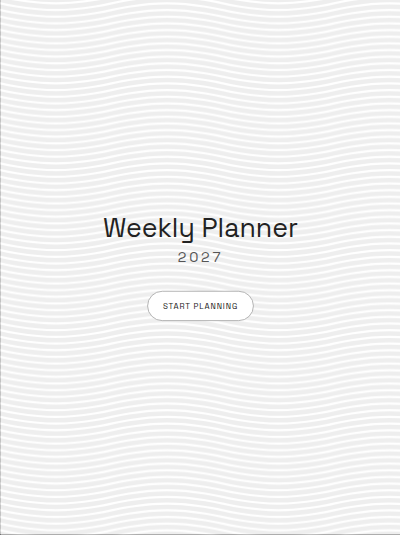
Months and weeks only, no daily pages. A lighter file.
Daily schedule pages plus meeting and project notes.
Your planner PDF is made at the exact page size of the e-ink tablet you pick, so nothing is stretched or cropped. Don't see your brand? Pick one of the two general sizes for 10.3 inch and 7.8 inch tablets with a 4:3 screen.
$19 for one planner on one tablet, with every option included. If you use more than one tablet, each extra one is $5 and gets its own PDF sized for that screen, so two tablets come to $24. You can add up to 4 extra tablets.
Open the builderA PDF planner built for the tablet you pick, dated for the twelve months you choose. It opens on a cover that links to a contents page, and every month, week and day links to the pages around it. You download it from your order page, your order email, and My Account.
Yes. Pick a year and a start month and the planner runs for twelve months from there, so an August start covers August to July of the next year. That works for school years, fiscal years, or a planner you start today.
A year calendar and year index, quarterly goal pages, monthly calendars, weekly pages and daily pages. Turn off the ones you don't use. Daily pages come with an hourly schedule, a to-do list, or a plain dot grid.
There are two styles. Signature, the default, frames one of 6 paintings by Rabia, our co-founder, under your title, with the year and page count beside it. Classic runs a painting or one of 4 patterns edge to edge with your title and the year.
Yes. Add up to 4 note sections at the back, each with its own name, icon, page style and index. There are 10 page styles, including dotted, lined, grid, Cornell, checklist and habit tracker.
We start building it as soon as your payment clears, and it usually takes under a minute per tablet. Your order page updates on its own when the download is ready.
Supernote, reMarkable, Kindle Scribe, Boox, Kobo, Fujitsu Quaderno, and iPad, 21 models in all, plus two general sizes for other 10.3 inch and 7.8 inch tablets with a 4:3 screen. Each PDF is sized for the screen you pick.
Yes. You can add up to 4 more tablets for $5 each, and we build a separate PDF sized for each screen.
Yes. In the first step, pick the side your toolbar sits on: left, right, top, or bottom. We keep a margin on that side and run the page right to the edge on the other three. If you're not sure, pick All sides.
The PDF uses standard internal links, so tapping a month, a week or a day jumps to that page in any reader that follows PDF links. It also has bookmarks for the cover, the contents, and each part of the planner, which show up in readers that display a PDF outline.
Transfer the PDF to your tablet the way your device supports it, using your device's own app, cloud sync like Supernote Cloud, or email.
Yes. The builder shows your real cover, a month, a week, a day, and your note sections while you make changes, drawn by the same code that builds your PDF.
Since these are digital files, we can't offer refunds after download. If something is wrong with your file, get in touch and we'll make it right.
Try a real notebook on your tablet, free
The first 25 pages of our Multi-Section Notebook and all of January in the 2027 Daily Planner, sized for your screen.