Notebooks and planners made to fit your exact tablet
Hyperlinked PDF notebooks, planners and puzzle books for e-ink tablets and iPad, each drawn for your screen.


Shop by device
Pick your tablet to see everything made for it.







Start with our bestsellers
Each one comes as a separate PDF for every tablet. All notebooks · All planners · Puzzles & games
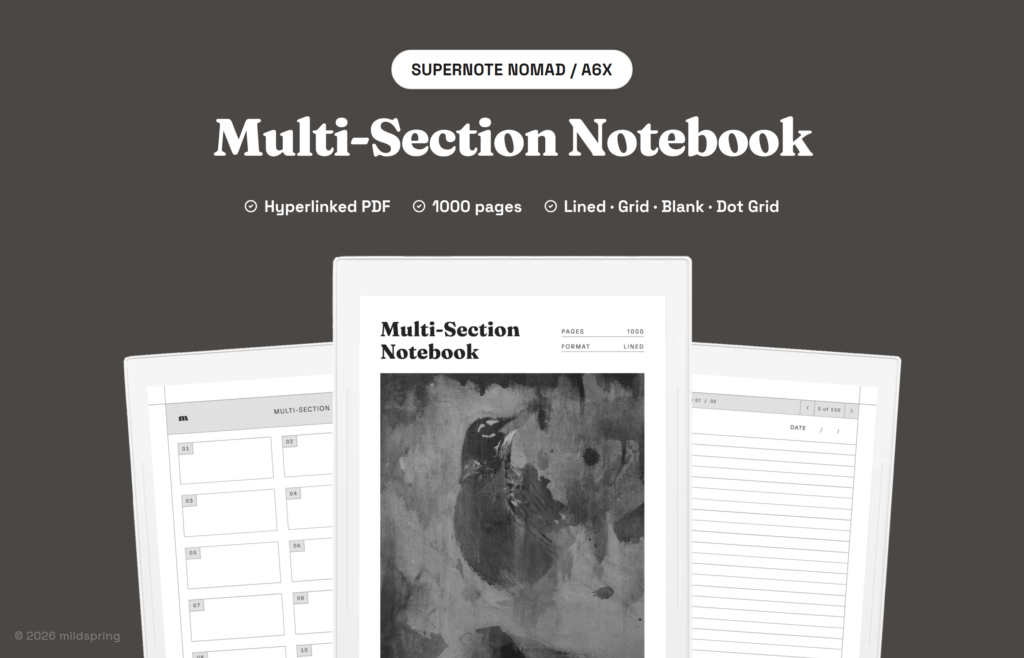
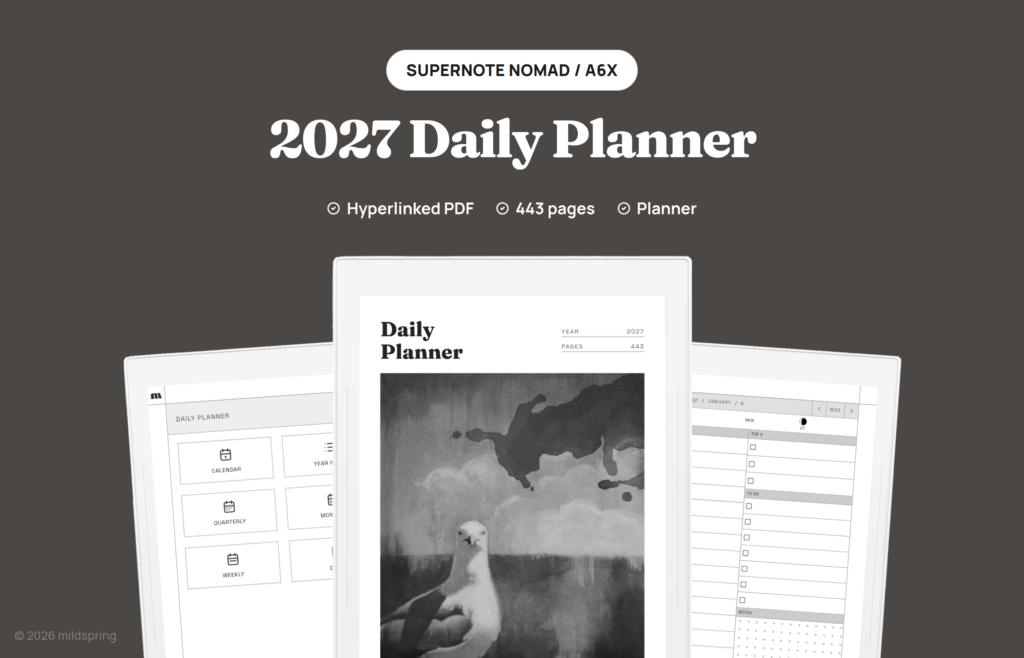

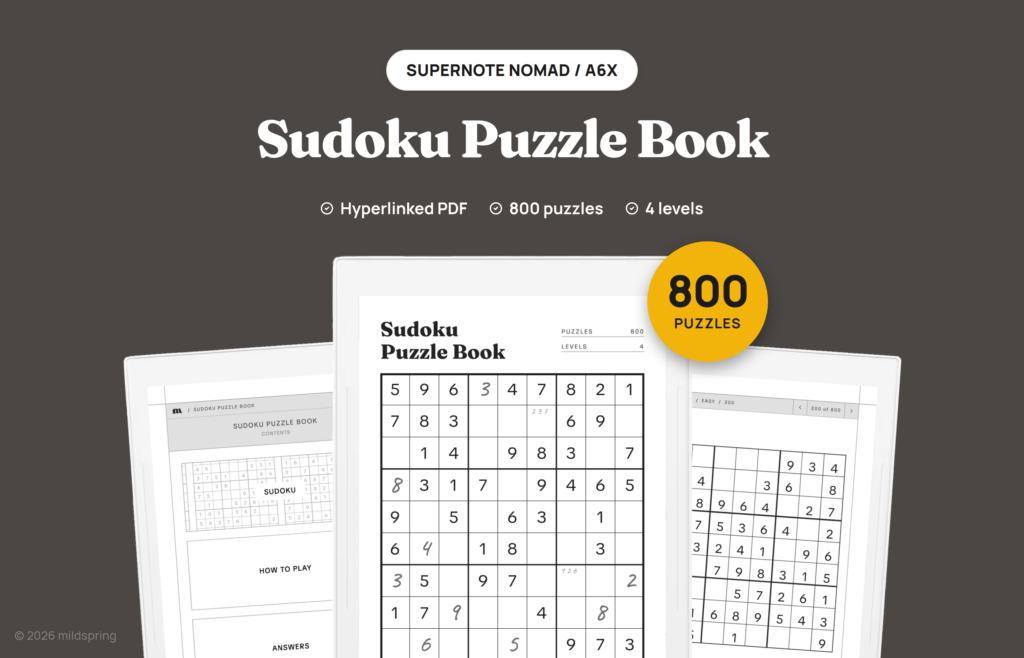
Want them all? Bundles give you every notebook or puzzle book for your tablet in one purchase, from $29.
Get more for your tablet
Buy once and get every file sized for your tablet, for Supernote, reMarkable, Kindle Scribe, BOOX, Kobo, Quaderno or iPad. You pick your tablet at checkout.
The essentials
Templates Bundle
Our everyday notebooks, sized for your tablet.
$52 $35 one-time
- Bullet Journal
- Business Meeting Notebook
- Classic Notebook
- Cornell Notes Digital Notebook
- Multi-Section Notebook
Everything we make
Everything Bundle
Every notebook, planner and puzzle book for your tablet, including everything we add later.
$215 $69 one-time
Launch price until 29 December, then $99
- 6 notebooks and journals
- 6 planners
- 8 puzzle books
- Every product we add later, at no extra cost
- Free updates forever
Instant downloadYours to keepNo subscriptionSized for your tablet
Build your own
Choose every page, see it before you pay, and we make the PDF for your tablet within minutes. $19 for one tablet, $5 for each extra one.
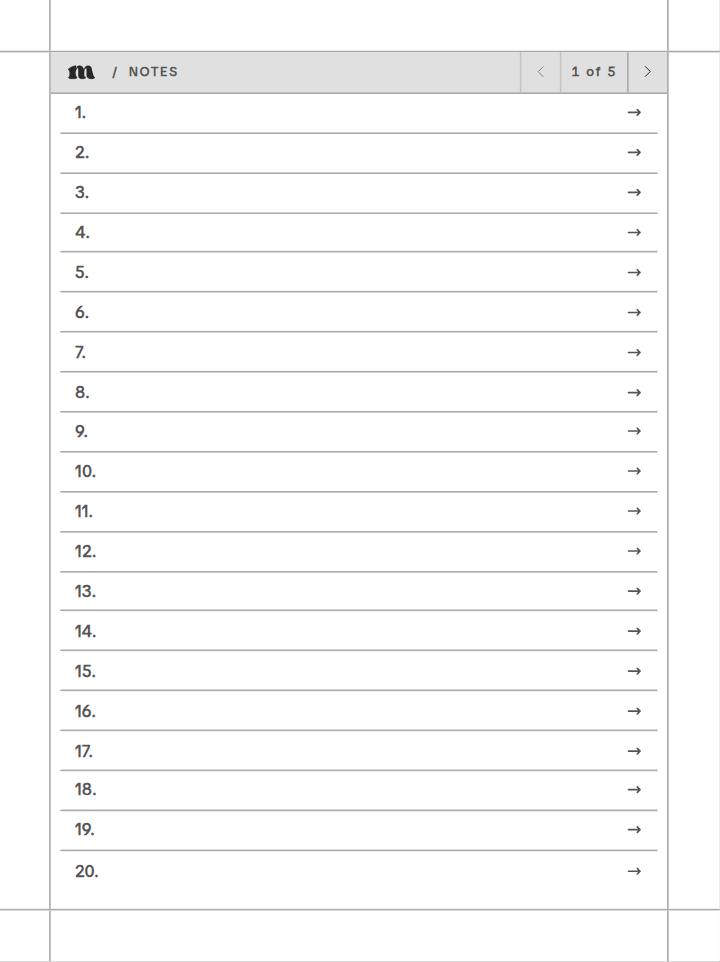
Custom notebook
Name your sections and pick a page style for each one.
- 21 tablet models, including BOOX, Kobo and iPad
- 20 page styles, from dotted to Cornell and Kanban
- Up to 8 sections and 250 pages
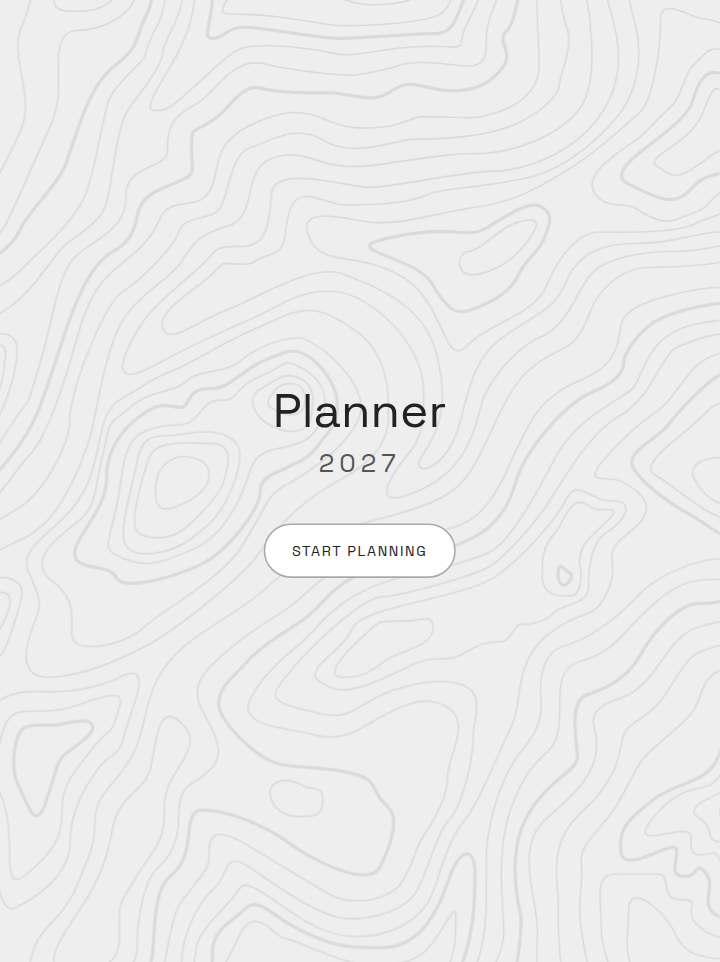
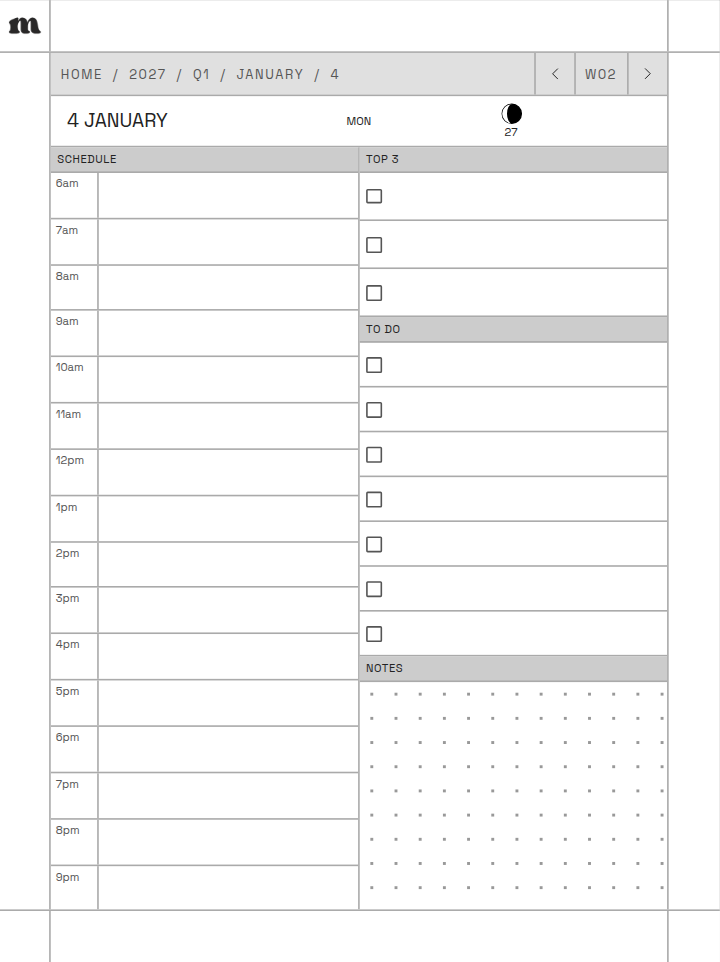
Custom planner
Pick the year, the pages and how each day looks.
- Start in any month; it runs for twelve
- Sunday or Monday weeks, your schedule hours
- Daily page: schedule, to-do list or dot grid
 Free PDF samples
Try a real notebook for free
Real files, not mockups, sized for your tablet with every link working.
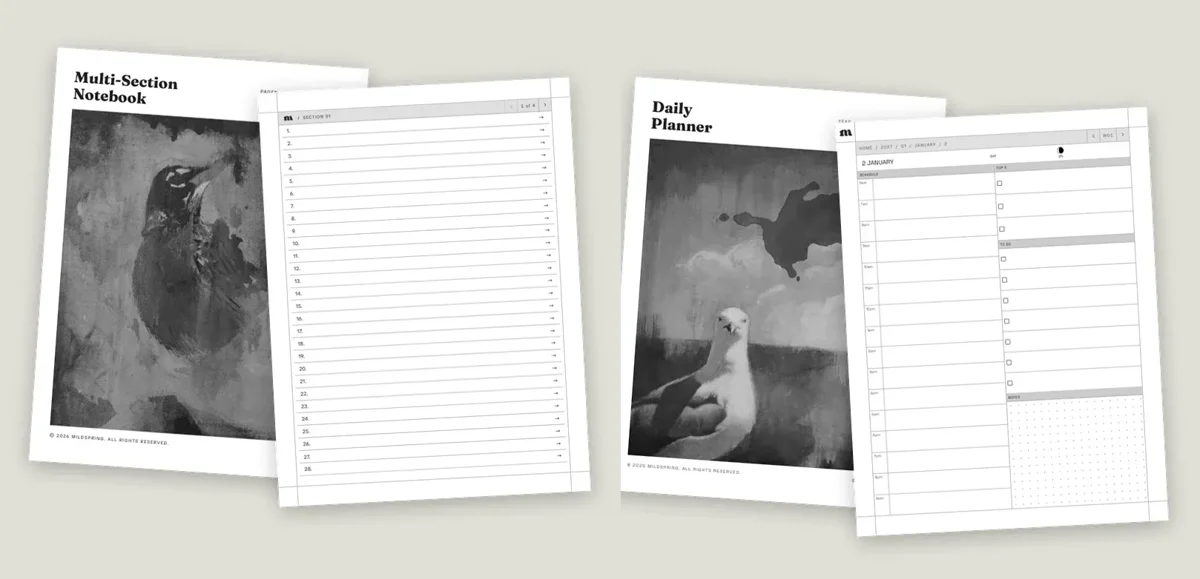
Multi-Section Notebook the cover, the index and the first 25 writing pages
2027 Daily Planner all of January, from the year view down to every day
Get the free samples
Free PDF samples
Try a real notebook for free
Real files, not mockups, sized for your tablet with every link working.
Multi-Section Notebook the cover, the index and the first 25 writing pages
2027 Daily Planner all of January, from the year view down to every day
Get the free samples
Made by two people
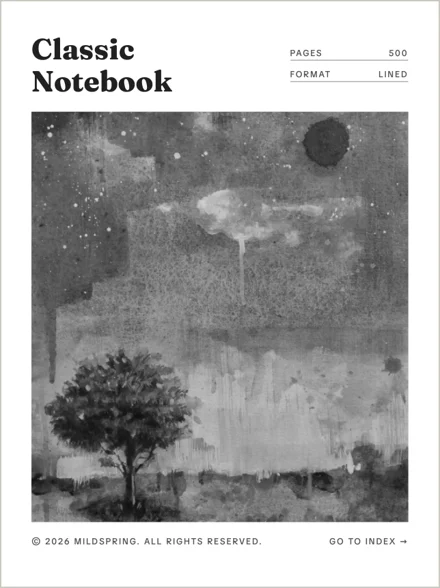
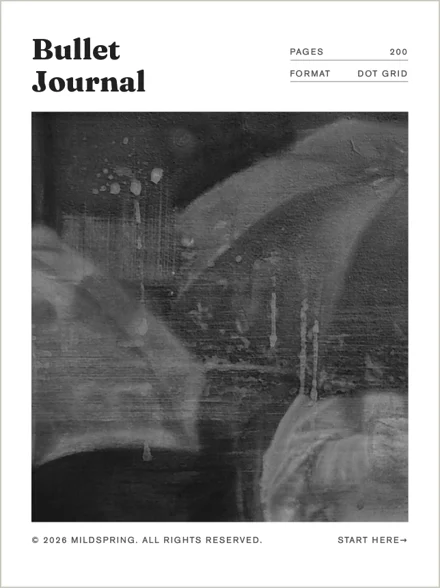
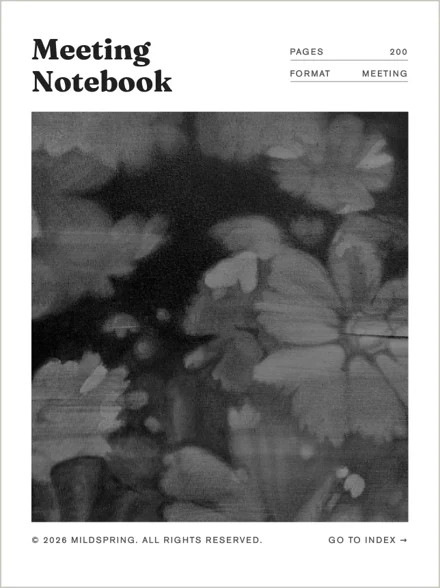
mildspring is Rabia and Naeem. Rabia hand-paints the cover of each of our ready-made notebooks, so the art on your first page is a real painting, not stock.
FAQs
Quick answers about compatibility, setup, and digital downloads.
What is a hyperlinked PDF notebook?
It's a PDF where the pages link to each other. Tap a section on the contents page to jump to it, and tap the header on any page to go back. It works like a paper notebook with tabs, and it opens in the PDF reader your tablet already has.
How do I load the PDF onto my device?
After you buy, you get a download link in your order email and in My Account, under Downloads. Move the PDF to your tablet with its own app, cloud sync (like Supernote Cloud), or email, whichever your tablet supports.
Can I use this on a regular tablet or computer?
The notebooks are optimized for e-ink screens, but the PDF works on any device that opens PDFs. The navigation links work everywhere. It just won't feel as natural as it does on an e-ink tablet with a stylus.
Do you offer refunds?
Since these are digital files, we can't offer refunds after download. If something is wrong with your file, get in touch and we'll make it right.