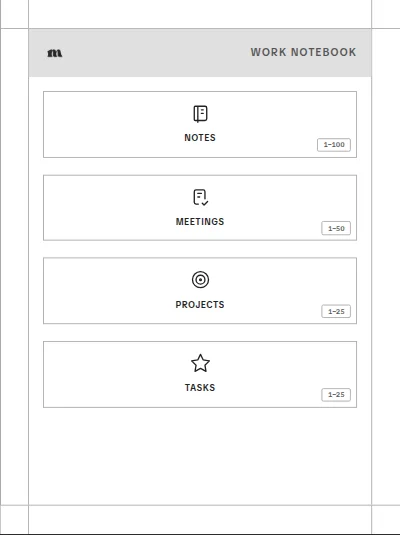
Work notebook
- Notes · Dotted · 100 pages
- Meetings · Meeting Notes (Lined) · 50 pages
- Projects · Kanban (Portrait) · 25 pages
- Tasks · Checklist · 25 pages
Launch price: the Everything Bundle is $69 until 29 December, then $99. See the bundle →
Build a custom hyperlinked notebook PDF for your Supernote, reMarkable, Kindle Scribe, Boox, Kobo, Quaderno, or iPad. Pick your tablet, name your sections, and choose a page style for each one.
$19 for one notebook on one tablet, and you can see every page before you pay.
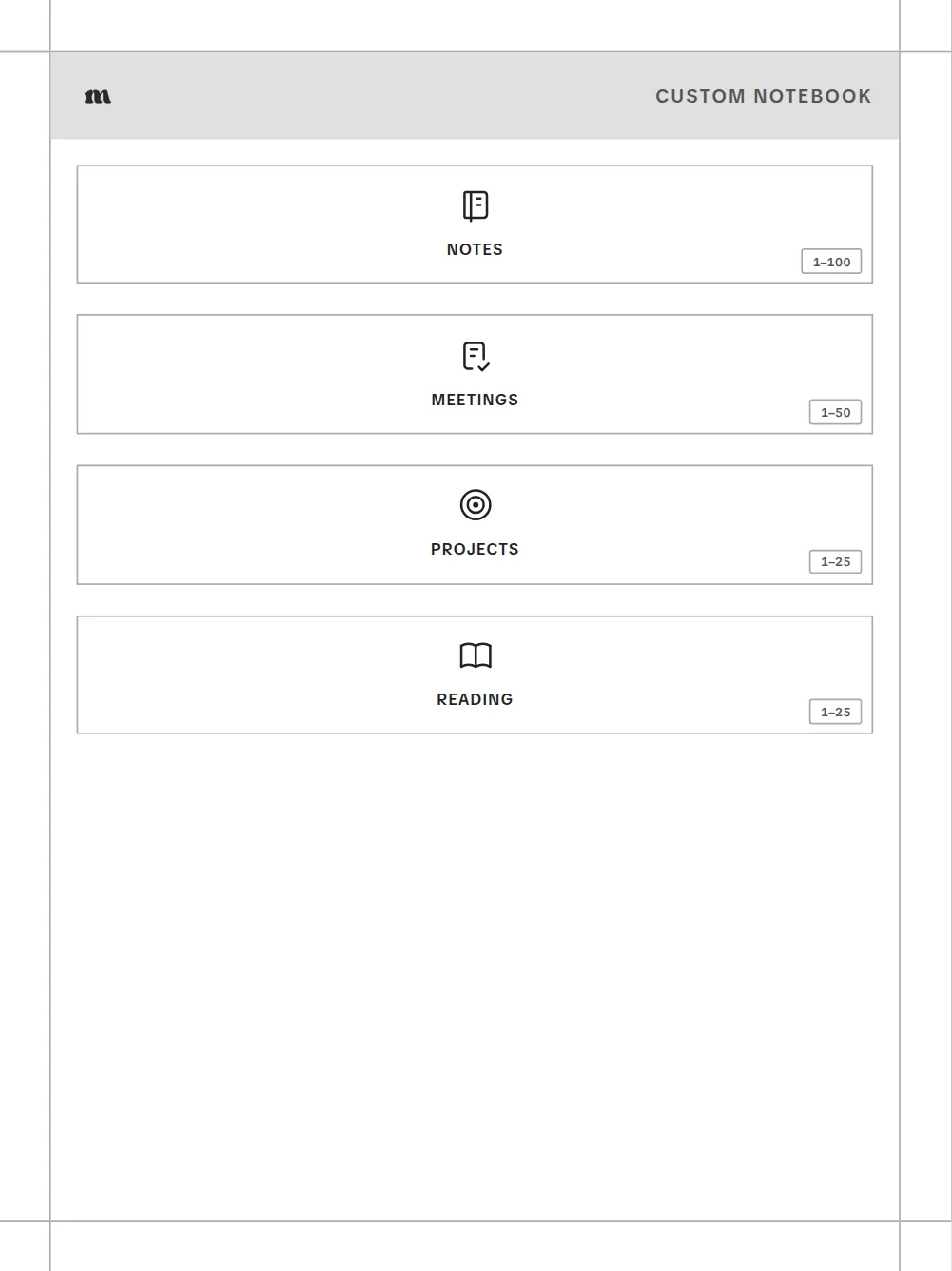
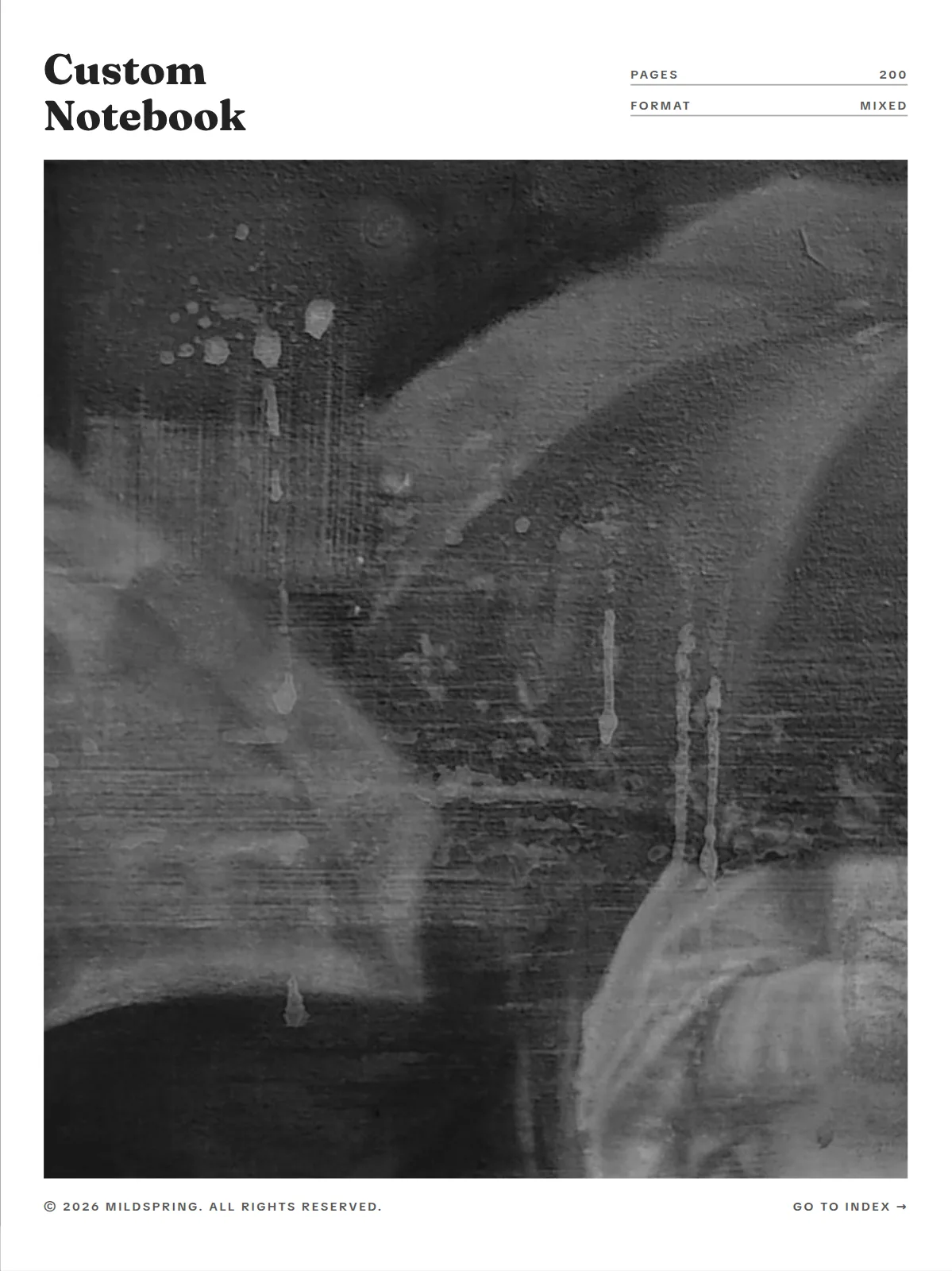
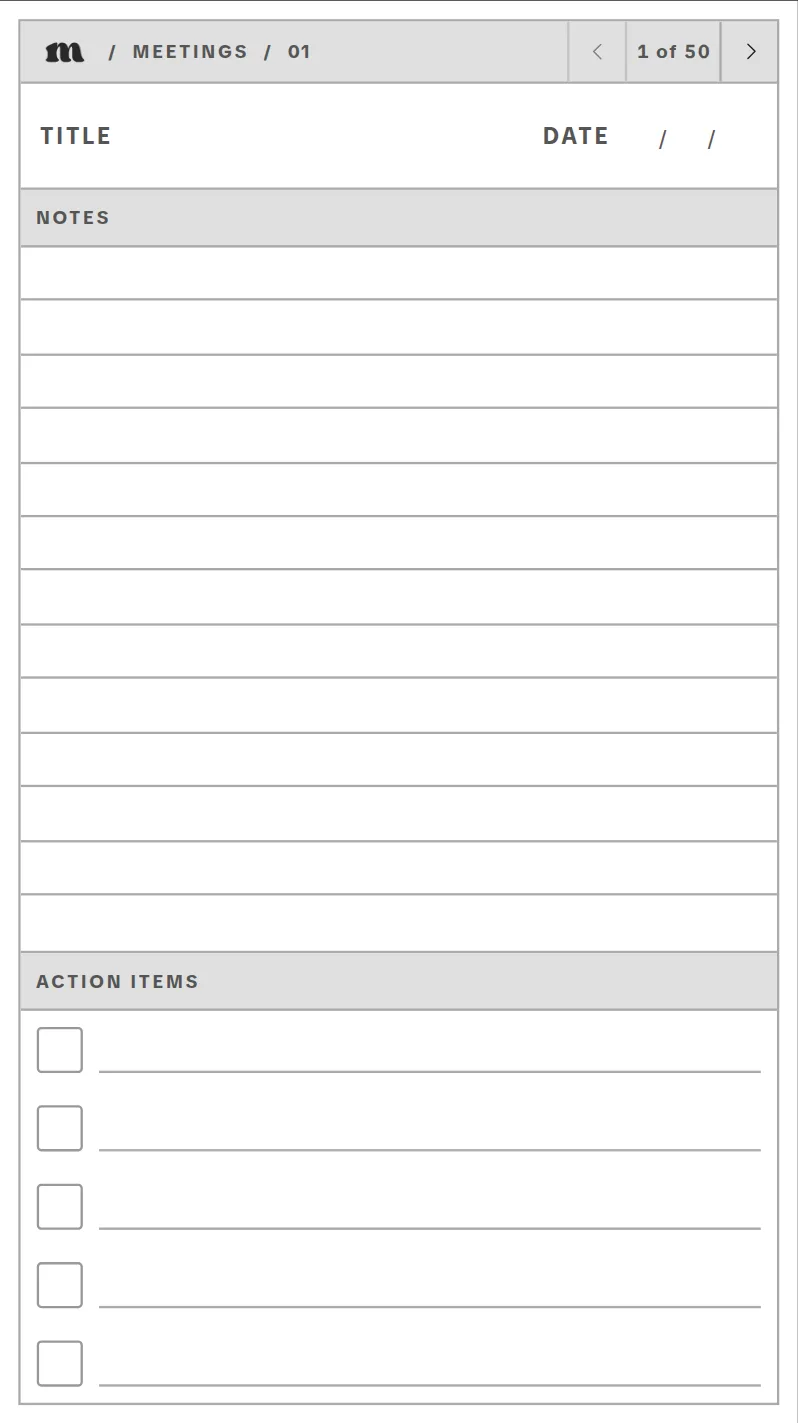
Every notebook is a hyperlinked PDF, so you tap to move around instead of flipping pages. Here is our sample notebook followed from the cover to a page. Each page also links back to the contents page and to its section's index, with arrows to the pages on either side.
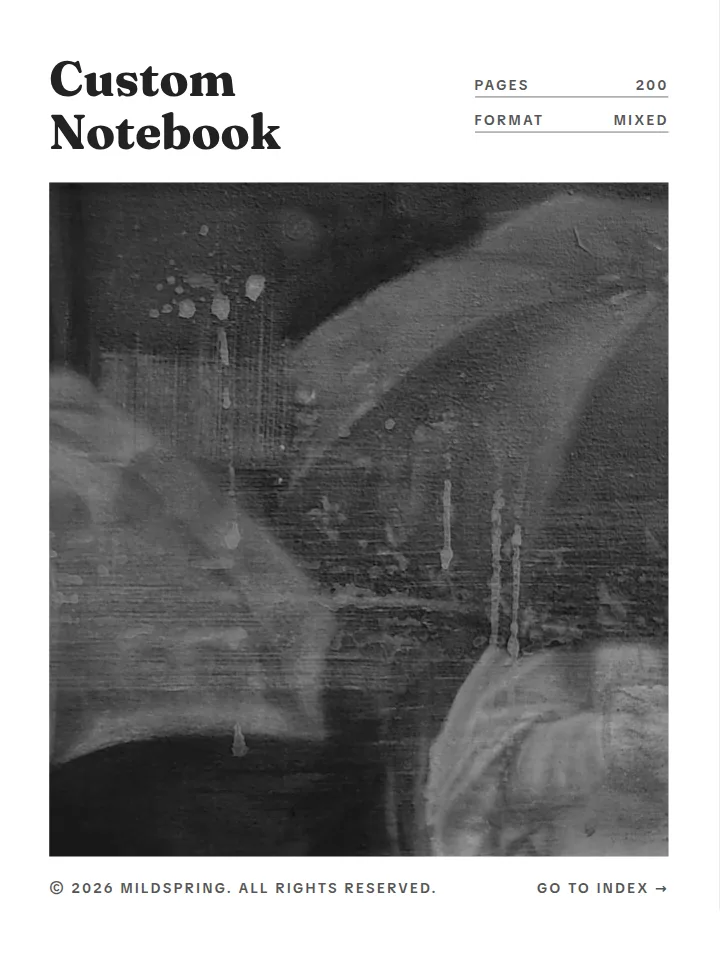
Cover. Go to index, at the bottom, opens the contents page.
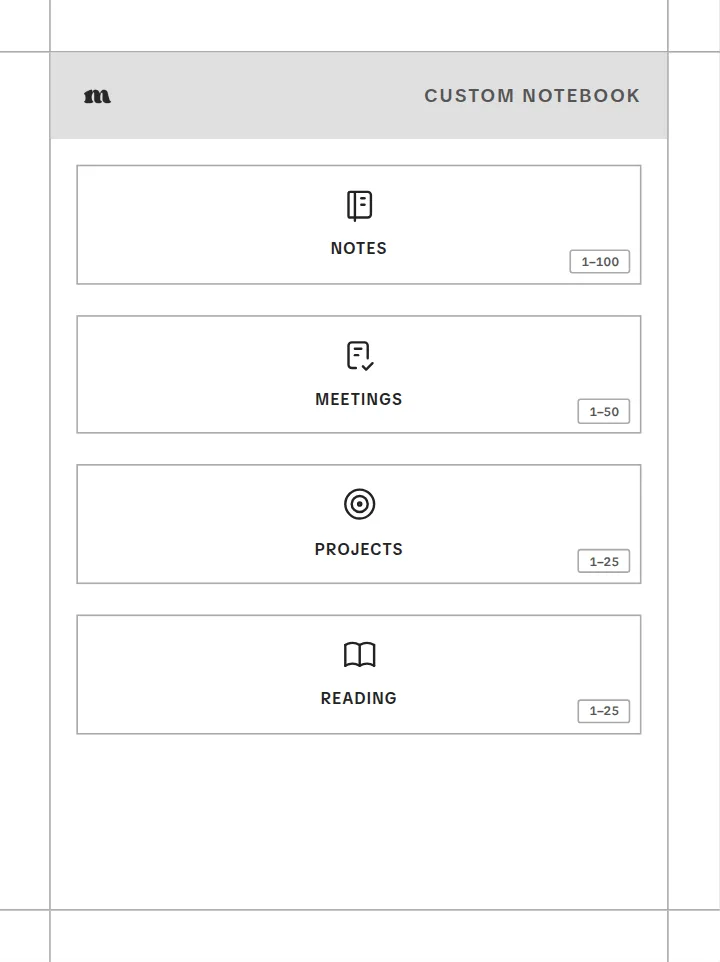
Contents. Each section name opens that section's index.
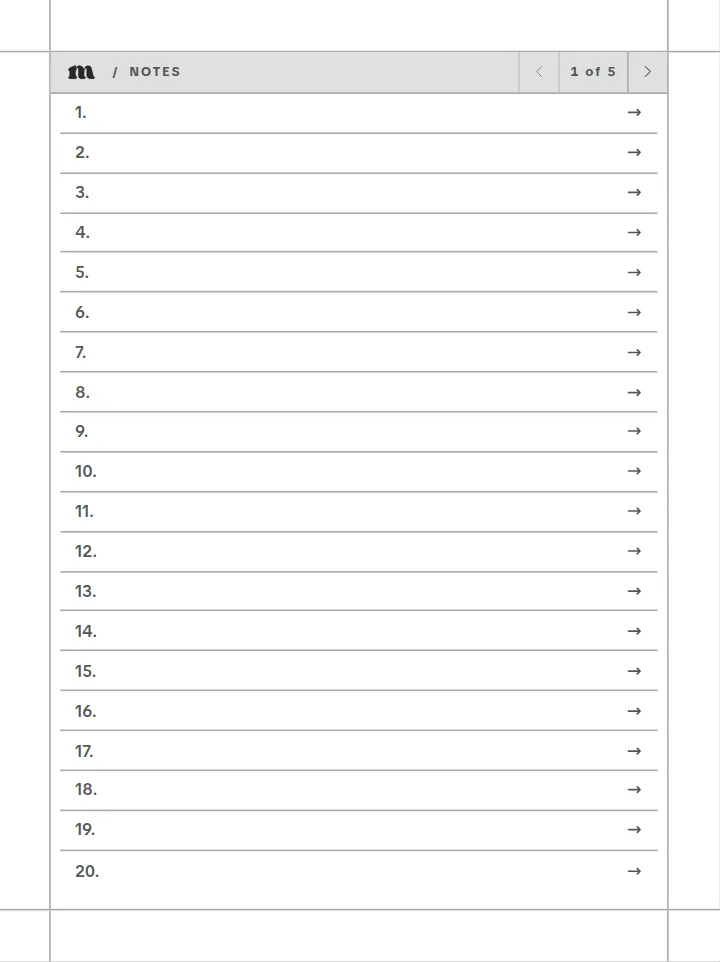
Notes index. Every numbered line links to its own page.
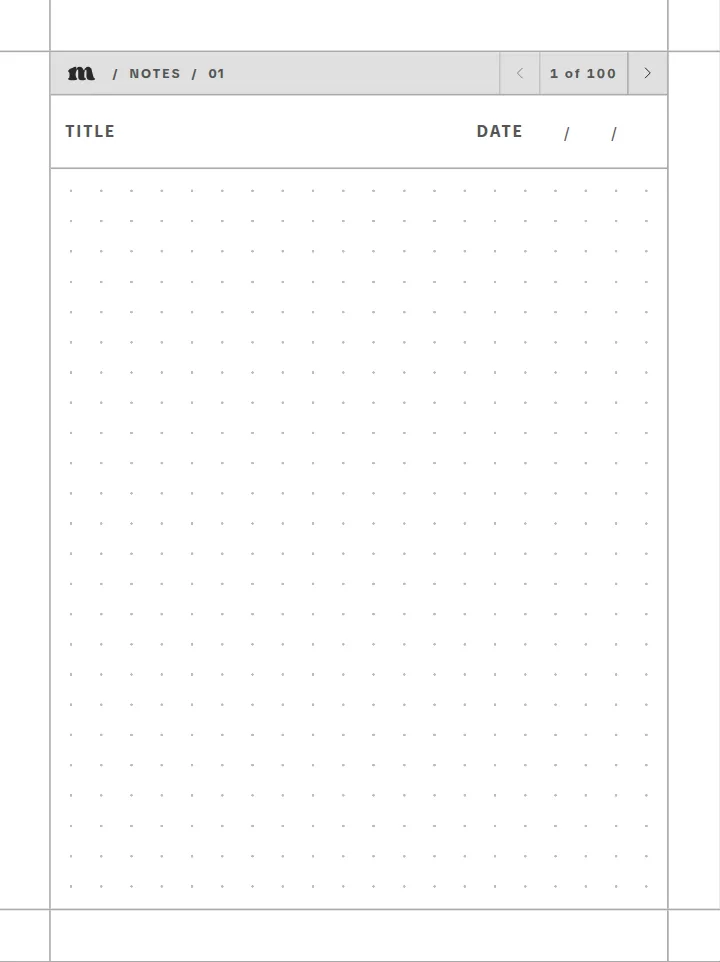
Page 1. Notes in the header leads back to the index.
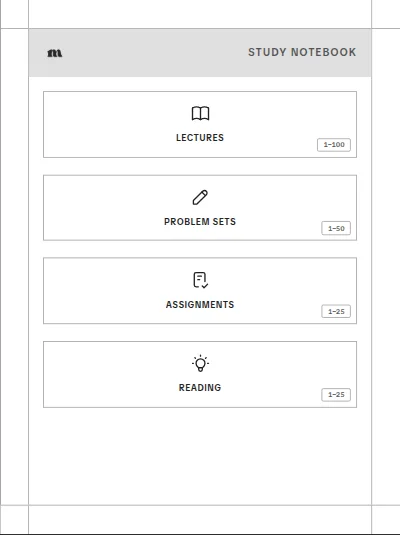
Each setup opens in the builder with these sections filled in. You can rename them, change the page styles, or add more before you check out.
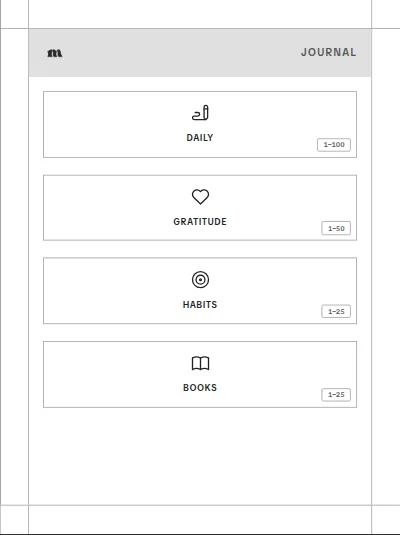
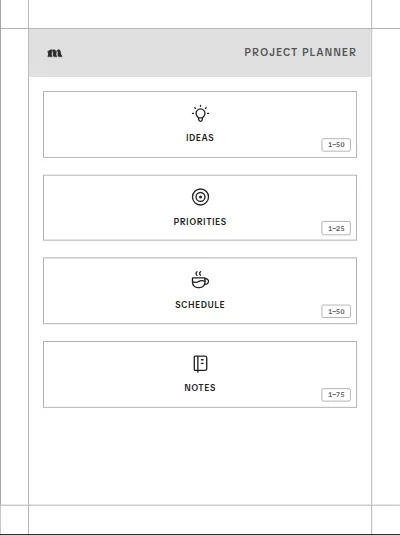
There are 27, and each section of your notebook can use a different one.
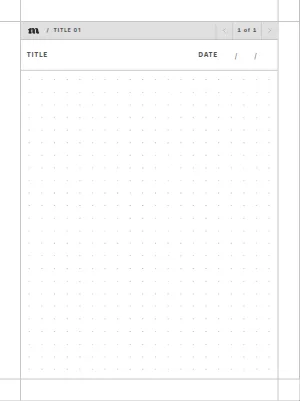 Dotted
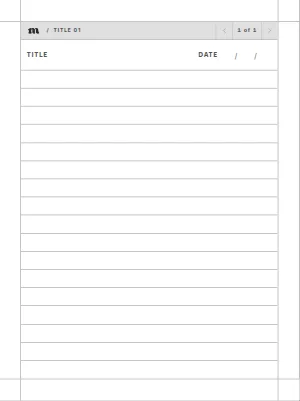 Lined
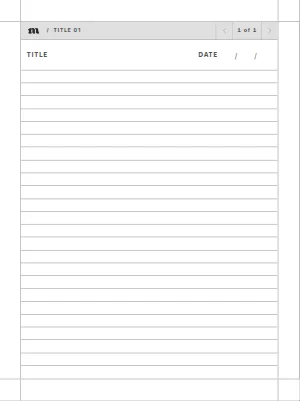 Lined (Tight)
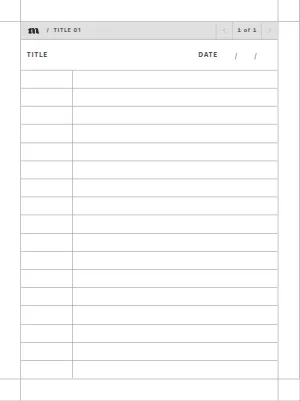 College Ruled
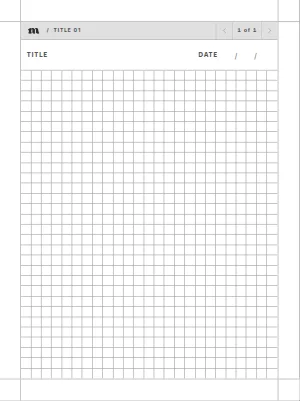 Grid Small
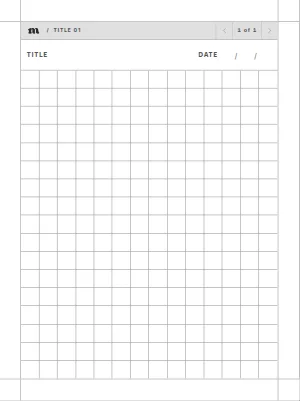 Grid Regular
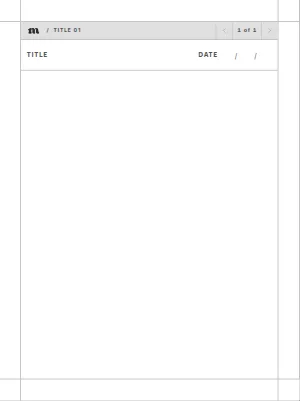 Blank
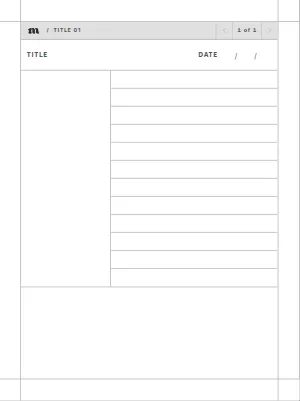 Cornell Notes
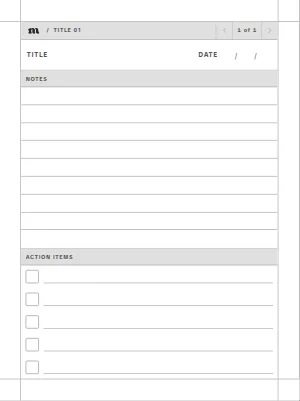 Meeting Notes (Lined)
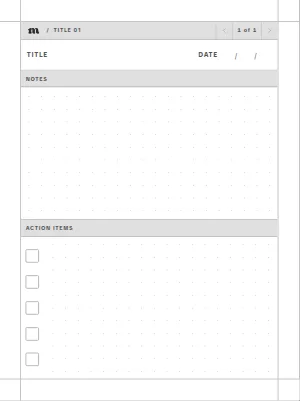 Meeting Notes (Dotted)
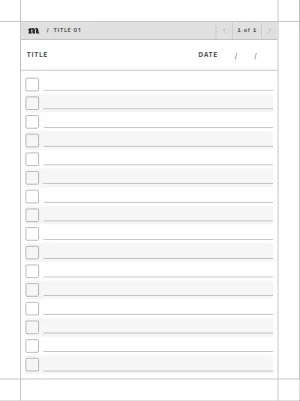 Checklist
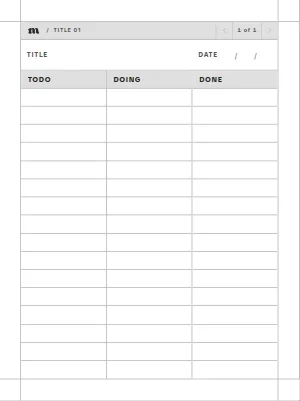 Kanban (Portrait)
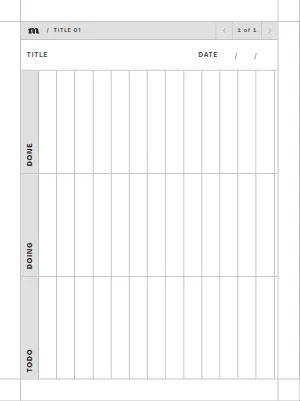 Kanban (Landscape)
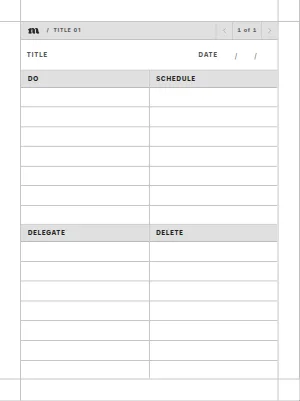 Eisenhower Matrix (Lined)
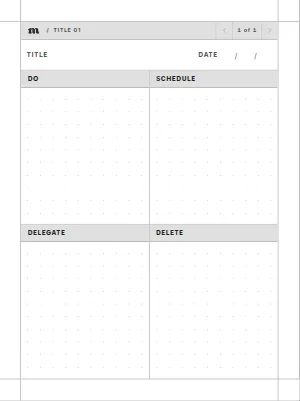 Eisenhower Matrix (Dotted)
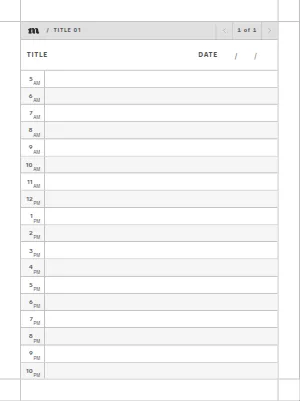 Time Blocker
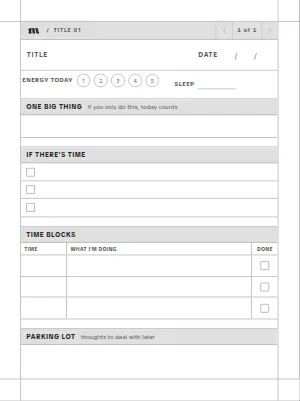 Focus day
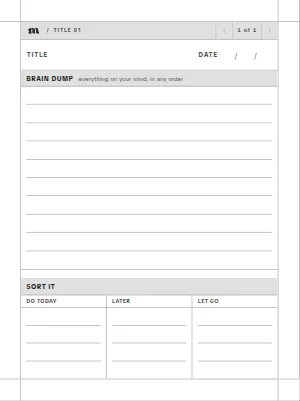 Brain dump
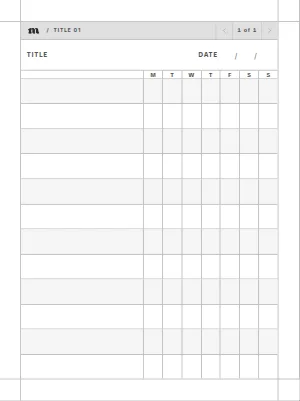 Habit Tracker
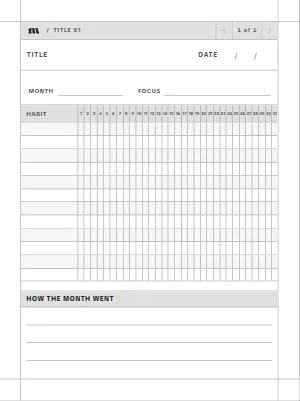 Monthly habits
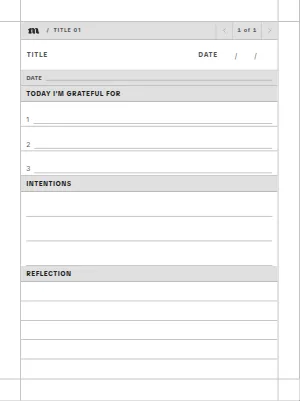 Gratitude Journal
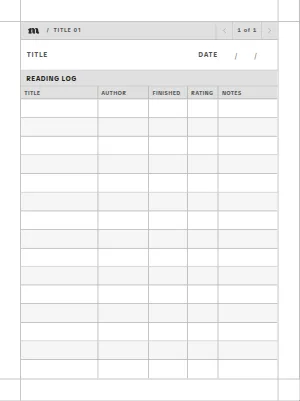 Reading Log
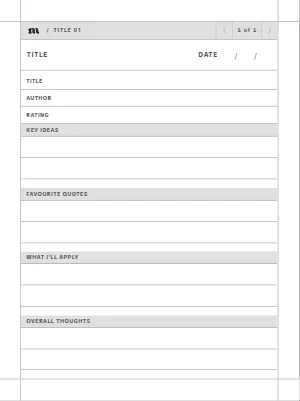 Book Reflection
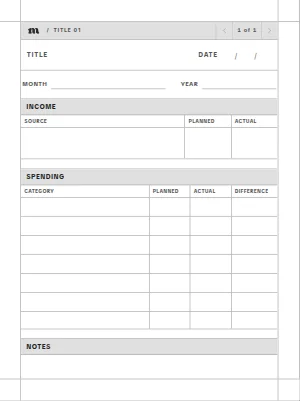 Monthly budget
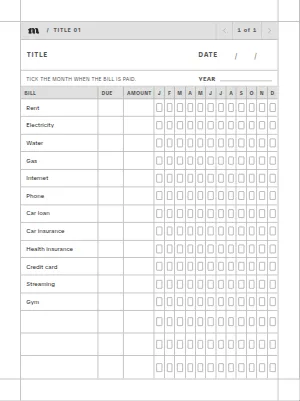 Bills
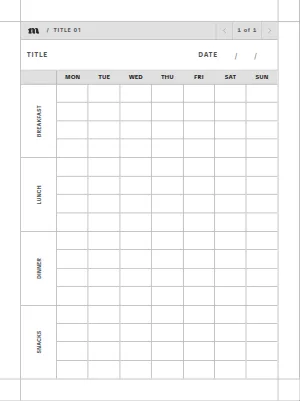 Meal plan
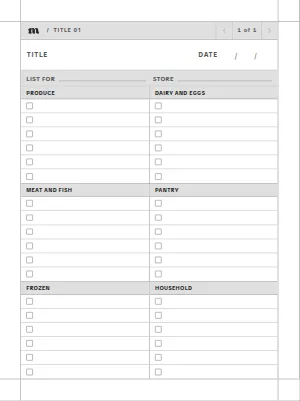 Grocery list
Everything here is in the builder, and the price stays the same whatever you pick.
Up to 8 named sections and 250 pages, each section with its own numbered index.
27 styles, from dotted and Cornell to meeting notes, habit trackers, budgets and meal plans. Each section can use a different one.
Signature, with one of 12 paintings by Rabia, our co-founder, or Classic, with a painting or pattern and an optional name sticker.
Each section gets one of 20 icons on the contents page, so you spot it at a glance.
The contents page and each section index can be a list, two columns or three columns.
Each index entry can open one, three or five pages, for longer notes or meetings.
On by default at the top of every page. Turn it off for more room to write.
Keep a margin where your tablet's toolbar sits, or pick None to write on the whole screen.
The builder shows your real cover, contents, a section index and a page while you choose.
Your notebook PDF is made at the exact page size of the tablet you pick, so nothing is stretched or cropped. Don't see your brand? Pick one of the two general sizes for 10.3 inch and 7.8 inch tablets with a 4:3 screen.
One price for the whole notebook, with every option in the builder included. You see every page before you pay.
One notebook, one tablet
Built for your tablet, with the sections, page styles and cover you choose.
$19 one-time
More than one tablet
The same notebook as its own PDF, sized for each screen. Add up to 4.
+$5 each
Instant downloadYours to keepNo subscriptionSized for your tablet
It's a hyperlinked PDF notebook you design for your own e-ink tablet. You name up to 8 sections, pick a page style for each one, and choose a cover. It opens on the cover, which links to a contents page, and every section has its own index that links straight to its pages. You download it from your order page, your order email, and My downloads.
reMarkable, Kindle Scribe, Supernote, Boox, Kobo, Fujitsu Quaderno, and iPad, 21 models in all, plus two general sizes for other 10.3 inch and 7.8 inch tablets with a 4:3 screen. Each PDF is sized for the screen you pick.
The PDF uses standard internal links, so tapping a contents entry or an index line jumps to that page in any reader that follows PDF links. It also has bookmarks for the cover, the contents, and each section, which show up in readers that display a PDF outline.
We start building it as soon as your payment clears, and it is usually ready within a few minutes. Your order page updates on its own when the download is ready.
Use the way your tablet takes PDFs: its desktop or phone app, its cloud sync, or a USB cable. Our help pages walk through it for each tablet.
These are digital files, so all sales are final and we don't offer refunds. You can see every page before you pay, and if something is wrong with your file, get in touch and we'll make it right.