Free e-ink notebook templates
Every notebook we sell starts as a single page design. These are those pages, free, one PDF each, sized for the screen you’ll actually write on. Pick a page, then grab the file for your tablet.
There’s no cover, no index and no links between pages. That’s what the paid notebooks add: the same page designs, wrapped in navigation you can tap through on the device. If you just want a page to write on, take these.
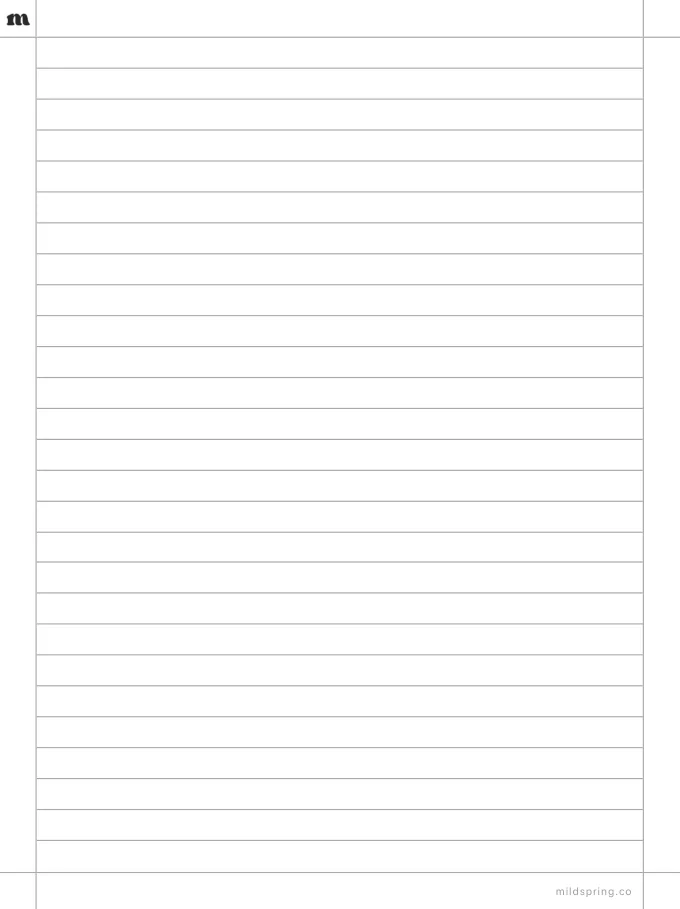
Lined
Ruled lines for writing, journaling, and long-form notes.
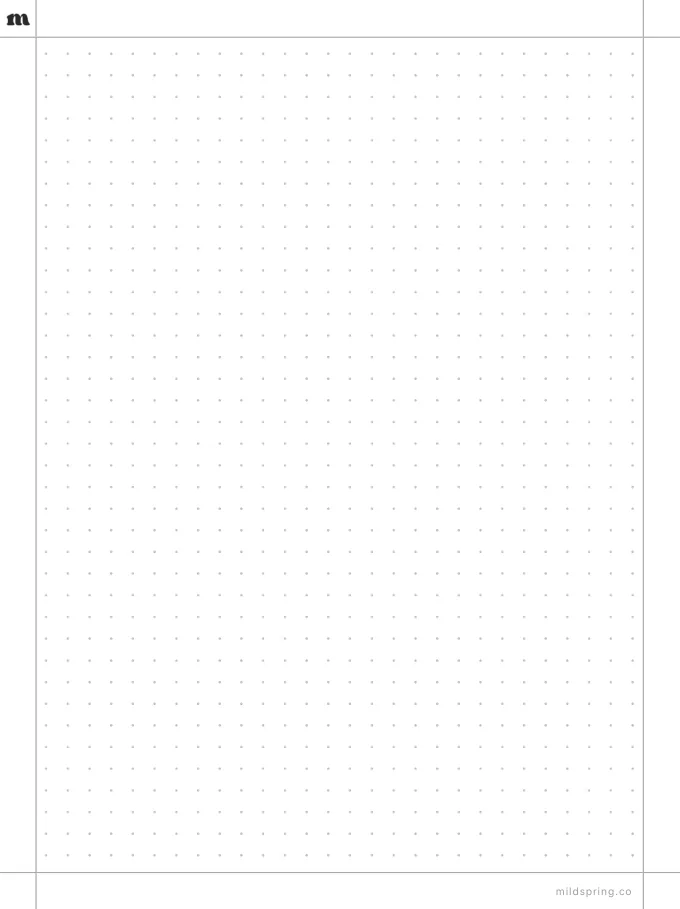
Dot grid
Faint dots for mixed notes, sketches, and bullet journals.
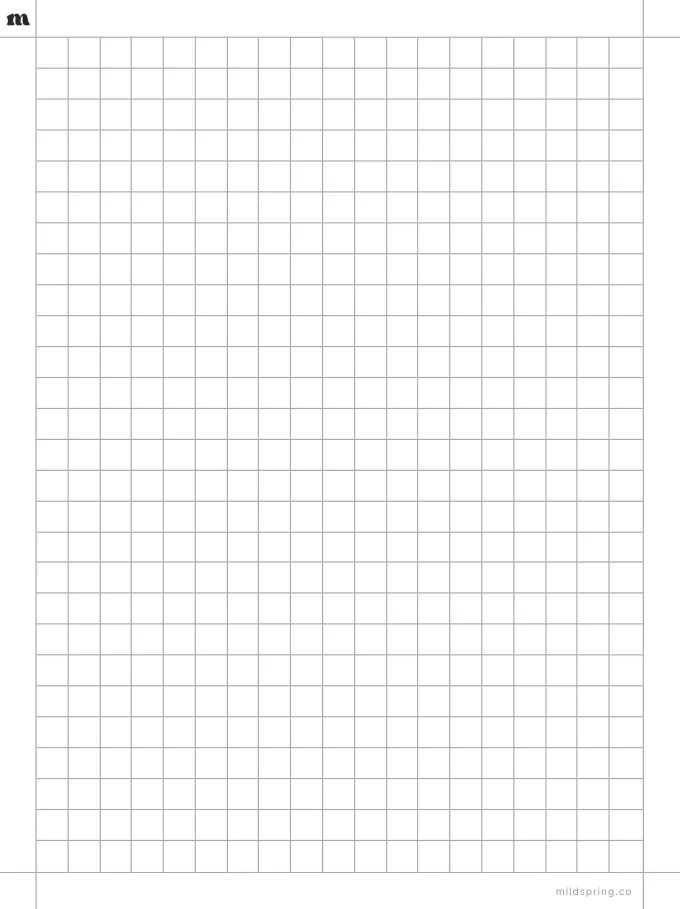
Grid
Full squares for diagrams, tables, and trackers.
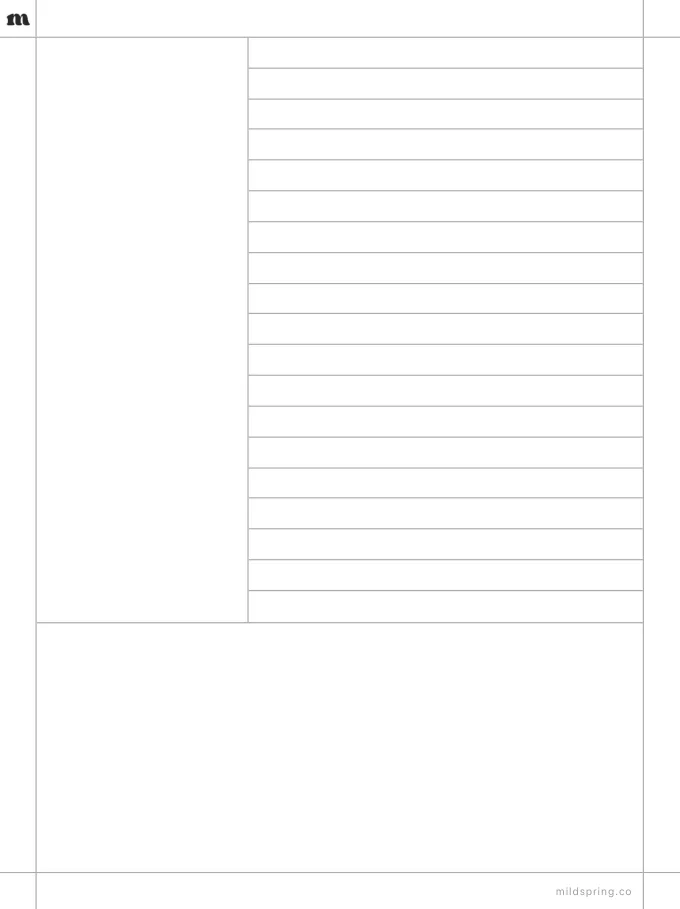
Cornell notes
A cue column, a notes area, and a summary band.
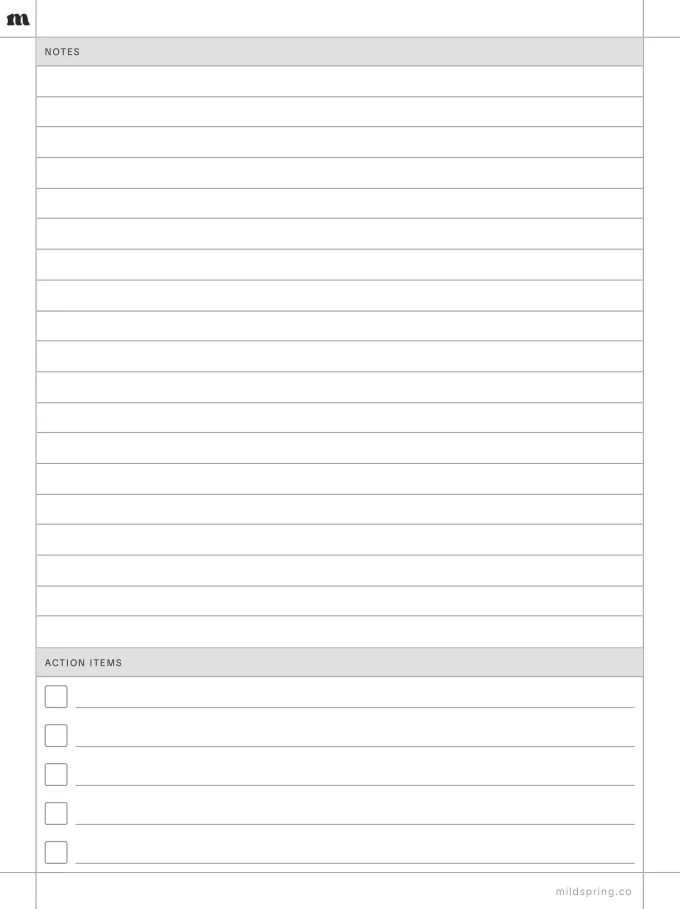
Meeting notes
A notes block plus an action items checklist.
Why there’s a file per device
Each tablet has a different screen shape. A PDF made for the wrong one gets shrunk or letterboxed, and the lines stop lining up with the edges. The pages look the same on every device. Only the size changes, so grab the one that matches yours.
How to load one
Download the PDF, then copy it to your tablet the way you’d add any other file, over USB or through your device’s own app.
Want the whole notebook?
These single pages come from our full hyperlinked notebooks. Those add a cover, a collection index and tappable links, so you can jump between sections without scrolling. Browse the notebooks to see what each one includes.