Minimalist Pebble watch faces, made like paper
Quiet watch faces for the Pebble Time 2 from the people who make mildspring planners and notebooks. Datebook is a free calendar watch face you can read at a glance, and Frontispiece puts a painting on your wrist.
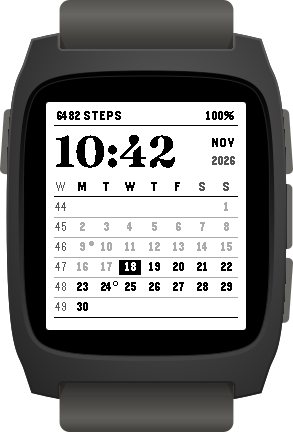
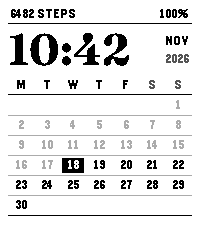
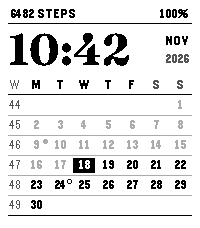
Datebook Free
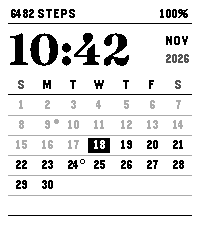
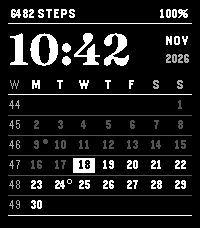
A free calendar watch face for Pebble with the whole month under the time, the way a monthly planner page looks. Days that have passed fade back and today is filled in, so you always know where you are in the month.
- Time in Fraunces
- Steps and battery
- Monday or Sunday start
- New and full moon
- Week numbers
- Light or Dark
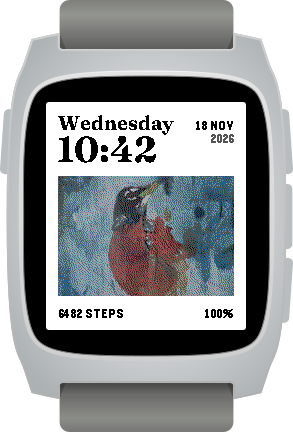
Frontispiece Free to try, $3.99 to unlock
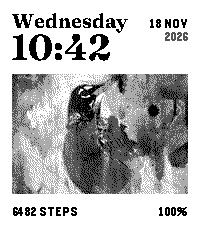
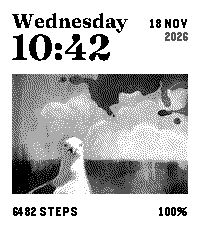
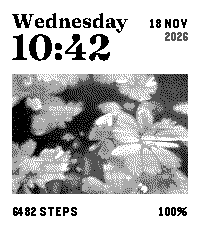
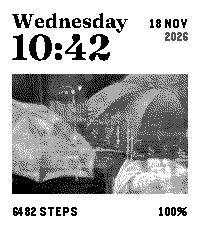
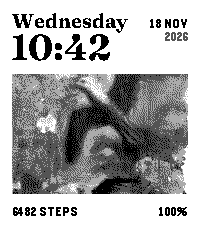
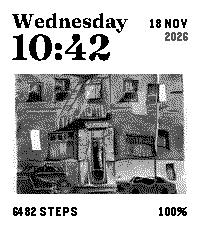
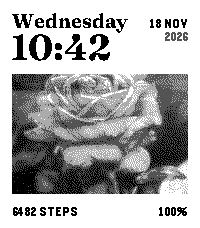
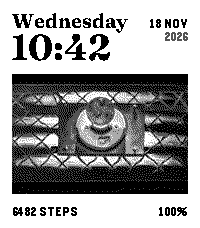
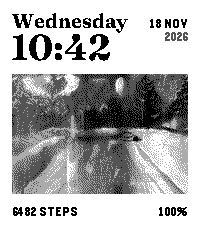
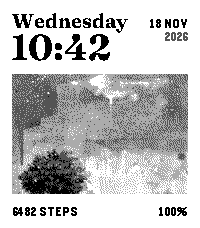
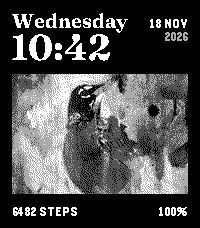
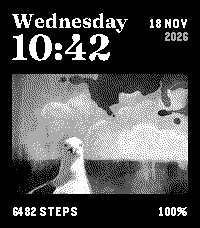
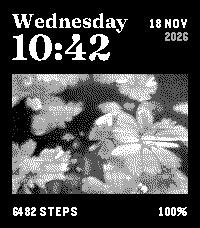
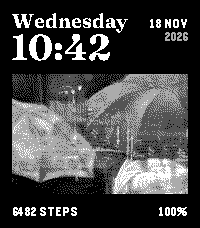
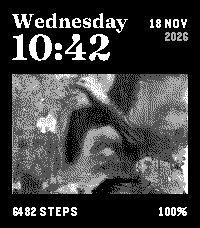
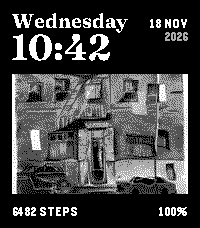
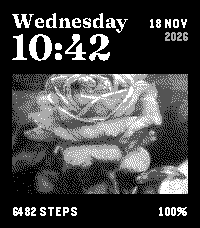
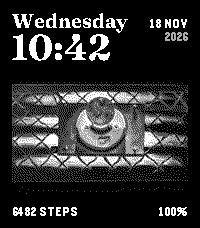
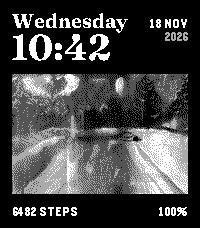
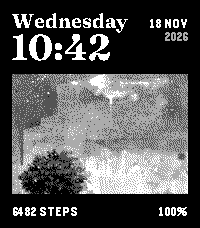
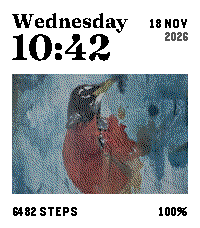
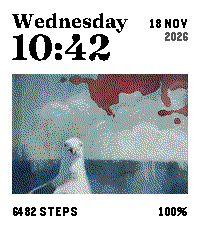
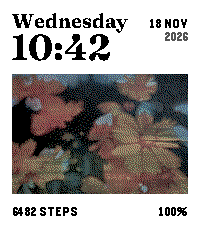
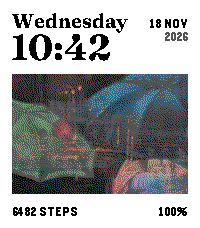
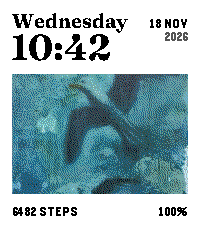
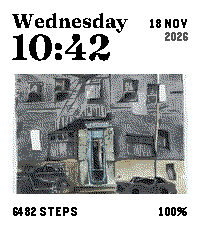
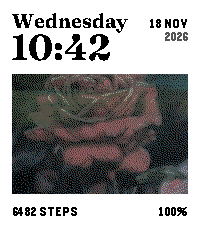
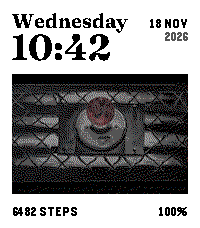
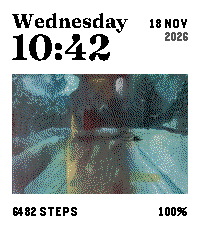
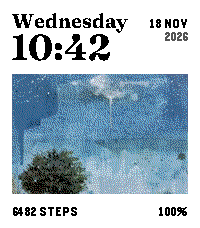
Laid out like the cover of a mildspring notebook: the day and time as the title, the date beside them, and one of Rabia's paintings in the middle. Robin in Black and white is free. Unlock once for all ten paintings and the Dark and Colour colourways.
- 10 paintings
- Black and white, Dark or Colour
- Date and year beside the time
- Steps and battery
How to install a Pebble watch face
Open the Pebble app
On the phone your watch is paired with.
Find the face
Tap a button on this page, or search for Datebook or Frontispiece in the Pebble app store.
Install
It appears on your watch in a few seconds. Settings are under the face in the app.
More help: installing and setting up our watch faces and unlocking Frontispiece.
Are these Pebble watch faces free?
Datebook is free with every option included. Frontispiece is free to try, with a one-time $3.99 unlock for all ten paintings and colourways.
How do I change my Pebble watch face?
Press the middle button on your watch to open the menu, choose Watchfaces, and pick the one you want. You can also switch faces from the Pebble app on your phone.
Can I install Datebook from a .pbw file?
Yes. Download the .pbw file on the phone your watch is paired with, then open it with the Pebble app and it installs on your watch. Faces installed this way don't update on their own, so the app store is the easier way to stay on the latest version.
Which watches do they work on?
Pebble Time 2 for now. Support for more Pebble models will come if people ask for it.
How does unlocking Frontispiece work?
Choose a painting or colourway that is locked and your watch shows a short code. Enter it on the payment page, pay $3.99 once, and the face unlocks.
Are these part of the Everything Bundle?
No. Watch faces come from the Pebble app store, so they are separate from the planners and notebooks in our shop.
Do they drain the battery?
No. Both faces update once a minute and have no animations.
The paintings, on your tablet too
Frontispiece uses the same artwork as our e-ink wallpapers for reMarkable, Kindle Scribe, Supernote and Boox.