e-ink-tablet
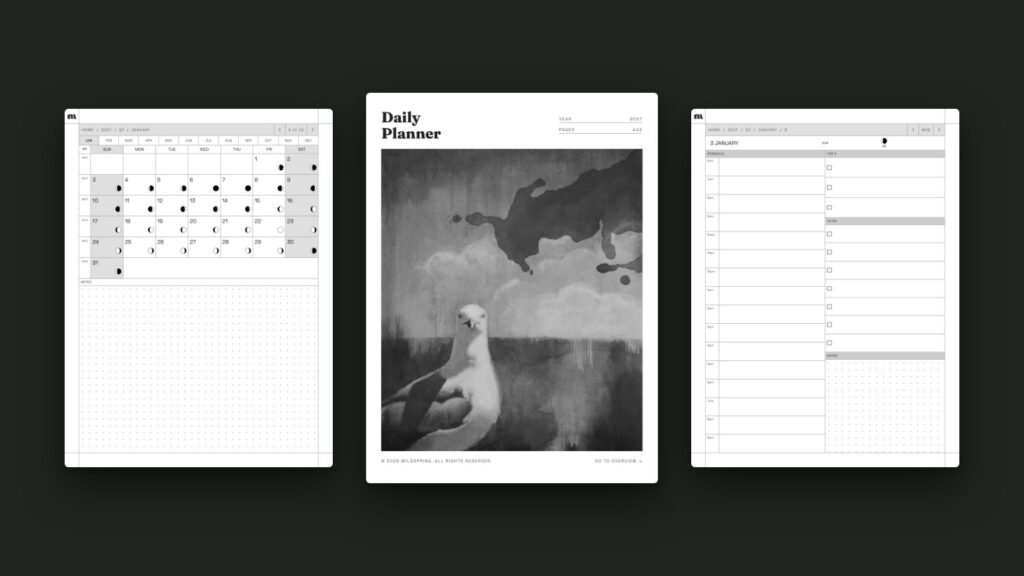
How to Use a Hyperlinked PDF Planner on reMarkable
A hyperlinked reMarkable planner is a PDF where the dates, tabs and headers are tappable links, so you can jump from the year to a month, a week or a single day without flicking through hundreds of pages. reMarkable has supported links inside PDFs since software version 2.6 in March 2021, so on any reMarkable […]
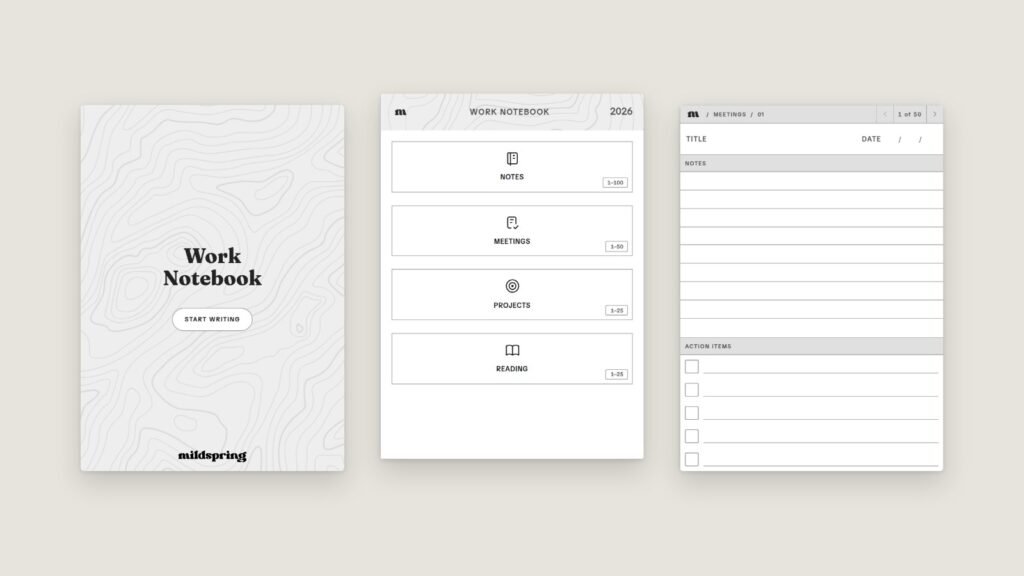
How to Make a Custom Notebook for Your E-Ink Tablet
If you've ever bought a notebook PDF and then ignored half its sections, you already know why we built this. You can now make a custom notebook for your e-ink tablet on mildspring: pick your device, name your sections, choose a page style for each one, and we build a hyperlinked PDF sized for your […]
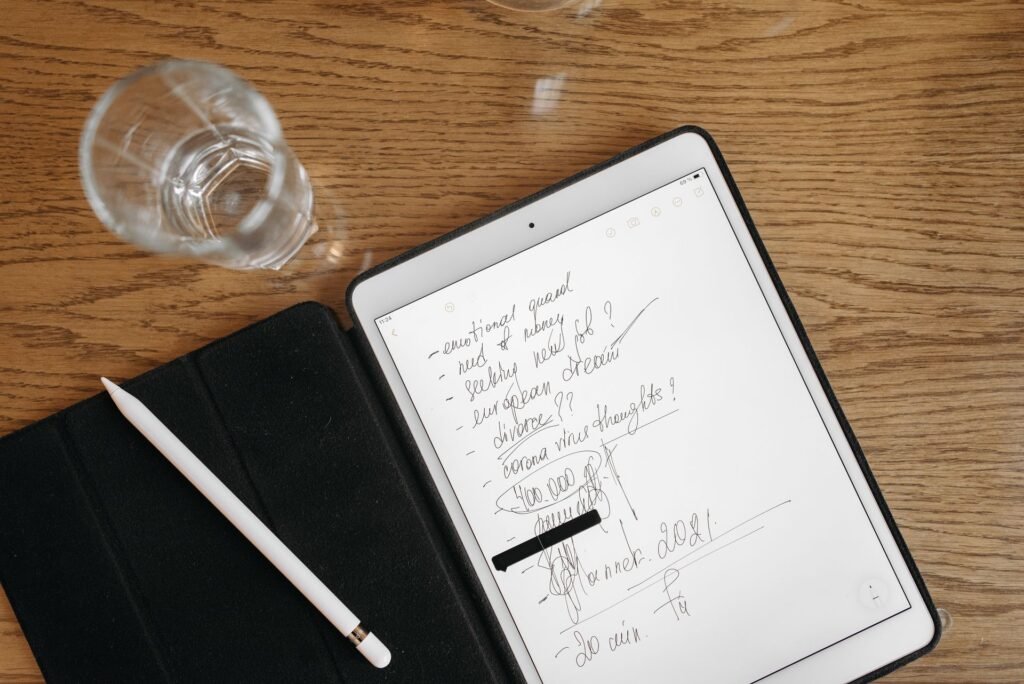
Bullet Journal on reMarkable: A Simple Setup That Sticks
Running a bullet journal on reMarkable works best when you keep the method plain: blank dot grid pages, an index you can tap, and the same short symbols you'd use on paper. You don't need a planner that pre-prints your whole year. You need a page that stays out of the way and a fast […]

How the Cornell Notes Layout Works on E-Ink
The Cornell method looks simple until you try to draw it freehand every lecture. A good cornell notes layout on an e-ink tablet keeps the cue column, notes column, and summary band in the same place on every page so your hand stops reinventing the margins. We already have a Supernote walkthrough and a buying […]

100 Pages vs 500 Pages: How Many Notebook Pages You Need
Shoppers stare at page counts like they are buying paper reams. Online, the fight is often framed as a 100 page vs 500 page notebook decision. On e-ink tablets the number still matters, but for different reasons than paper weight or shelf space. I ship notebooks at more than one size, and the feedback is […]

Hyperlinked PDF vs Native Notebook Apps on E-Ink
People shopping for an e-ink tablet eventually hit the same fork: use the native notebook app, or import a hyperlinked pdf e-ink template. Both can work. They solve different problems, and the wrong pick usually shows up as friction after a week, not on day one. I build hyperlinked notebooks for Supernote, reMarkable, and Kindle […]

Which Page Style Works Best for Bullet Journaling
Most people asking about bullet journal page style already know the method. They are stuck on the page under it: dotted, lined, blank, or grid. The short answer is that dotted pages fit the classic BuJo workflow best, while lined and blank still win for specific kinds of writing. I sell templates for e-ink tablets, […]