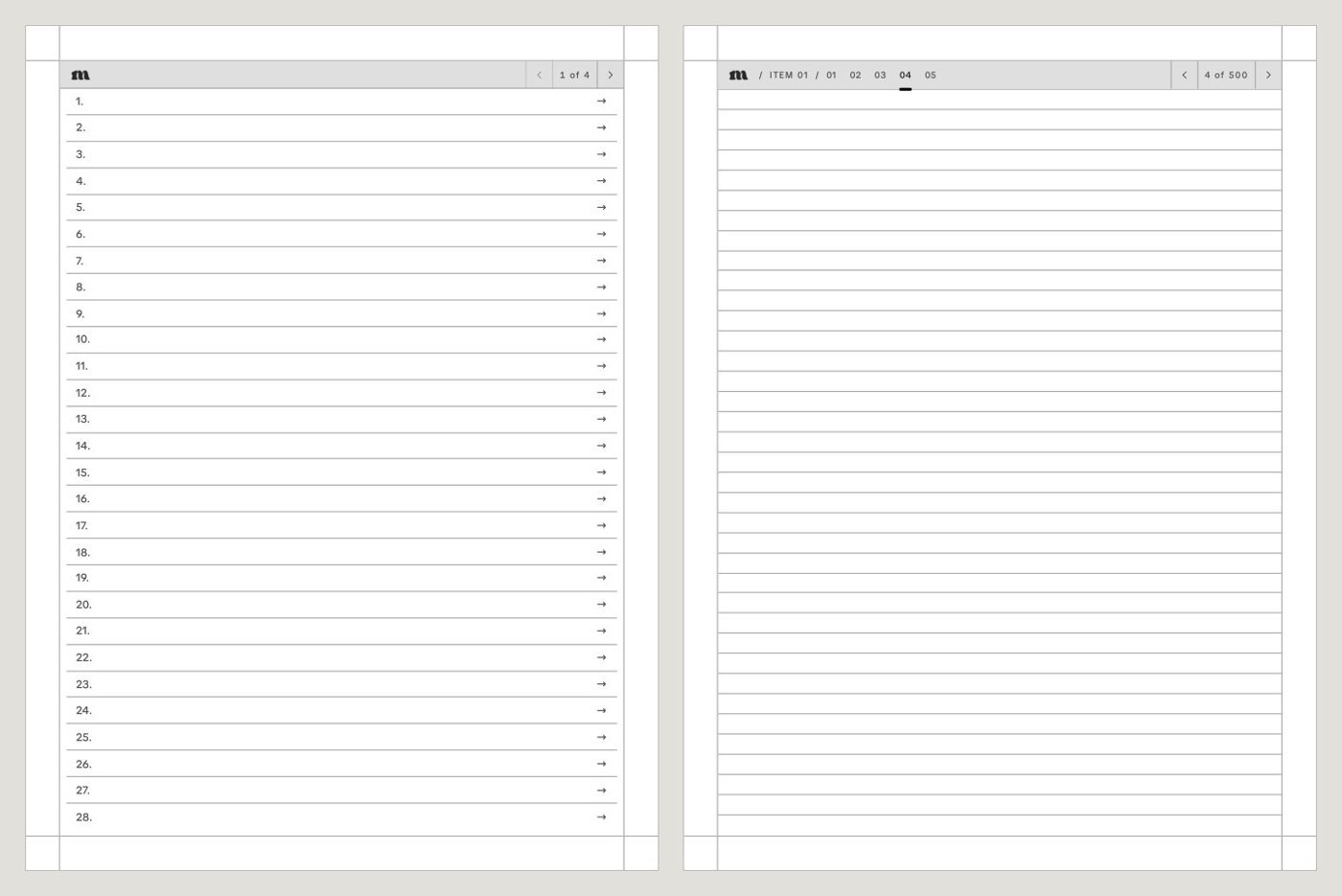
Our PDFs use standard PDF links: the contents page, every index entry and the breadcrumb at the top of each page jump to another page in the same file. If tapping does nothing, these checks fix most cases.
First checks on any tablet
- Open the PDF itself in your tablet’s document reader. A converted copy or a file opened in a notes app may not keep the links.
- Update your tablet’s software. Several makers have improved PDF links in updates.
- Make sure you have the file for your device. Each one is drawn for one screen size, see wrong page size for my tablet.
- You can always get around without links: every page is numbered and in order, and the PDF has bookmarks for the cover, the contents and each section in readers that show a PDF outline.
reMarkable
reMarkable has followed links inside PDFs since software version 2.6 on the tablet, and in the desktop and mobile apps since version 3.3. If links do nothing, check the version in Settings and update. See reMarkable 2.6.
Supernote
Tap links with your pen. In March 2025 Supernote fixed a bug where links stopped responding to the pen after you’d picked the text selection tool (firmware Chauvet 3.23.32 for Manta and Nomad, 2.21.32 for A5 X and A6 X), so update if you’re on an older version. The table of contents is under the Navigation Window, then Contents. See Supernote’s changelog.
Fujitsu Quaderno
The Quaderno follows links inside the document. After a jump it shows the number of the page you came from, so you can tap it to go back. The table of contents icon in the toolbar shows the PDF’s bookmarks.
BOOX
BOOX doesn’t document whether NeoReader follows links inside a PDF. In NeoReader, the Contents tab in the main menu jumps to any section. BOOX does say links in a PDF are clickable when you import it into the Notes app on firmware 4.0 or newer, so that’s worth trying if NeoReader ignores them. See BOOX firmware 4.0.
Kindle Scribe
Send the PDF with Send to Kindle and keep it as a PDF. Amazon’s help pages don’t describe links inside PDFs, so if one doesn’t respond, turn pages to reach it. See how to put a PDF on your Kindle Scribe.
Kobo
Kobo’s help pages don’t say whether links inside a PDF work, and we haven’t tested them on a Kobo yet. Every page is numbered and in order, so you can get anywhere by turning pages.