Blog
Tips, guides, and updates from the team at mildspring.

Hyperlinked PDF vs Native Notebook Apps on E-Ink
People shopping for an e-ink tablet eventually hit the same fork: use the native notebook app, or import a hyperlinked pdf e-ink template. Both can work. They solve different problems, and the wrong pick usually shows up as friction after a week, not on day one. I build hyperlinked notebooks for Supernote, reMarkable, and Kindle […]

Which Page Style Works Best for Bullet Journaling
Most people asking about bullet journal page style already know the method. They are stuck on the page under it: dotted, lined, blank, or grid. The short answer is that dotted pages fit the classic BuJo workflow best, while lined and blank still win for specific kinds of writing. I sell templates for e-ink tablets, […]

Evernote Bullet Journal Template vs Digital Bullet Journal
An Evernote bullet journal template and a digital bullet journal on an e-ink tablet solve different problems. Evernote gives you folders, tags, and search across devices. A bullet journal gives you one calm notebook where today, this week, and this month stay in fixed places you can flip to without thinking. If you searched for […]

Why 10 Sections Is the Sweet Spot for Digital Notebooks
Most digital notebook setups start with a good intention and end in a mess. You make a section for everything, then a section inside that section, then you stop opening half of them. The freedom that made digital feel better than paper is the same freedom that ends up burying your notes. When I built […]
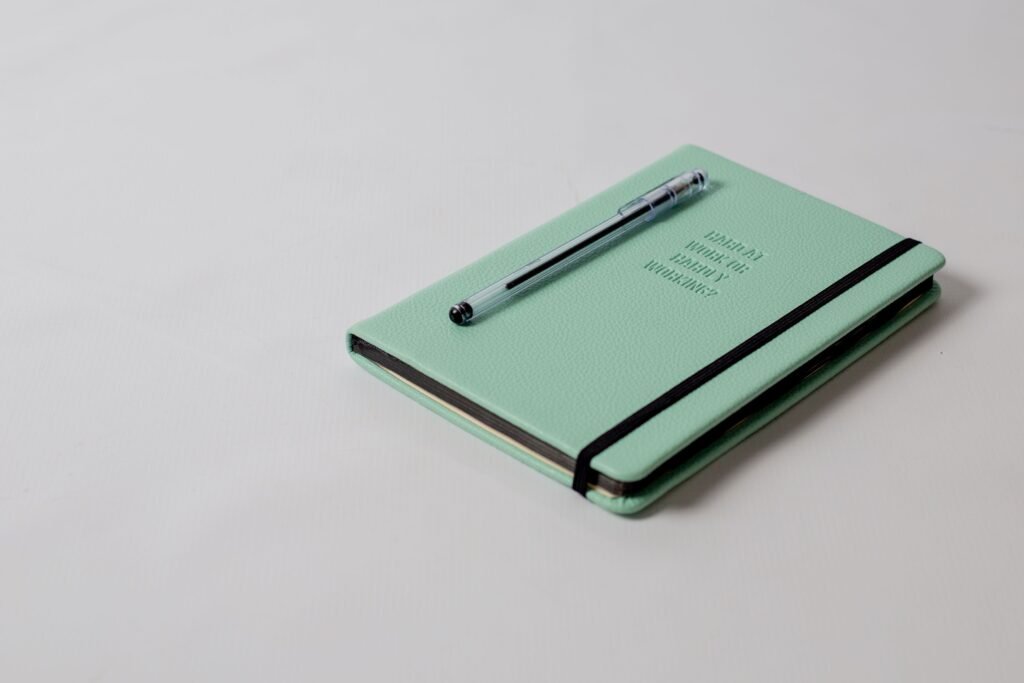
Types of Notebook Lines: Blank vs Lined vs Dot Grid vs Grid
We have bought more notebooks than we care to count. Physical ones, digital ones, hyperlinked PDF notebooks, Moleskines stacked in a drawer. We have gifted them, recommended them, and filled them. Choosing between the types of notebook lines (lined, dot grid, grid, or blank) should come down to what you actually do with the page, […]

What Is a Hyperlinked PDF? (Quick Explainer)
What is a hyperlinked PDF? It's a PDF where some text or buttons are clickable. Tap one and you jump to another page inside the same file. Web pages do this all the time. PDFs can too. Most people just don't notice. What is a hyperlinked PDF, in plain terms A regular PDF is one […]

Supernote Bullet Journal: How to Run a Digital BuJo
If you have ever kept a paper bullet journal, you know the appeal. One notebook, a few simple lists, and a habit of writing things down. The harder part is sticking with it. Pages get messy, indexes go out of date, and the system that was supposed to simplify your life starts to feel like […]
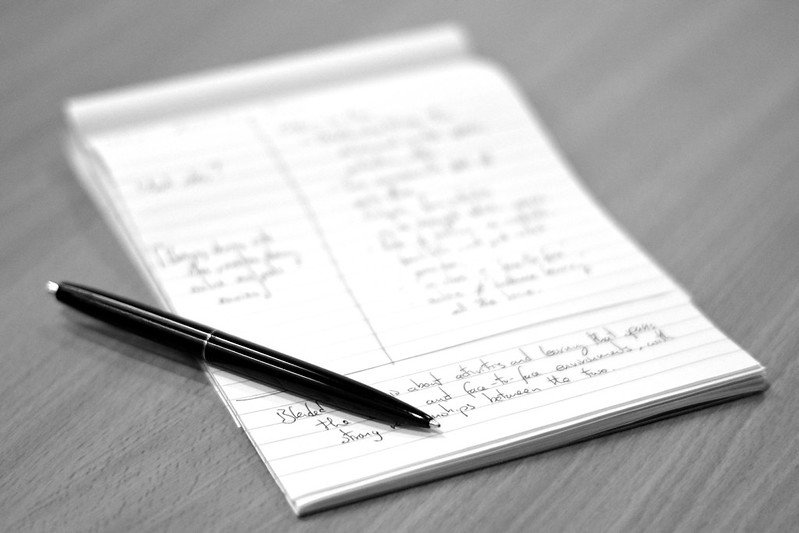
The Cornell Note-Taking Method on Supernote: A Complete Walkthrough
If you want a cleaner way to study, run meetings, or process research on your Supernote, Cornell notes are one of the simplest upgrades you can make. Three sections on every page, a quick review at the end, and you stop re-reading messy notes you never come back to. This is a full walkthrough of […]

What Are Breadcrumbs in a PDF Notebook?
If you have opened a well-made notebook PDF on a Kindle Scribe, reMarkable, or Supernote, you may have noticed a small row of links at the top of each page that shows where you are. Those are pdf breadcrumbs, and they are the quiet feature that turns a flat document into something you can actually […]