planning
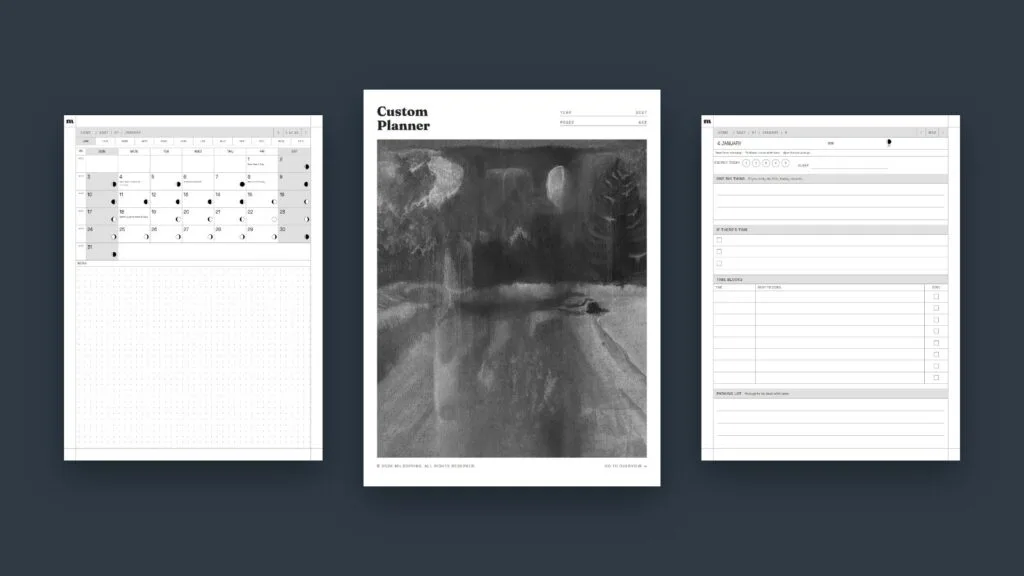
How to Design Your Own Digital Planner for Your E-Ink Tablet
If you want to design your own planner for an e-ink tablet, the trick is to decide what you'll actually use before you think about how it looks. Pick how long it should run, which pages you'll open every day, and which dates should already be filled in. Then build it as a hyperlinked PDF […]
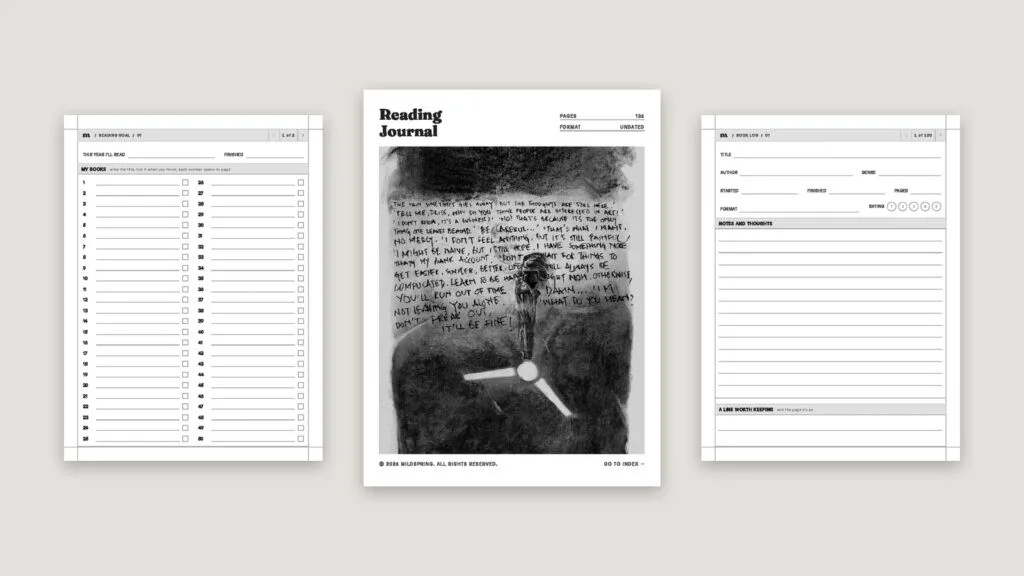
Reading Journal Ideas: 20 Pages to Track What You Read
Good reading journal ideas fall into three groups: pages for planning what to read, pages for each book as you finish it, and pages for looking back over a month or a year. You don't need all of them. A to-read list, one page per book and a running list of favorite quotes make a […]
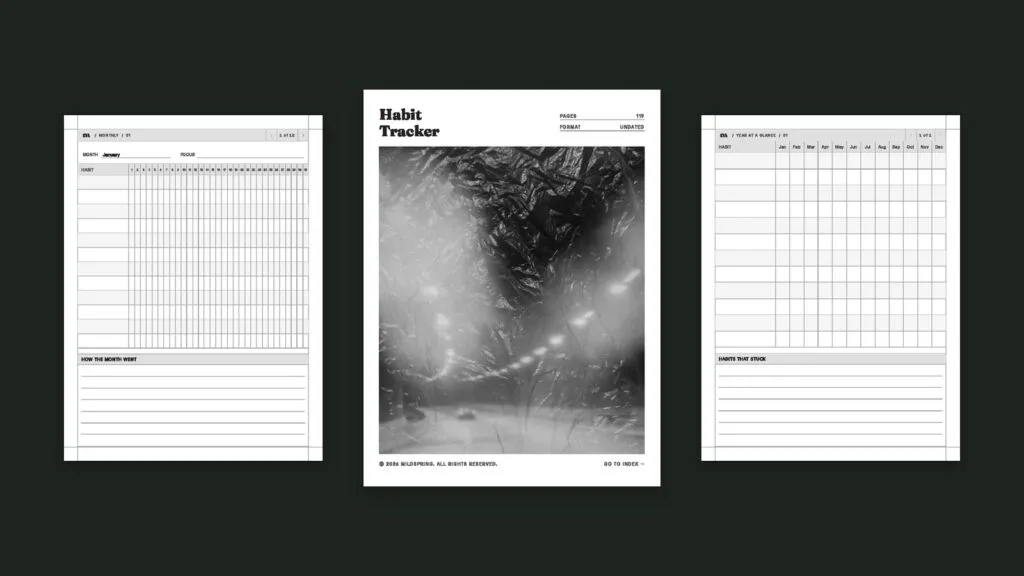
Habit Tracker Ideas: 36 Habits to Track and How to Pick Yours
The best habit tracker ideas are small, specific things you can tick off in a few seconds: drink a glass of water before coffee, read ten pages, walk for fifteen minutes, write one line in a journal. Below are 36 ideas grouped by area of life, plus how to pick the right three to five, […]
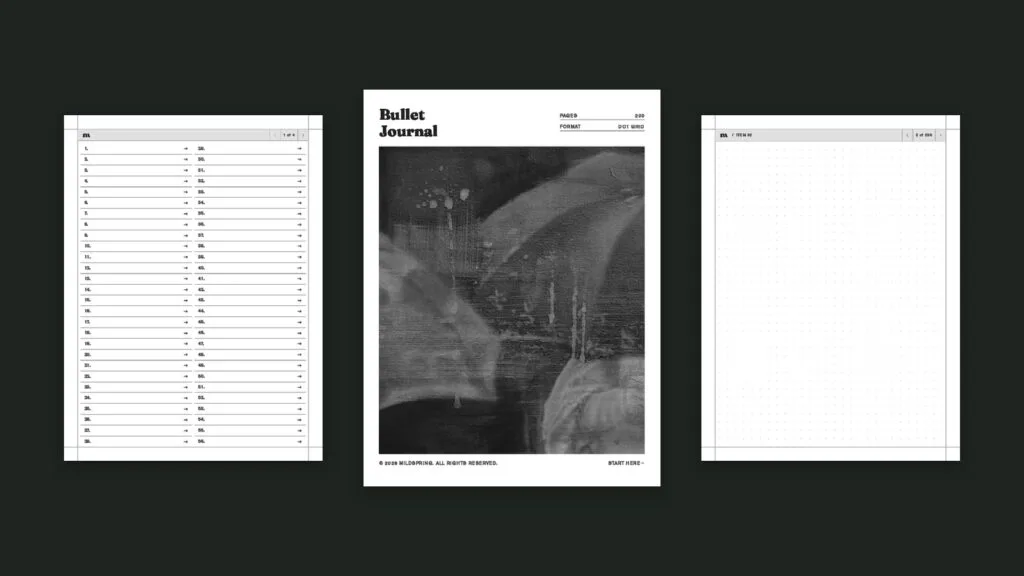
Minimalist Bullet Journal: The 5 Pages You Actually Need
A minimalist bullet journal comes down to five pages: an index, a future log, a monthly log, a daily log and collections. That's the whole system Ryder Carroll designed, before the hand-lettered headers, washi tape and weekly spreads that fill Pinterest. If you've started a bullet journal and dropped it because the setup took longer […]
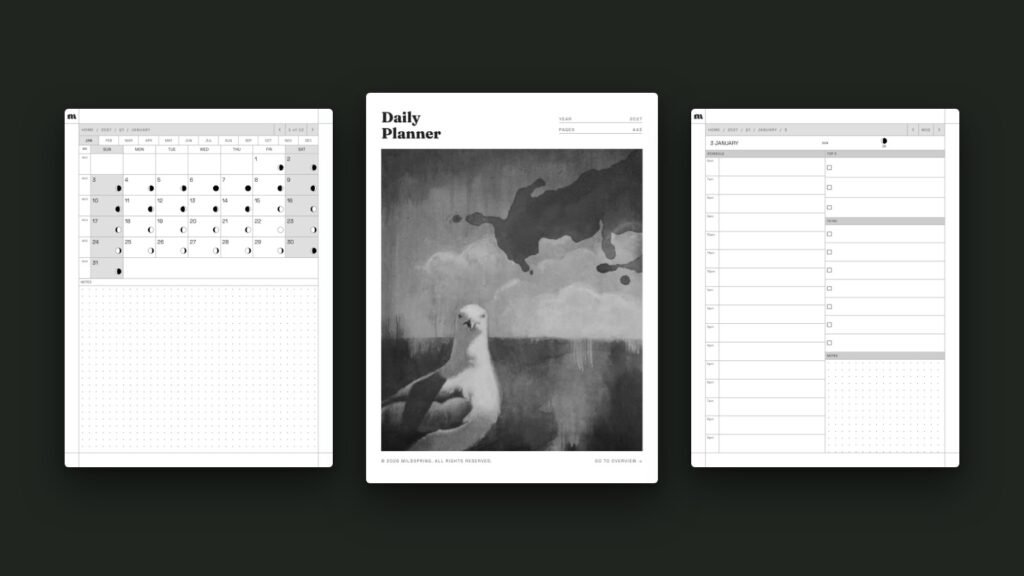
How to Use a Hyperlinked PDF Planner on reMarkable
A hyperlinked reMarkable planner is a PDF where the dates, tabs and headers are tappable links, so you can jump from the year to a month, a week or a single day without flicking through hundreds of pages. reMarkable has supported links inside PDFs since software version 2.6 in March 2021, so on any reMarkable […]