Business Meeting Notebook for reMarkable
$9
One-time purchase, lifetime access.
Want different sections or page styles? Customize this notebook
Also available for
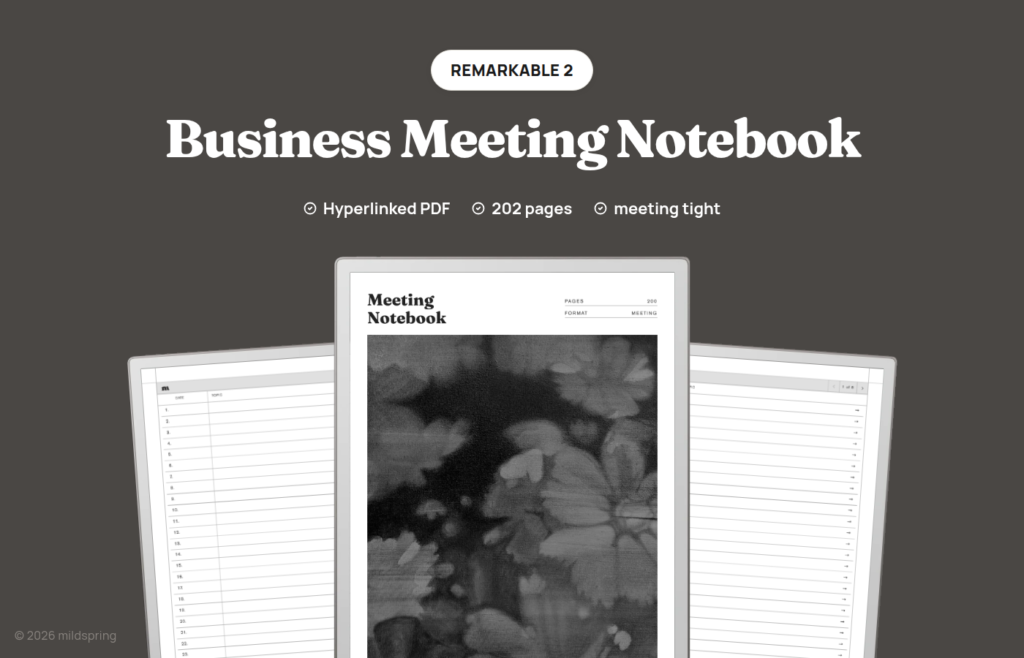
Meeting pages for reMarkable 2, Paper Pure, and Paper Pro, with attendees, notes, action items, and a dated index. 200 undated pages.
The Business Meeting Notebook for reMarkable is a hyperlinked PDF for people whose notebook fills up during meetings, not after them. Weekly reviews, client pitches, hiring panels, and team standups share one page shape: topic, date, time, attendees, location, lined notes, and an action list with task, owner, and due columns. You get 200 meeting pages in a single file, undated, so the cover never implies you should have started in January. This remarkable meeting notebook is one PDF per device size.
The notebook opens on an index with Date and Topic columns. Tap a row and you jump to that meeting. Every meeting page carries a breadcrumb back to the index, which is how the book stays usable after month three: you label the row once, then find the call again without scrubbing through unmarked pages.
Rabia paints the cover art for every mildspring product by hand, this one included.
Sized for your reMarkable, not resized
We cut this remarkable meeting notebook to two page sizes because reMarkable ships two screens. The reMarkable 2 and the Paper Pure both use a 10.3 inch panel at 1404 by 1872 pixels, which comes out to a 157 by 210 millimetre page. Those files are 209 pages: one cover, eight index pages, and 200 meetings. The Paper Pro is the 11.8 inch screen at 1620 by 2160 pixels, which works out to 180 by 240 millimetres. That file is 208 pages because the larger page holds more index rows, so the index needs only seven pages.
You pick your device at checkout and get the file drawn for that screen. The page lands at native size, so the meeting fields sit where we put them and the margins stay put. A notebook built for one screen and stretched onto another gives you thin grey lines and a page floating inside a border. That is the thing we set out to avoid.
If you’re on the Paper Pro, one honest note: the screen is colour, and this notebook isn’t. The pages are drawn in black and grey, so you get the sharper 229 ppi rendering but no colour in the template itself. Your own writing shows up in whatever colour you pick, which is where most people want the colour anyway.
What is inside the remarkable meeting notebook
- 200 meeting pages, one meeting each.
- A linked index with Date and Topic columns. Eight index pages on reMarkable 2 and Paper Pure, seven on Paper Pro.
- Header fields: Topic, Date, Time, Attendees, and Location.
- A lined Notes area for the discussion.
- An action panel with Task, In Charge, and Due columns.
- A breadcrumb on every meeting page back to the index.
- PDF bookmarks for Cover and Notes Index in reMarkable’s navigation panel.
How the action panel changes the meeting
A reMarkable page is pleasant to write on and easy to lose things in. When notes and follow-ups share one continuous scribble, the action item from minute twelve disappears under the digression from minute twenty. You close the notebook feeling finished, then reopen it on Monday unable to say who owns what.
This layout forces a clean split. Notes hold the conversation. The action panel holds the commitments: the task, who is in charge, and when it’s due. You can still write loosely during the call. You only need the discipline to move a commitment into the right column before the meeting ends. That thirty seconds is what makes the page useful a fortnight later.
The index completes the system. After the meeting, write the date and a short topic on the matching row. Next week you scan Topic rather than opening pages at random. Because every row is a link, finding meeting 47 is a tap, not a scroll.
One page per meeting keeps the archive stable. Nothing renumbers when you skip a week or leave pages blank. Empty slots stay empty until you need them. If a meeting runs long enough to need a second page, use the next number and note the continuation in the topic field.
Using it across a busy meeting week
On a reMarkable the temptation is to start a new notebook for every project. That feels tidy until you have twelve half-used files and no single place to look for “what did we agree last Thursday.” This notebook pushes the opposite habit: one meeting archive, numbered pages, and an index you maintain as you go.
A typical week might look like this. Monday’s leadership sync takes page 12. You fill Topic with the meeting name, list attendees, write decisions in Notes, and park three action rows with owners and due dates. Afterward you write the date and a short topic on index row 12. Tuesday’s customer call is page 13. Friday’s retro is page 14. When someone asks on Monday what shipped from last week’s sync, you open the index, find the topic, tap, and read the action panel without reconstructing the conversation from memory.
The Paper Pro version gives you more writing room on the same structure. The fields do not change. Only the page size and the index page count change. If you switch between a reMarkable 2 at home and a Paper Pro at work, buy the matching variation for each screen rather than stretching one file onto both.
How it moves on reMarkable
The file opens in reMarkable’s own reader. There’s no template pack to install into the system, no companion app beyond whatever you already use to move files, and nothing to sync except the PDF itself. A hyperlinked PDF is just a document to the tablet.
Tap an index row to jump to a meeting. Tap the breadcrumb to return. Swipe still turns pages. The PDF bookmarks for the cover and the Notes Index give the built-in navigation panel a second route in, which helps on long files when you’d rather pick from a list.
Getting it onto your reMarkable
Checkout gives you one PDF for the model you picked. Save it on a computer first.
The simplest route with no cloud involved is the USB web interface. Turn it on under Settings, then Storage, plug in the cable, open 10.11.99.1 in a browser, and drag the PDF into the window. The transfer runs over the cable rather than your network, so it works with Wi-Fi off. If the toggle won’t enable, it’s usually the cable, and swapping it or turning the plug around tends to sort it.
The reMarkable desktop and mobile apps work too, as does the browser at my.remarkable.com, if you’d rather have the file sync through your account. Either way it arrives as a document in your library and opens the same.
Which of our reMarkable notebooks to pick
We draw five for reMarkable. They differ in how pages are divided. This one is the meeting specialist.
Pick the Business Meeting Notebook when most of your writing happens in meetings and you want attendees and action items already on the page.
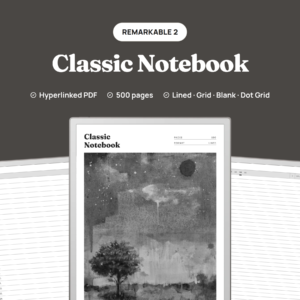
Pick the Classic Notebook for a long general notebook with 100 entries at five pages each and four ruling files in the purchase.
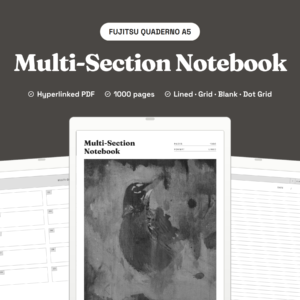
Pick the Multi-Section Notebook when several streams need separation. It divides 1,000 pages into ten named sections with their own indexes.
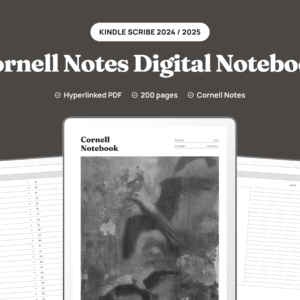
Pick the Cornell Notes Digital Notebook for a cue column, notes block, and summary band on each of its 200 pages.
Pick the Bullet Journal for short logged entries on 200 dot grid pages.
The same Business Meeting Notebook is also cut for Supernote, Kindle Scribe, and Quaderno, each to that screen.
Paper Pro Move is not in this listing. That screen is a different size, and we have not cut a meeting notebook for it yet.
What you get at checkout
One purchase, one PDF for the device you choose, no subscription, no expiry. Re-download when you need to. Fill the 200 meetings, then download a fresh copy and start another book. Old filled files stay untouched.
Frequently asked questions
How many pages is it really?
200 meeting pages. reMarkable 2 and Paper Pure files are 209 pages total (cover and eight index pages). Paper Pro is 208 pages total (cover and seven index pages).
Which reMarkable models does this fit?
The reMarkable 2, the Paper Pure, and the Paper Pro. reMarkable 2 and Paper Pure share the 10.3 inch screen and get the 157 by 210 mm page. Paper Pro is 11.8 inches and gets a 180 by 240 mm page. Choose your model at checkout.
Does it use colour on the Paper Pro?
No. The template is drawn in black and grey. Your own handwriting appears in whatever colour you select on the device.
Is this one PDF or four?
One PDF for the device you pick. This product does not include separate lined, blank, dot grid, or grid files.
What fields are on each meeting page?
Topic, Date, Time, Attendees, and Location, plus lined Notes and an action panel with Task, In Charge, and Due.
Is it dated?
No. You fill Date and Time on each page, and you write the Date column on the index yourself.
Do reMarkable 2 and Paper Pure use the same file?
They share the same page size. Pick the variation that matches the tablet you own so the download label stays clear. Paper Pro is a separate, larger file.
Do I need Wi-Fi or a reMarkable account to use it?
No. You can move the file over with the USB web interface and no cloud at all, and once it is on the tablet it opens offline.