Our puzzle books are hyperlinked PDFs for sudoku, mazes, word search and nonograms, made for writing with your pen. Here’s how to find your way around one.
Finding a puzzle
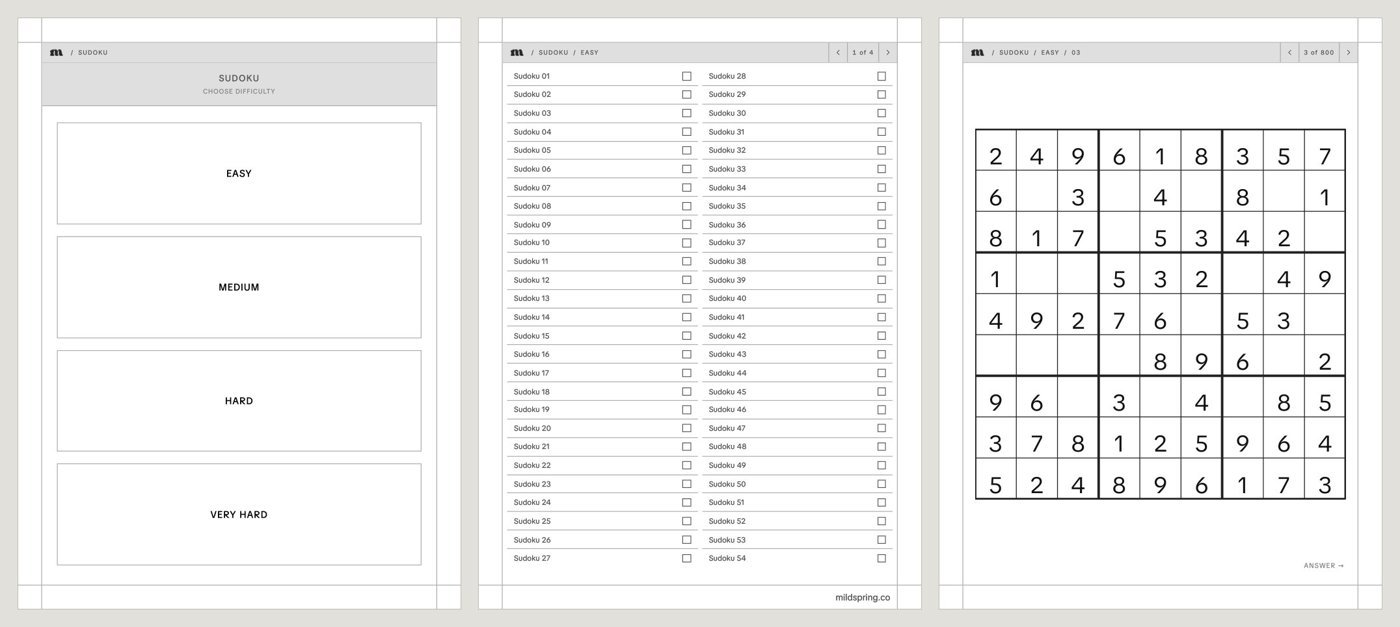
- The cover opens on a contents page. In the mixed Puzzle Book, it has one box per puzzle type.
- Each type opens with a Choose difficulty page with one box per level.
- Each level has a list of its puzzles, with a tick box beside each one so you can mark the ones you’ve finished.
- Tap a puzzle to open it. There’s one puzzle per page, drawn across the width of the screen.
Checking an answer
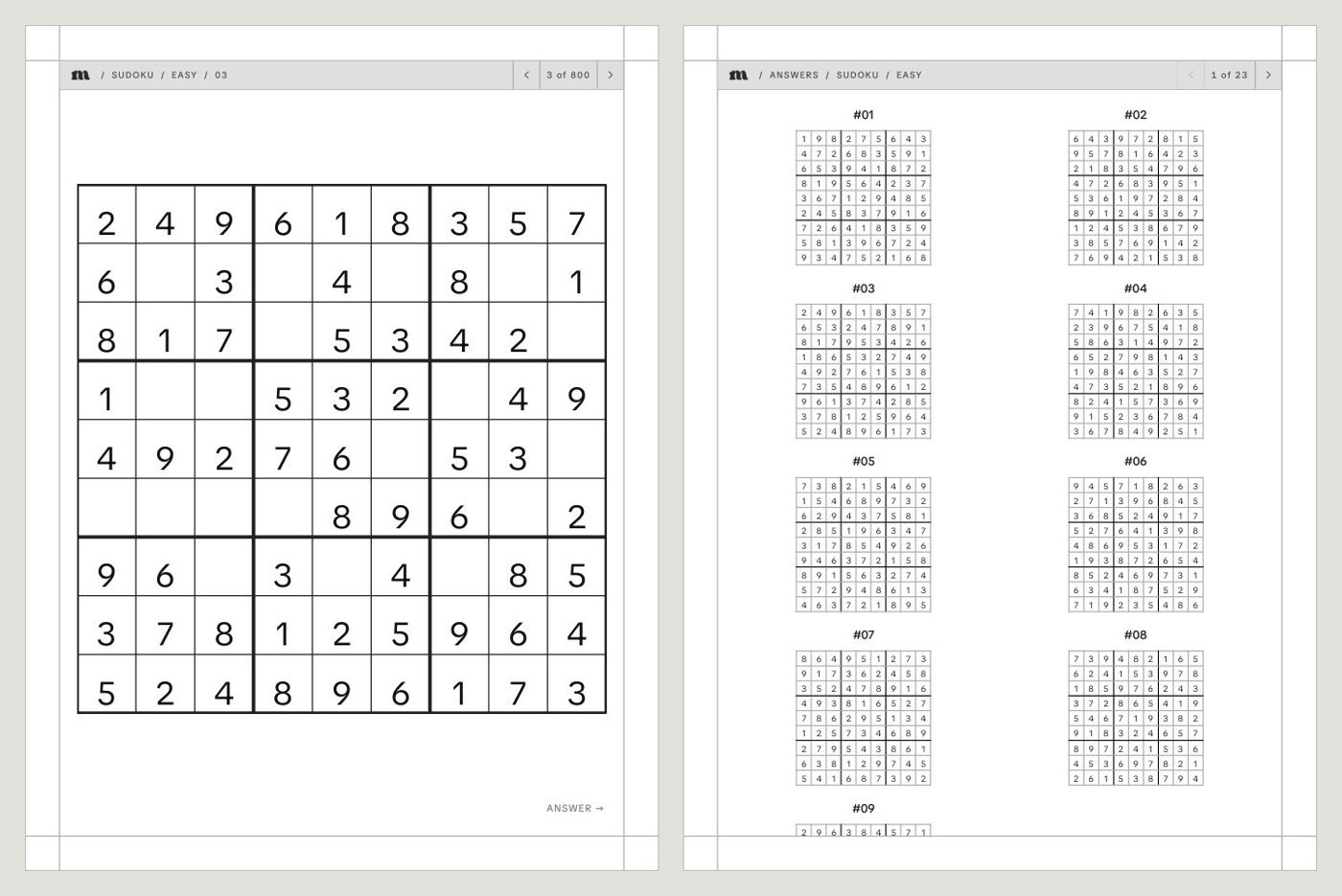
Every puzzle page has a small Answer link that opens the page with its solution, and the number on each answer links back to its puzzle. The answers are at the back of the book, grouped by type and level. We checked every puzzle in our Sudoku Puzzle Books with a solver, and each one has exactly one solution.
How to play
Each puzzle type has a How to play page with the rules. Write digits and pencil marks in sudoku squares, trace mazes with the pen, circle words in a word search, and fill squares in a nonogram. Your tablet’s eraser removes what you’ve written and leaves the printed puzzle as it was.
Try one free
The free Puzzle Sampler has 14 puzzles to try on your own tablet first. The full books are on our Puzzles & Games page.