Margins in our ready-made files
Every ready-made notebook, planner and puzzle book keeps a margin on both the left and the right side of each page, about 8.5 mm on most devices and about 10 mm on the Supernote Manta. It’s there so a side toolbar doesn’t sit on top of your writing, whichever side your tablet puts it on.
Choose the side yourself
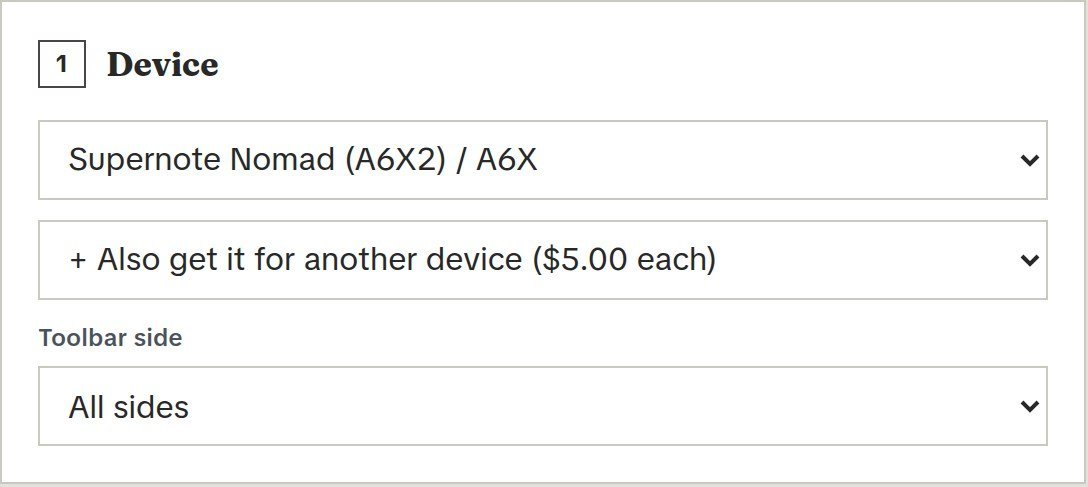
Our custom notebook and custom planner builders have a Toolbar side option. Pick the side your toolbar sits on (left, right, top or bottom) and we keep a margin on that side only and run the page to the edge on the other three, which gives you more room to write. If you’re not sure, pick All sides.
Still in the way?
Contact us with your tablet model and which side the toolbar is on, and we’ll help you find the right file.