Right after checkout
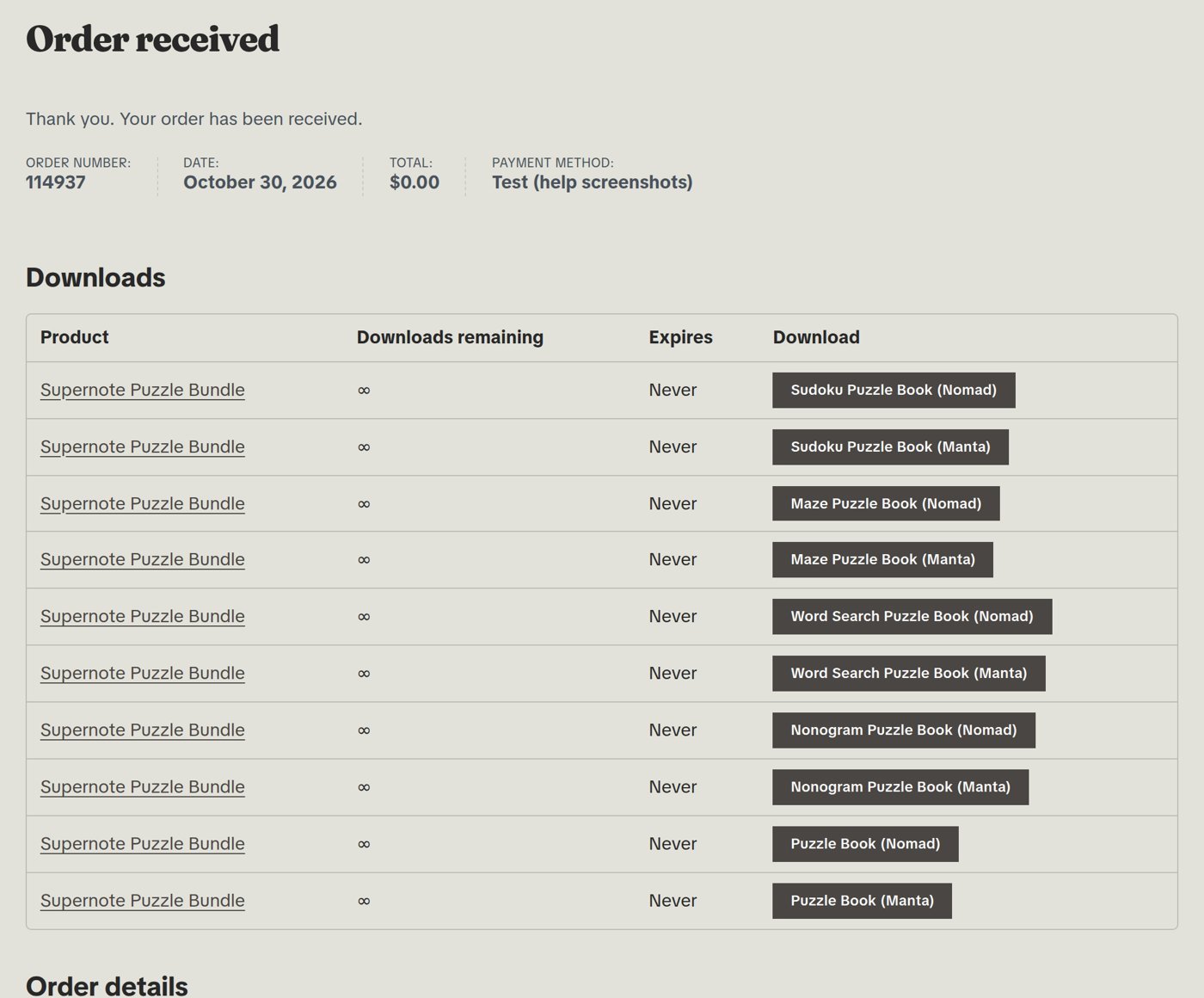
Once your payment goes through, the order page you land on has a Downloads table with a button for each file. Click a button to save that PDF.
In your order email
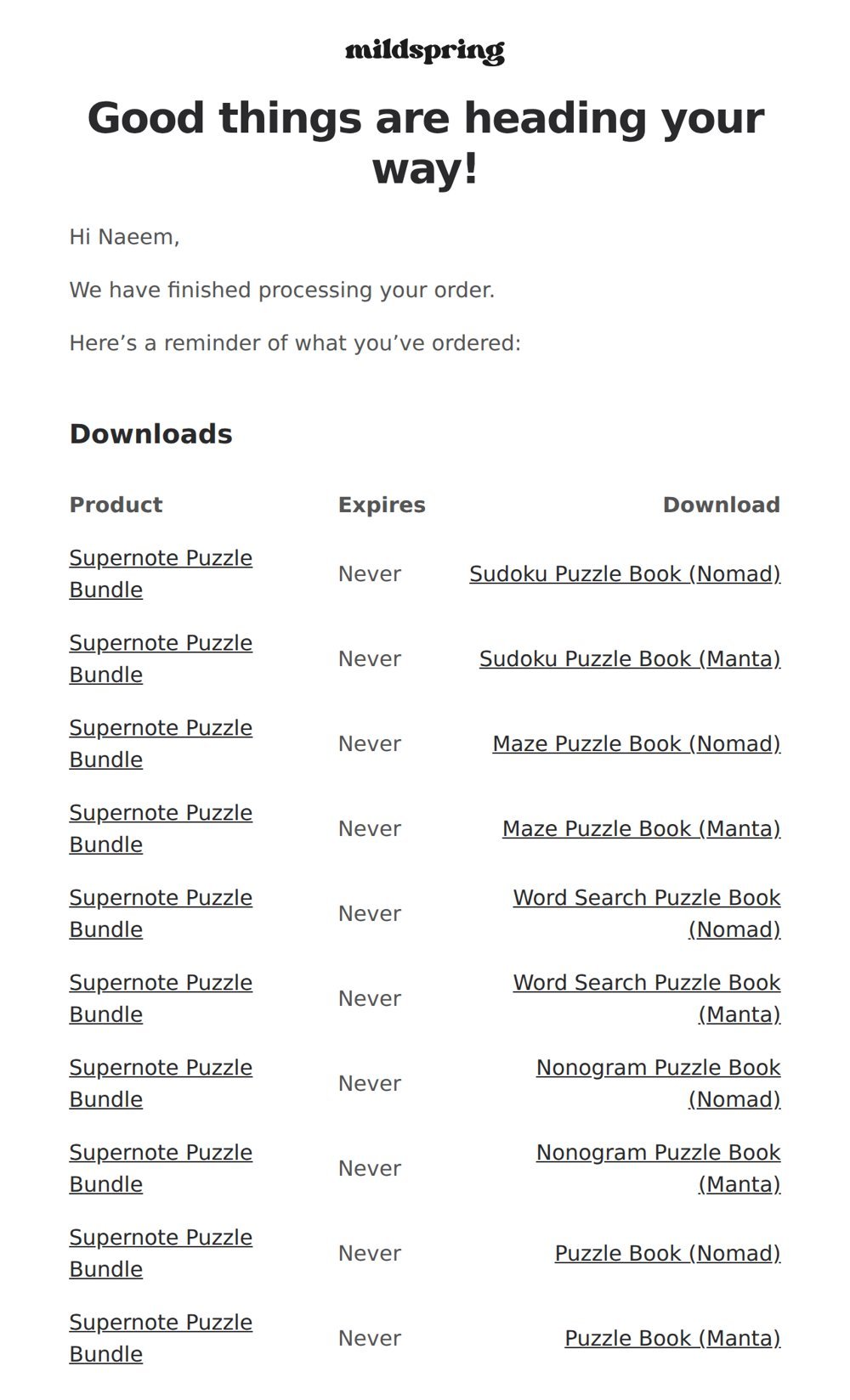
We also email your order to the address you used at checkout, with the same download links. It comes from mildspring (hi@mildspring.co). If you can’t find it, search your inbox for “mildspring” and check your spam or promotions folder.
In your account
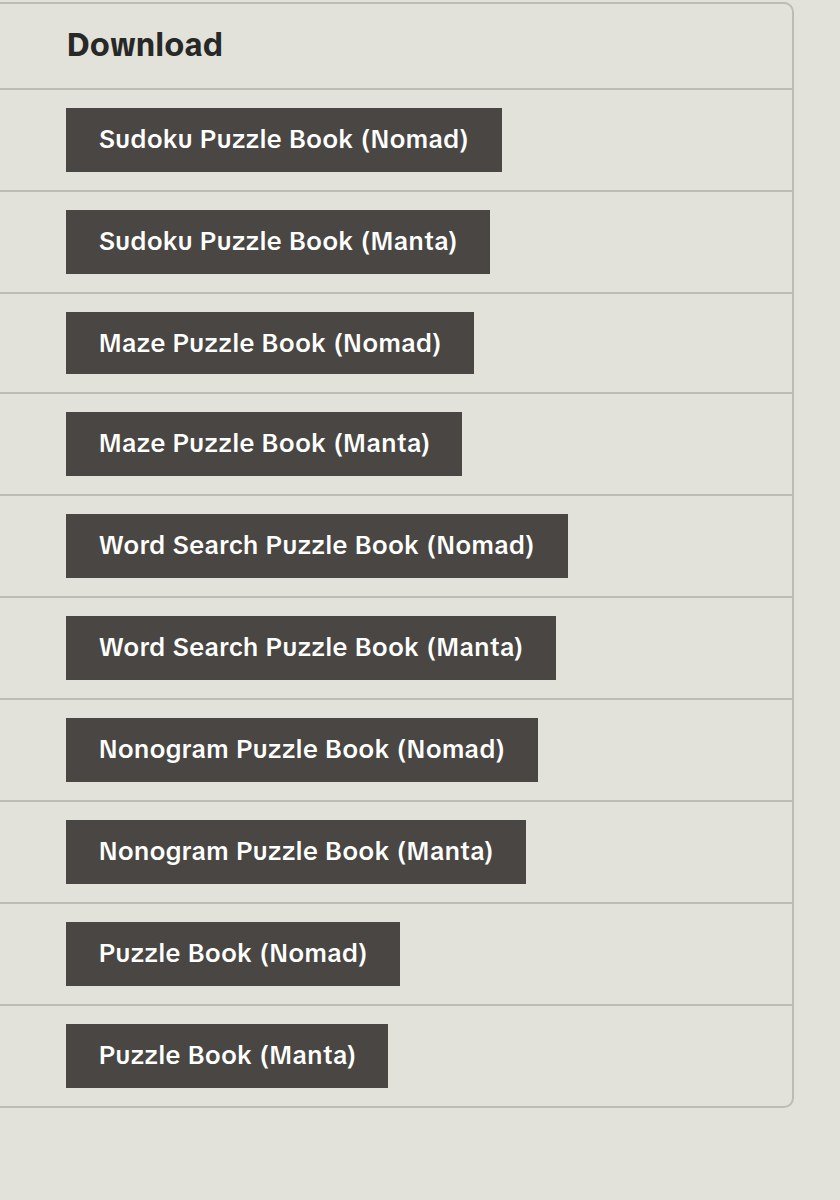
If you have a mildspring account and were logged in when you bought, every file is also listed under My Account, then Downloads. Most orders are guest checkouts, so for most people the order email is the place to look.
Can I download it again?
Yes. Your download links don’t expire and there’s no limit on how many times you can use them, so keep the email and download the file again whenever you need it, for example after a reset or on a new tablet.
Which file do I need?
When you buy a single product, you only get files for the device you picked at checkout. Some products, like the Classic Notebook, come as several files, one per page style. Bundles include a file for every size we make for that brand, and each download is named with its device, for example “10.2 inch” or “Tab Mini C”. Download the ones that match your tablet.
Still can’t find it?
Contact us with the email address you used at checkout and we’ll send your links again.