digital-planner
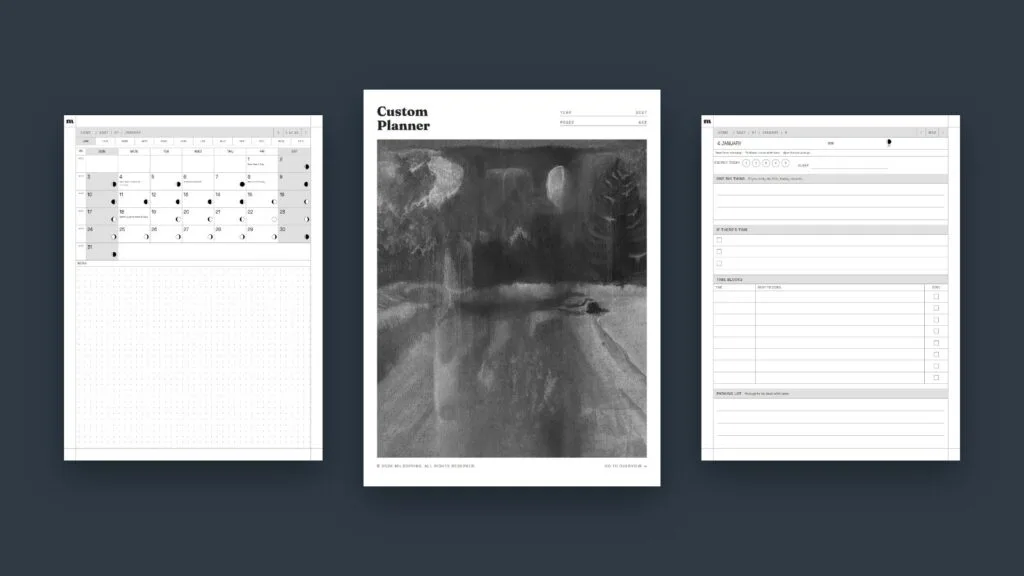
How to Design Your Own Digital Planner for Your E-Ink Tablet
If you want to design your own planner for an e-ink tablet, the trick is to decide what you'll actually use before you think about how it looks. Pick how long it should run, which pages you'll open every day, and which dates should already be filled in. Then build it as a hyperlinked PDF […]
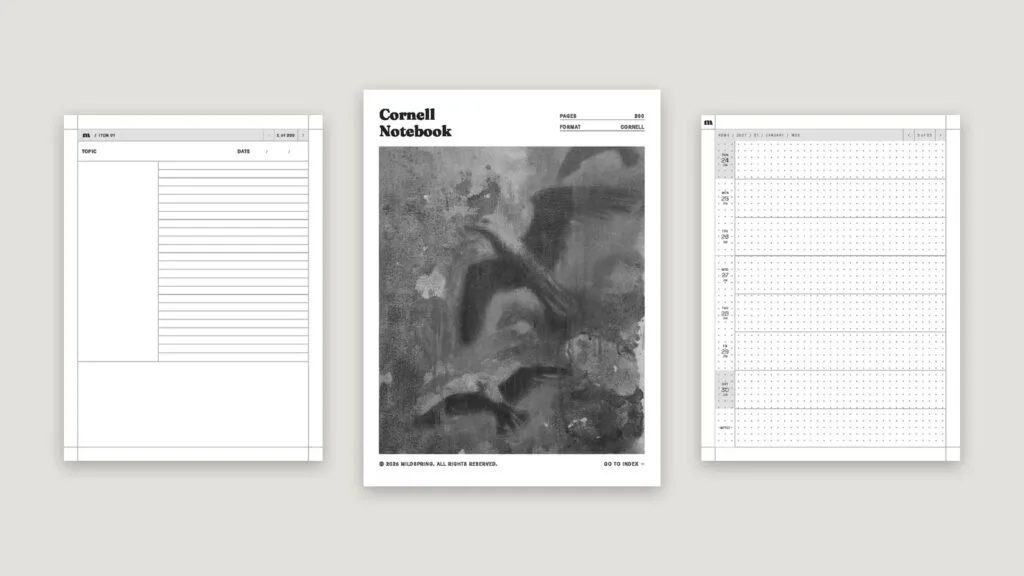
Kindle Scribe Templates: How to Add, Write On and Choose Them
Kindle Scribe templates come in two kinds. There are the page styles built into the Scribe's own notebooks, like lined, blank and grid pages, and there are PDF templates, such as planners, journals and notebooks, that you send to the Scribe and write on with the pen. The built-in ones are fine for quick notes. […]
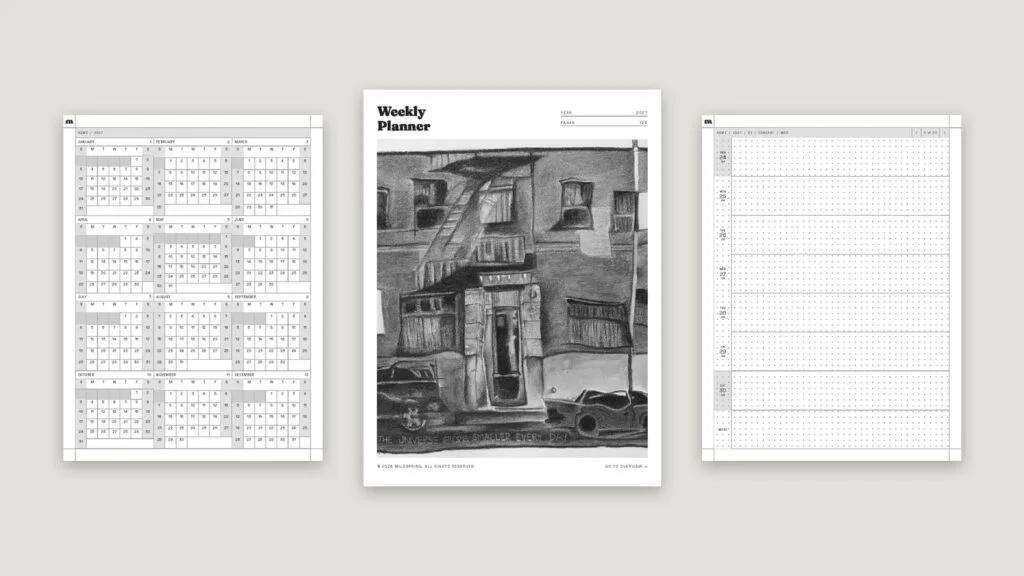
How to Use PDFs on reMarkable: Import, Read and Write on Them
Getting a reMarkable PDF onto your tablet takes about a minute, and there are four ways to do it: the web app at my.remarkable.com, the desktop app, the mobile app, or a cloud service like Google Drive. Once it's there, you can read it, write on any page with the Marker, and tap its links […]
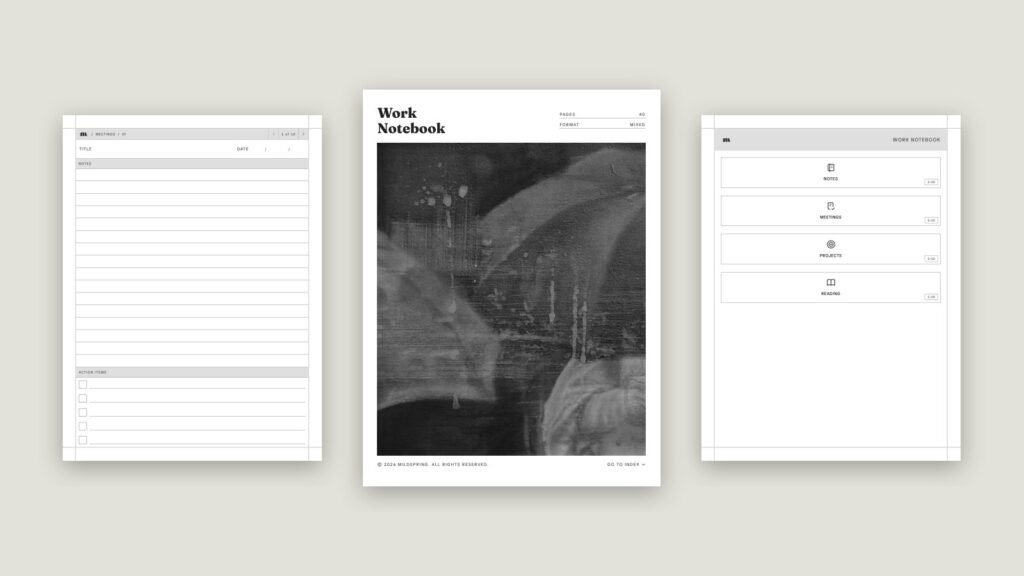
Kindle Scribe PDF Links Not Working? How to Fix Them
Kindle Scribe PDF links not working? Most of the time it's how the file was sent. Here's how to send, tap and update so index and page links jump again.
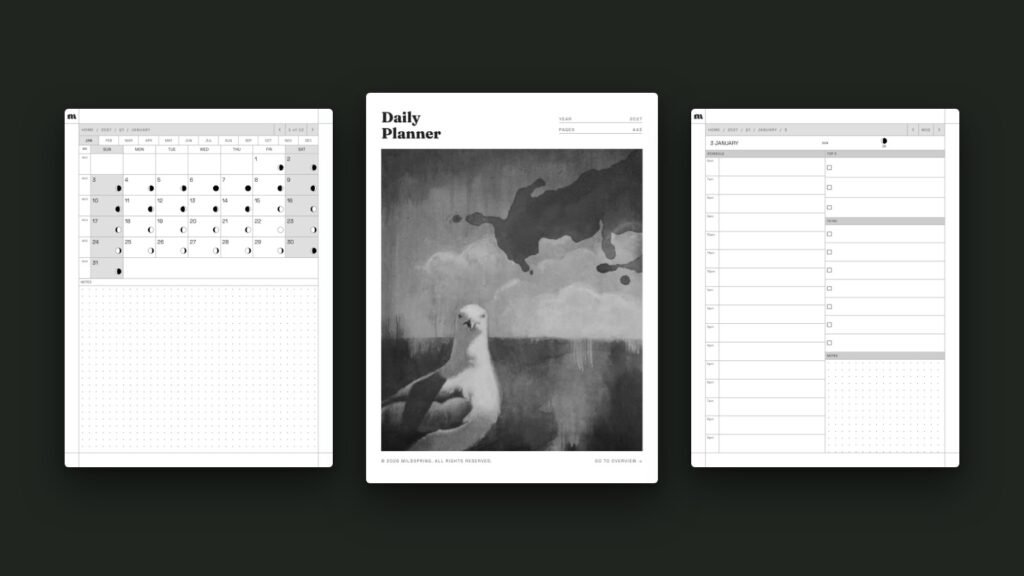
How to Use a Hyperlinked PDF Planner on reMarkable
A hyperlinked reMarkable planner is a PDF where the dates, tabs and headers are tappable links, so you can jump from the year to a month, a week or a single day without flicking through hundreds of pages. reMarkable has supported links inside PDFs since software version 2.6 in March 2021, so on any reMarkable […]