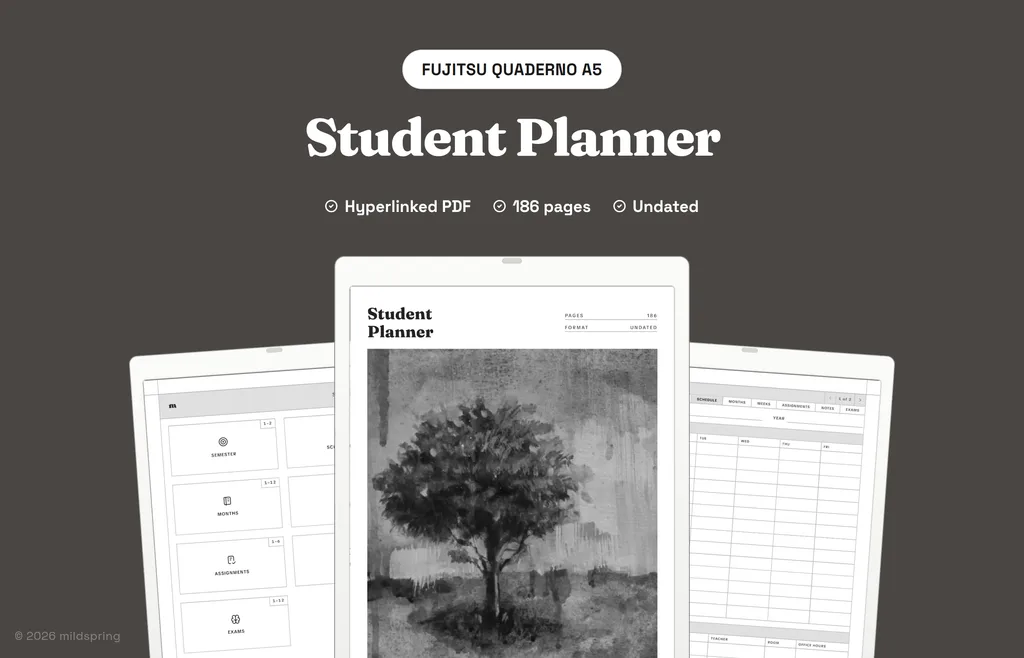
Student Planner for Fujitsu Quaderno
$9
- Instant download
- Lifetime access
- Works offline
Also available for






The Student Planner for Fujitsu Quaderno is an undated academic planner for a school year or a college semester. It keeps your class schedule, assignments, lecture notes and exam prep in one hyperlinked PDF, so next week’s deadlines and last Tuesday’s lecture are a tap apart.
A row of tabs runs along the top of every page: Overview, Semester, Schedule, Months, Weeks, Assignments, Notes and Exams. Tap one to jump there. Each part opens on its own index, so lecture 37 or week 12 is two taps away.
The cover is a close-up of Rabia’s Lone tree painting. She paints the art for every mildspring cover.
What is inside the student planner
- Semester, 2 pages. Term and year, your courses with teacher, room, class times and exam date, and a list of key dates.
- Schedule, 2 pages. A Monday to Friday timetable and a list of your classes with teacher, room and office hours.
- Months, 12 pages. Undated month grids. Write in the month and the dates.
- Weeks, 52 pages. Monday to Sunday columns with hours from 7am to 9pm.
- Assignments, 6 pages. Due date, course, assignment, grade and a box to tick when it’s done.
- Notes, 100 pages. Cornell layout with a cue column, a notes area and a summary box at the bottom.
- Exams, 12 pages. One page per exam, with topics to mark Not yet, Almost or Ready, and space for questions to ask.
That’s 186 pages to write on, plus the cover and an index for each part.
How it works
Nothing is dated, so it works for any school year, semester or quarter. Start in August, January or the week you buy it, and fill in the dates as the term runs. The breadcrumb at the top of each page takes you back up, and the PDF bookmarks open each part from your tablet’s table of contents.
Send it over Wi-Fi with Fujitsu’s QUADERNO PC App, open it on the Quaderno, and write on any page. Our step-by-step guide covers each route.
If you take a lot of notes, our Cornell Notes Digital Notebook for Fujitsu Quaderno has many more pages in the same layout. For study routines, the Habit Tracker for Fujitsu Quaderno sits well beside it.
Made for these devices
It fits the Fujitsu Quaderno A5. Every version has the same pages and links, sized for its screen, and you get the one that matches the device you pick at checkout.
Frequently asked questions
Is the planner dated?
No. It’s undated, so it works for any school year, semester or quarter. You write the month and the dates in yourself.
Does it work for college as well as high school?
Yes. The semester and schedule pages fit high school terms and college semesters alike, and the assignment pages have a grade column.
How do the links work?
Tap a tab, an index line or the breadcrumb at the top of a page, and the PDF jumps to that page. Pages you add yourself won’t have links, so write on the pages already in the file.
Which Quaderno models does it fit?
Fujitsu Quaderno A5. The file is sized for its screen.
How do I get the file?
After checkout you can download it from your order confirmation page, your order email or My downloads. All our sales are final; if a file is faulty or you received the wrong one, email us within 7 days and we’ll put it right.
Delivery and refunds
Delivery
Instant download after checkout. Add the PDF to your device with its companion app or cloud sync. Need help? See our step-by-step guides.
Refunds
Since these are digital files, we can't offer refunds after download. If something is wrong with your file, get in touch and we'll make it right.
More templates like this
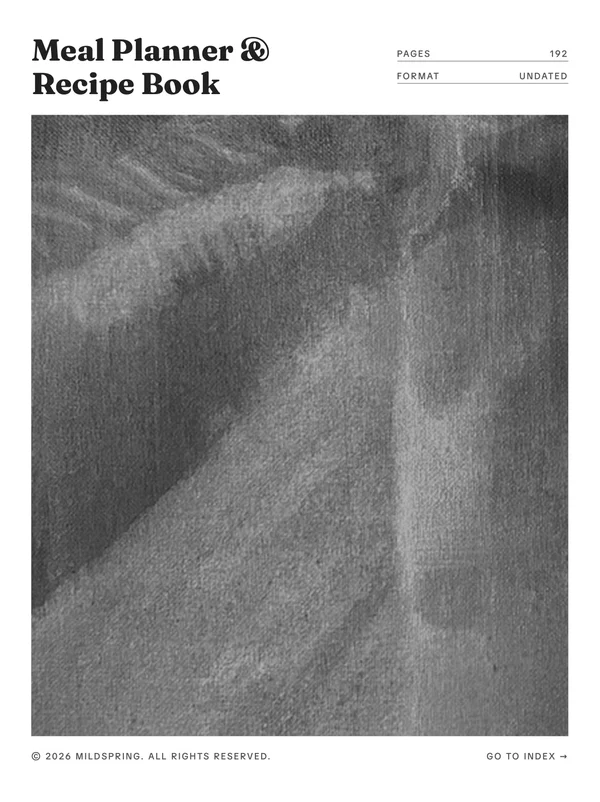


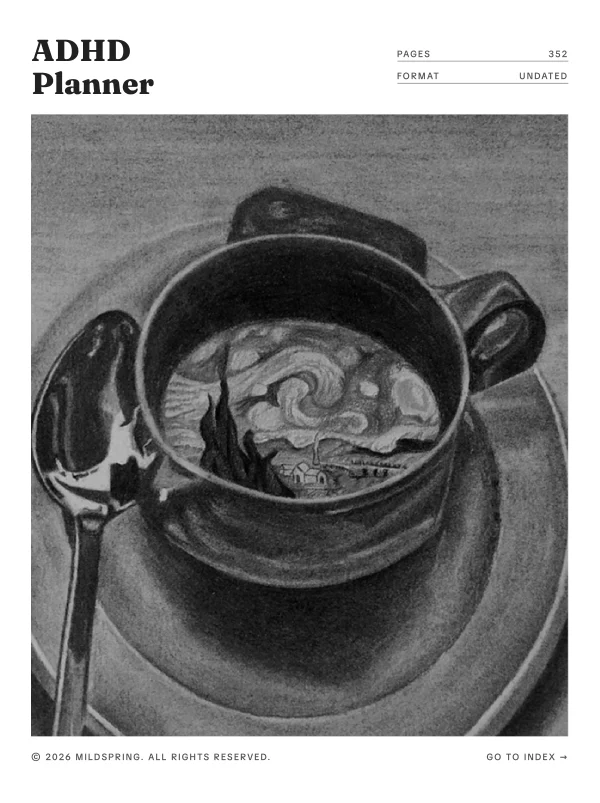
Get every file we make for your Quaderno
26 products in one purchase, $281 if you bought them one by one.
- 8 notebooks and journals
- 10 planners
- 8 puzzle books
- Every product we add later, at no extra cost
$69 $99 one-time
Launch price until 29 December, then $99.
Get the Everything BundleInstant download. Yours to keep, no subscription.