Bullet Journal for BOOX
$9
One-time purchase, lifetime access.
Save with the bundle Get this and 4 more for $35 The BOOX Templates Bundle has all 5 notebooks in one purchase. $52 bought separately. See the bundle →Want different sections or page styles? Customize this journal
Also available for
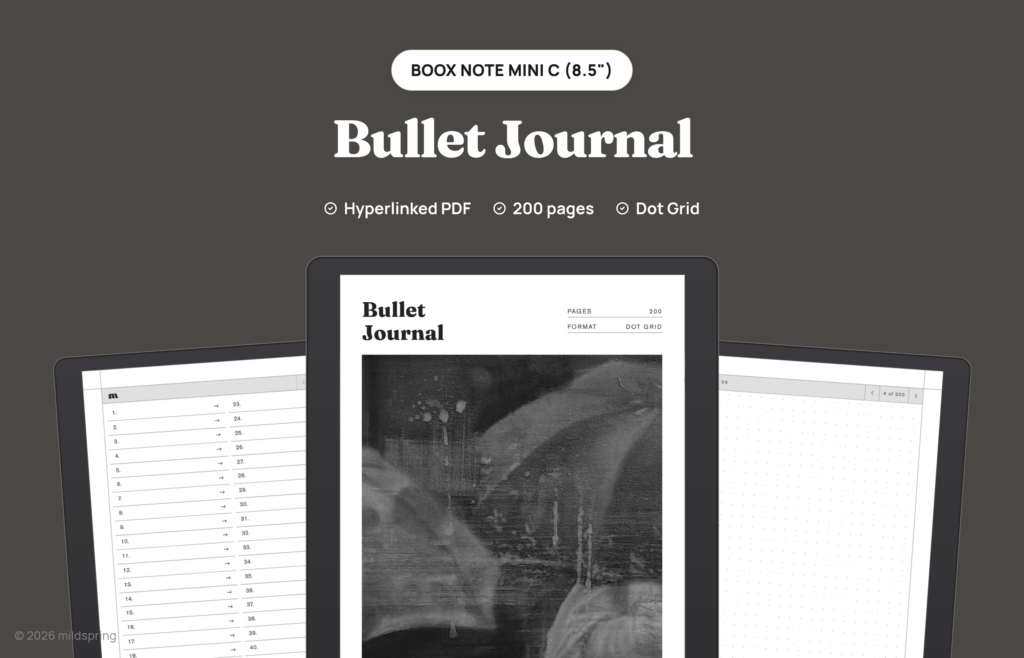
A hyperlinked PDF bullet journal for the BOOX Note Mini C with 200 dot grid pages and a linked index. Undated, so you build your own logs, spreads and collections.
The Bullet Journal for BOOX is a quiet, undated dot grid notebook with navigation built in. Write your future log, monthly logs, daily logs and collections, list them in the index, and tap any entry to jump straight to its page.
What is inside
- 200 undated dot grid pages.
- A linked index that points at every page.
- A one-tap way back to the index from every page.
That comes to 206 pages in one file.
How it works
It’s one PDF. Copy it to your BOOX over USB, or send it from your computer with BOOX’s BooxDrop transfer, then open it in the built-in reader and write on any page with the stylus. The links are standard PDF links, so tapping them works in the reader without an extra app.
Sized for the BOOX Note Mini C
This file is drawn for the BOOX Note Mini C. The page is 130 by 173.4 millimetres, which is its 1536 by 2048 pixel screen at 300 ppi, so the page fills the screen at native size instead of shrinking inside a border. Other BOOX tablets have different screens and need a different file; our custom notebook and custom planner builders cover the Note Air, Go 7.8 and Tab Ultra sizes.
Frequently asked questions
Which BOOX is it for?
The BOOX Note Mini C, with its 8.5 inch screen. The page is 130 by 173.4 mm to match that screen. Other BOOX models need a different file.
Is it dated?
No. There are no printed months, so you can start any day and draw your own spreads.
How do I get the file?
After checkout you can download it from your order confirmation page, your order email or the Downloads tab in My Account.