For the reMarkable Paper Pro Move
reMarkable Paper Pro Move Templates
Hyperlinked PDF notebooks, planners and puzzle books made for the reMarkable Paper Pro Move's 7.3" screen. Every page is drawn at the Move's own tall, narrow size, so it fills the screen and every link is one tap.

Templates for your Paper Pro Move
Each link opens the product with the Paper Pro Move version already picked.
2027 Daily Planner
$14
2027 Monthly Planner & Calendar
$9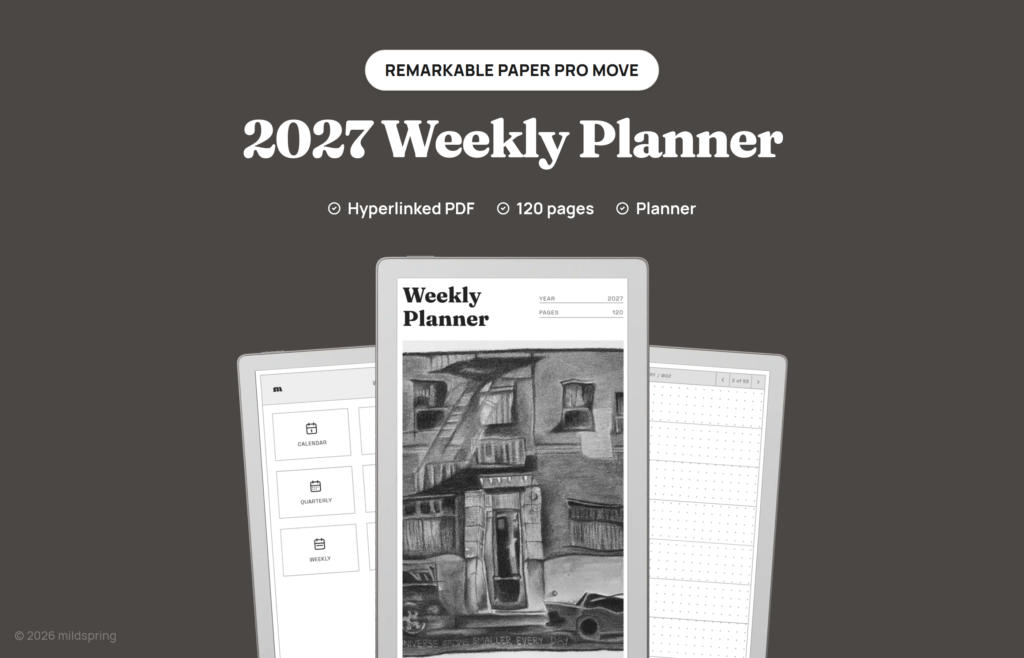
2027 Weekly Planner
$12
2027-2028 Weekly Planner
$18
A to Z Index Book
$14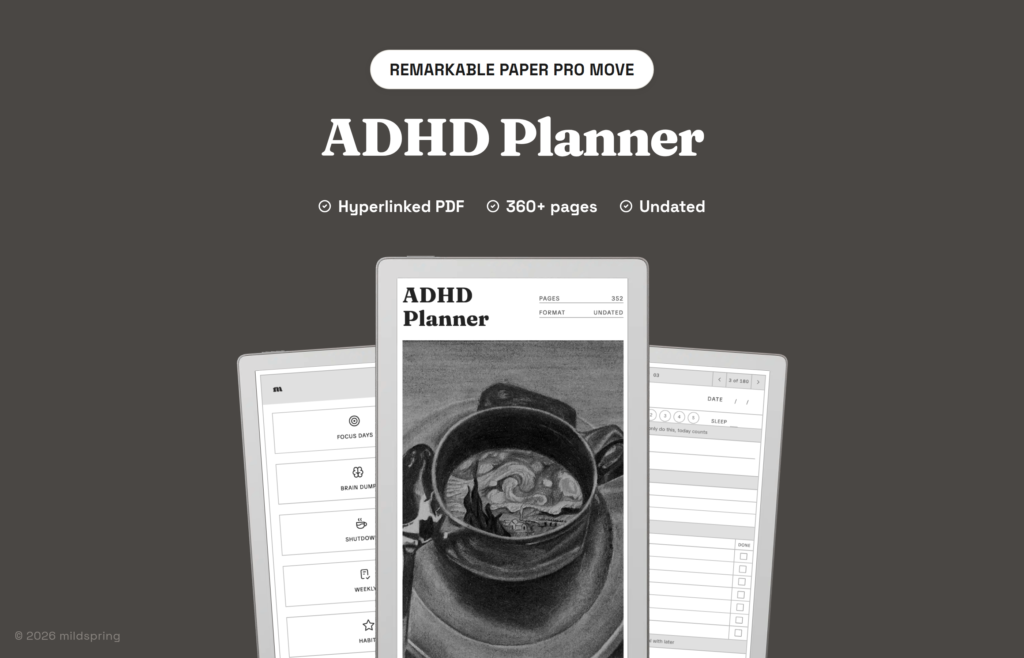
ADHD Planner
$14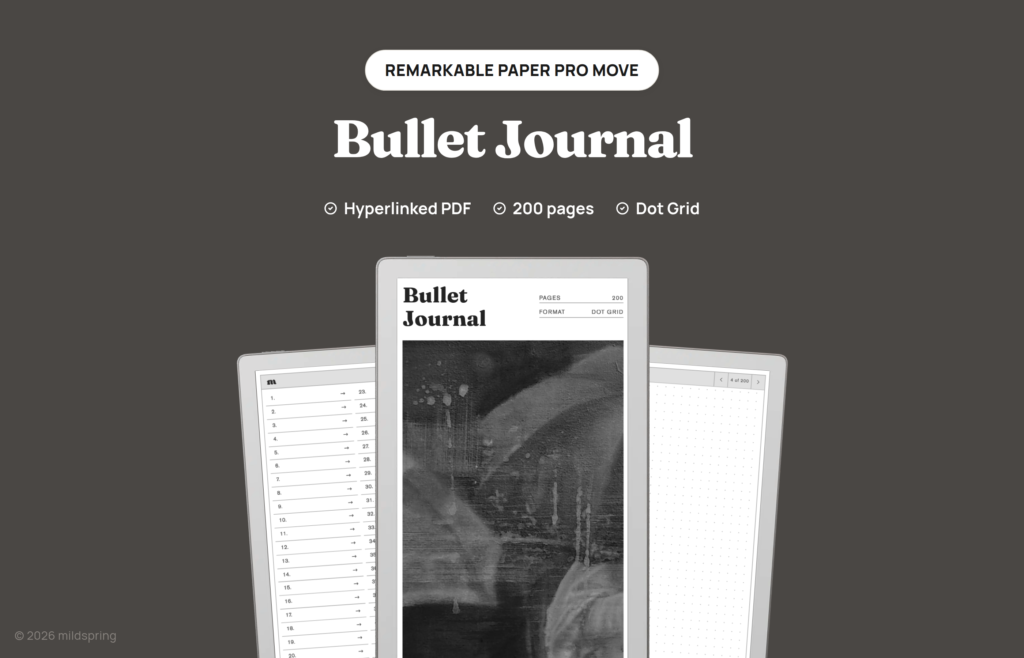
Bullet Journal
$9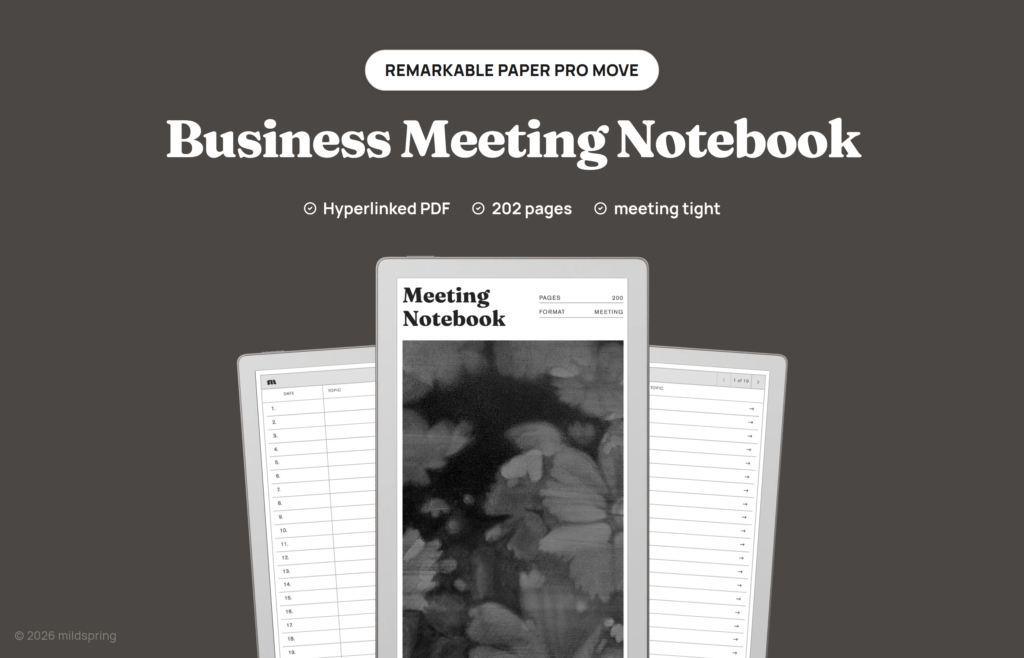
Business Meeting Notebook
$9
Classic Notebook
$11
Cornell Notes Digital Notebook
$9
Crossword Puzzle Book
$9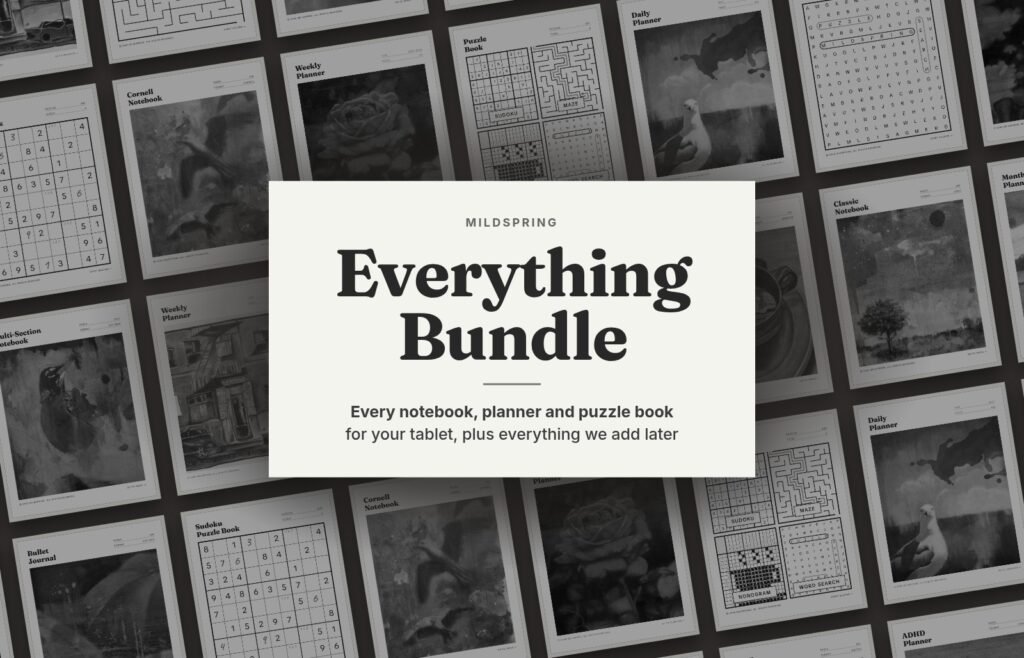
Everything Bundle
$69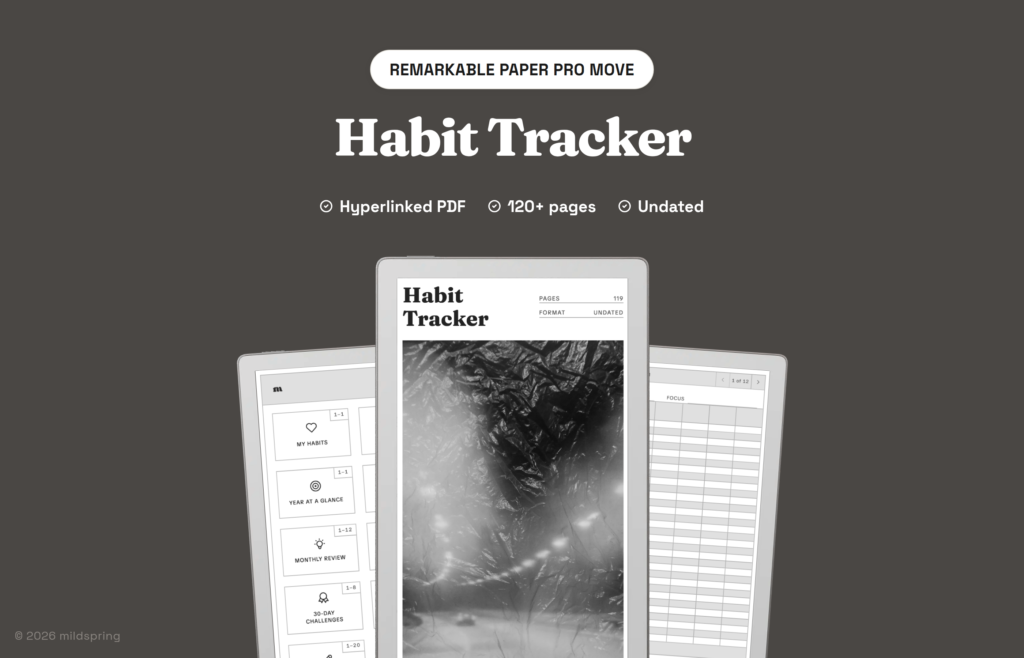
Habit Tracker
$12
Maze Puzzle Book
$9
Multi-Section Notebook
$14
Nonogram Puzzle Book
$9
Puzzle Book
$7
Reading Journal
$9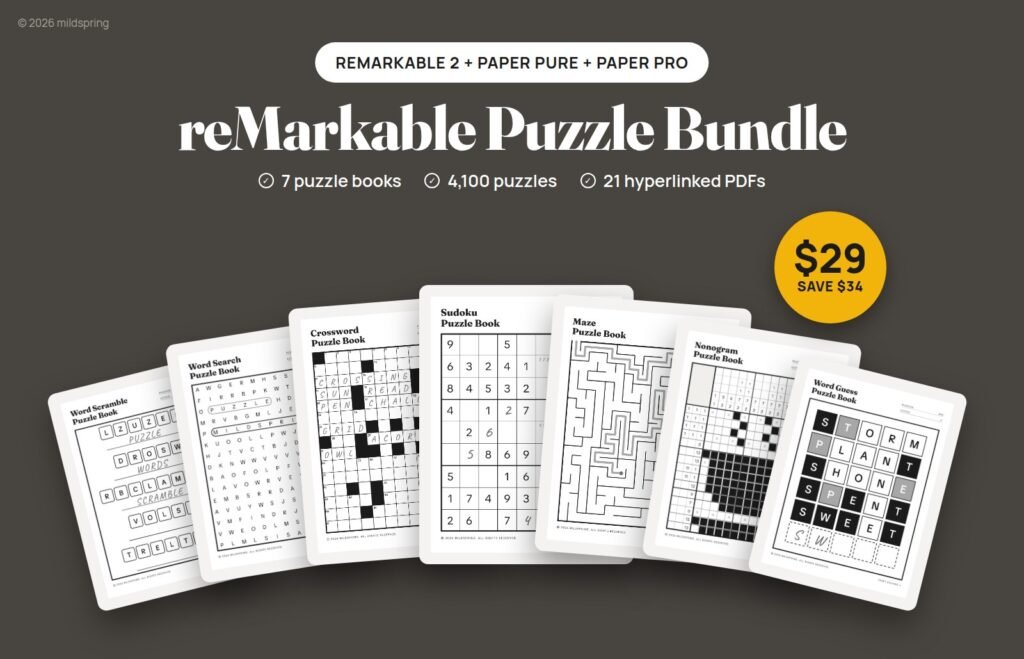
reMarkable Puzzle Bundle
$29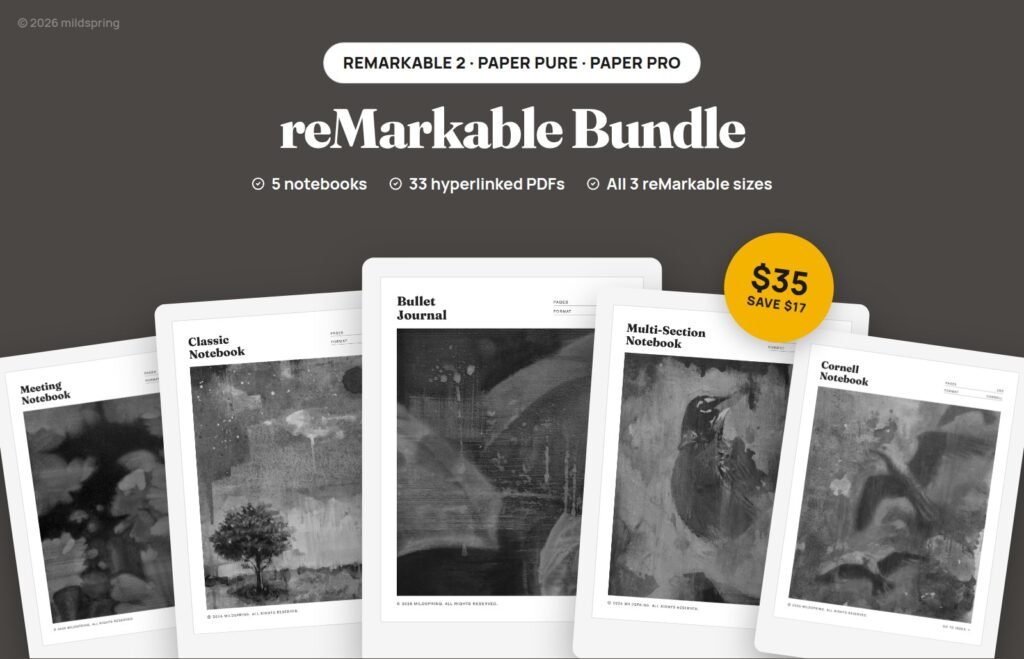
reMarkable Templates Bundle
$35
Sudoku Puzzle Book
$9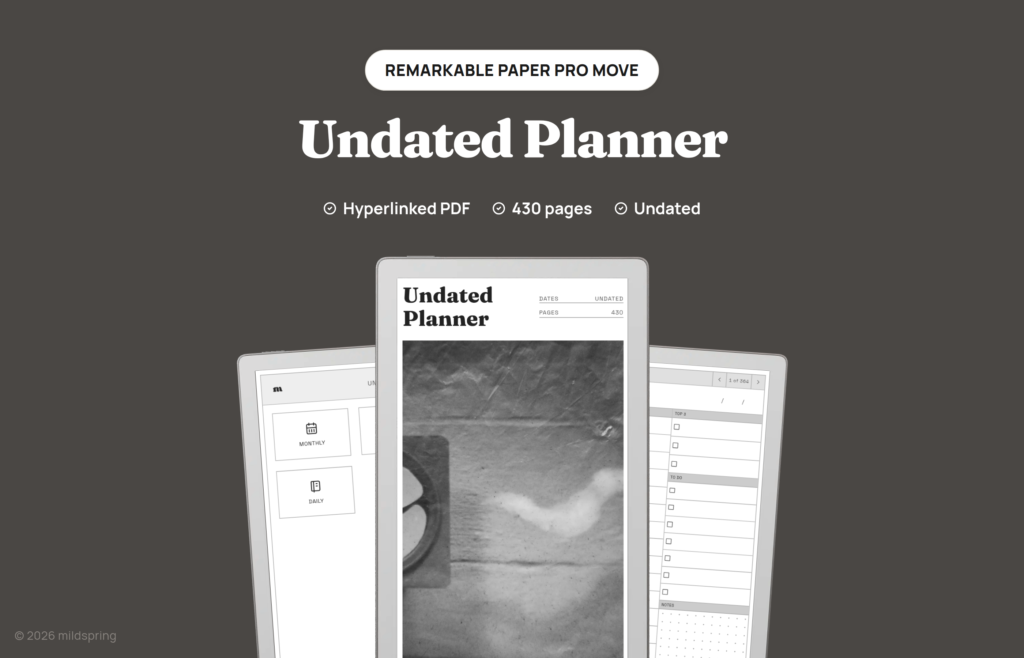
Undated Planner
$12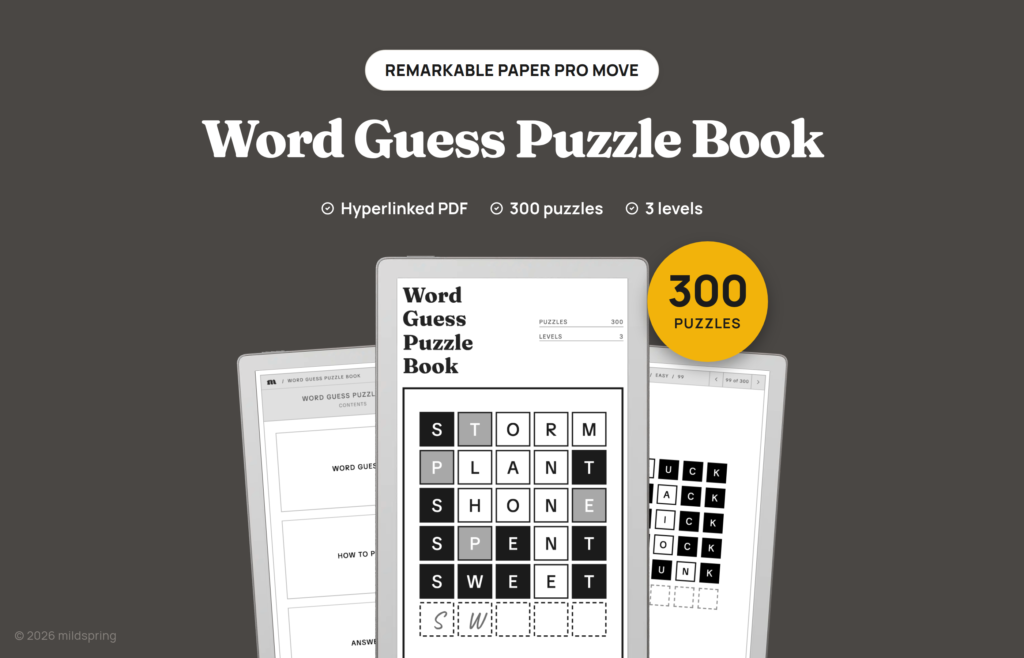
Word Guess Puzzle Book
$9
Word Scramble Puzzle Book
$9
Word Search Puzzle Book
$9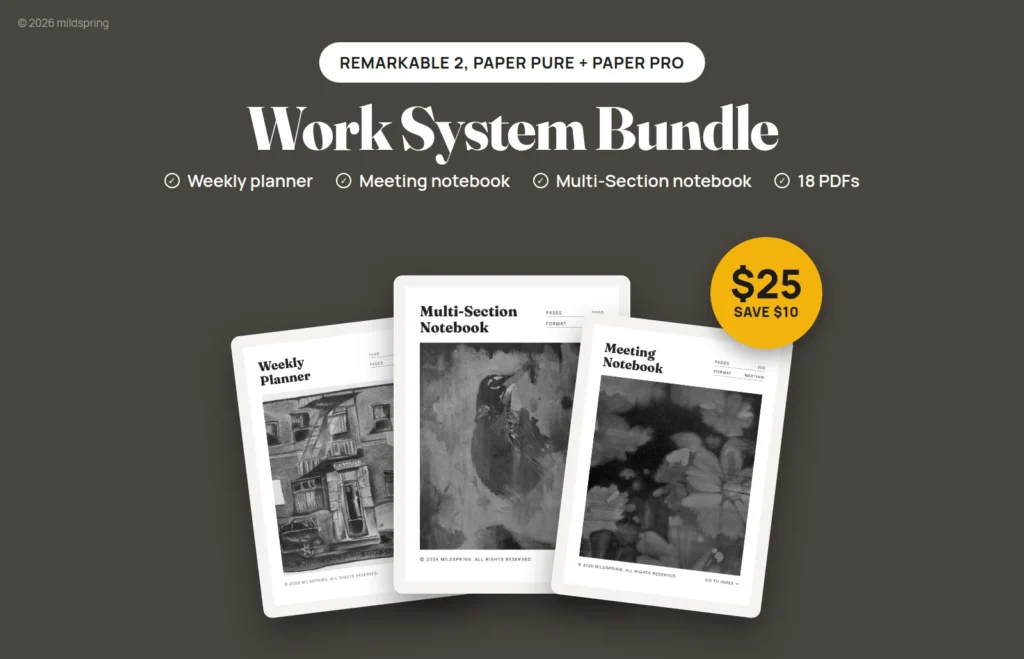
Work System Bundle
$25A tall, narrow page, drawn for the Move
The reMarkable Paper Pro Move has a 7.3-inch colour screen in a 16:9 shape, 1696 by 954 pixels at 264 pixels per inch (reMarkable’s specs). That’s a much taller, narrower page than the reMarkable 2, Paper Pure or Paper Pro, which all use a 4:3 shape. We draw every Move file at 91.8 × 163.2 mm, the Move’s own size.
Why not use a Paper Pro or reMarkable 2 file?
It will open, but it won’t fit. A 4:3 page has to shrink until it fits the Move’s width. A reMarkable 2 file comes out at 58% of its designed size (91.8 ÷ 157), with about 40 mm of empty screen left over, and a Paper Pro file comes out at 51%. Every line, box and link shrinks with it. A file drawn for the Move fills the screen and shows everything at the size we designed it.
Fills the tall screen
The page is the Move’s own 16:9 shape, so there’s no empty band and nothing to zoom.
Links at their real size
The page isn’t shrunk to fit, so index links, month tabs and back buttons come out at the size we drew them for a fingertip.
Edge to edge
We drew the pages for the full screen with the toolbar hidden, with a thin, even margin and a light border around the page.
What we changed for the small screen
Same products, same pages and the same links as on the other reMarkable models. A few layouts needed a rethink to fit 7.3 inches:
- Index pages hold fewer rows, so a Move file has a few more of them.
- The Cornell notebook keeps a 30 mm cue column next to 6 mm lines.
- The Habit Tracker’s month and year pages are turned sideways: days run down the page and six habits run across.
- Puzzle answer pages hold fewer solutions each, and nonogram grids are drawn smaller so the hardest ones still fit the width.
Black and white pages, your colour on top
Like the Paper Pro, the Move has a colour screen (Canvas Color, based on E Ink Gallery 3). Our pages are black, white and grey on purpose, so the page stays quiet and the colour on it is yours.
Where to start on a Paper Pro Move
2027 Weekly Planner
A week to a page, linked to its month and quarter. The tall screen gives each day its own row.
Cornell Notes Digital Notebook
Cue column, notes and a summary band on every page, with an index to find any note again.
Sudoku Puzzle Book
800 puzzles in four levels, with the answer linked from every puzzle. A good fit for a pocket-size tablet.
Put a template on your Paper Pro Move
About two minutes, and you don’t need a subscription. Full guide with pictures
- Buy the template, choose Paper Pro Move on the product page, and download the PDF from your account.
- Add it with reMarkable’s desktop or phone app, or at my.remarkable.com.
- Open it on the Move, hide the toolbar, and tap the index to jump to any page.
Which reMarkable do you have?
Same products, a different file for each model.
| Model | Screen | Our page size | |
|---|---|---|---|
| reMarkable Paper Pro | 11.8", colour | 180 × 240 mm | Paper Pro templates |
| reMarkable 2 | 10.3", black and white | 157 × 210 mm | reMarkable 2 templates |
| reMarkable Paper Pure | 10.3", black and white | 157 × 210 mm | Paper Pure templates |
| reMarkable Paper Pro Move | 7.3", colour | 91.8 × 163.2 mm | This page |
Questions
Are these the same templates as the Paper Pro ones?
Yes, the same products with the same pages and links. The Move file is drawn at the Move's own 91.8 × 163.2 mm size, and a few layouts are rearranged to fit the narrow screen.
Do I need to hide the toolbar?
We drew the pages to use the whole screen, so they look best with the toolbar hidden. You can still use every link and write anywhere on the page either way.
Will the pages show in colour on my Paper Pro Move?
Our pages are black, white and grey. Anything you write or highlight can be in colour, using the Move's own colour palette.
Will these work on a Paper Pro, reMarkable 2 or Paper Pure?
Pick that model's version on the product page. Those tablets have a bigger 4:3 screen, so we draw their files at a different size. See our Paper Pro, reMarkable 2 and Paper Pure pages.
Do I need a reMarkable Connect subscription?
No. You can add a PDF with reMarkable's free desktop or phone app, or at my.remarkable.com, without Connect (reMarkable's help page).
Can I write on the pages and still use the links?
Yes. Your writing sits on top of the PDF, and the links stay tappable.
Is there a way to get everything at once?
Yes. The Everything Bundle has every product for the tablet you pick, the Paper Pro Move included, plus everything we add later.