
Habit Tracker for reMarkable
$12
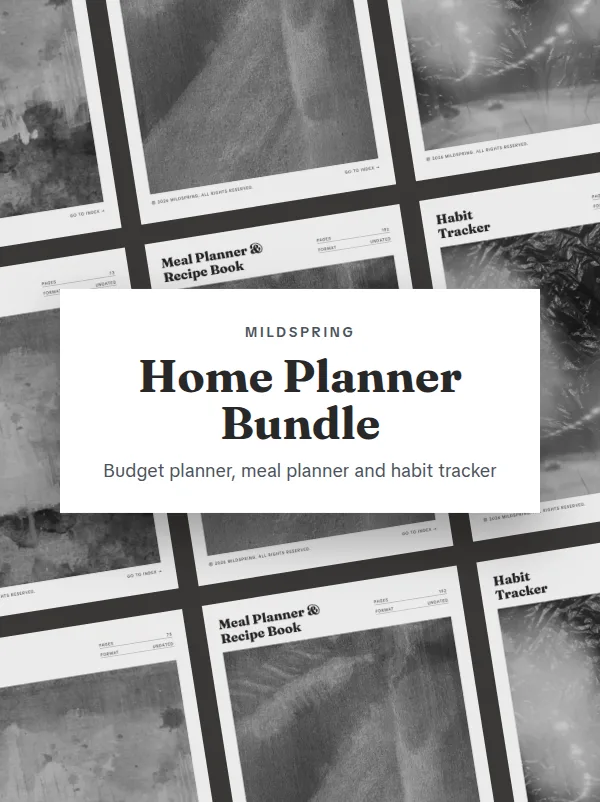 Save with the bundleGet it in the Home Planner BundleThis product plus the Meal Planner & Recipe Book and the Budget Planner for reMarkable.$24
- Instant download
- Lifetime access
- Works offline
Also available for






About this product
A digital habit tracker for reMarkable: a monthly habit tracker, a yearly overview, weekly check-ins and 30-day challenges in one undated habit tracker PDF of about 120 pages.
The Habit Tracker for reMarkable puts a whole year of habits in one undated, hyperlinked PDF: plan each habit, tick it off every day, then look back each week and month to see what’s sticking. It’s a reMarkable habit tracker with a monthly grid, a yearly overview and weekly check-ins, so you don’t need a separate template for each part of the year.
Write with the Marker on any page. On a Paper Pro, the 11.8 inch page gives the 31-day grids a little more room per box.
What is inside the reMarkable habit tracker
- My habits. List up to 12 habits and why each one matters to you.
- 12 habit plans. A page per habit for the cue, the smallest version, the reward and your plan for when it gets hard.
- Year at a glance. Every habit across all 12 months on one page. On the Move it turns sideways, with six habits across.
- 12 monthly trackers, January to December. Each is 12 habits by 31 days (six habits on the Move), with space for how the month went.
- 12 monthly reviews. Rate the month, then note what worked, what got in the way, and what to keep, change or drop.
- 52 weekly check-ins for rating the week and planning the next one.
- 30-day challenges: 48 of them over 8 pages, each with 30 boxes to tick.
- Year in pixels, a mood tracker with a square for every day of the year.
- 20 lined pages for habit notes.
That’s about 120 pages, with a contents page, an index for each section and a breadcrumb on every page.
How it works
Tap a section on the contents page. The monthly pages are listed by name, so June is one tap away, and the breadcrumb at the top of each page takes you back. reMarkable has followed links inside PDFs since software version 2.6 on the tablet, so if a tap does nothing, check your version in Settings. The file also has bookmarks for each section in the navigation panel.
Every route sends the PDF to your reMarkable account, and the tablet syncs it over Wi-Fi. Use Import in the desktop app, Import with reMarkable from your phone’s share menu, or drag the file into my.remarkable.com, which takes files up to 100 MB. You don’t need a Connect subscription. Our reMarkable PDF guide has every step.
No year or weekdays are printed, so you can start in any month of any year. If you also want to log books, the Reading Journal for reMarkable works the same way.
Sized for four reMarkable models
Pick your tablet at checkout. The reMarkable 2 and Paper Pure share a 10.3 inch, 4:3 screen, and the Paper Pro has its own larger page. Those three keep 12 habits across every grid.
The Paper Pro Move has a 7.3 inch screen in a tall 16:9 shape, and 31 tiny columns don’t fit it. So on the Move, the monthly trackers and the year at a glance turn sideways: days (or months) run down the page and six habits run across. We assume you’ll hide the Move’s toolbar, so each page uses the whole screen with a thin, even margin. See our Paper Pro Move templates page for what we changed.
Frequently asked questions
Is it dated?
No. Months are named January to December, but no year or weekdays are printed, so you can start whenever you like.
Which reMarkable models does it fit?
reMarkable 2, Paper Pure, Paper Pro and Paper Pro Move. Pick yours from the Device menu and the file is sized for that screen.
Why does the Move version track six habits instead of 12?
Twelve habits by 31 days won’t fit a 7.3 inch screen at a size you can write in, so we turned those pages sideways with six habits across.
Can I use reMarkable’s built-in templates instead?
They’re single page designs, so they don’t give you a linked index or a year already split into months. This file has all of that drawn in.
How do I get the file?
After checkout you can download it from your order confirmation page, your order email or My downloads. All our sales are final; if a file is faulty or you received the wrong one, email us within 7 days and we’ll put it right.
Delivery and refunds
Delivery
Instant download after checkout. Add the PDF to your device with its companion app or cloud sync. Need help? See our step-by-step guides.
Refunds
Since these are digital files, we can't offer refunds after download. If something is wrong with your file, get in touch and we'll make it right.
More templates like this


Get every file we make for your reMarkable
27 products in one purchase, $295 if you bought them one by one.
- 8 notebooks and journals
- 11 planners
- 8 puzzle books
- Every product we add later, at no extra cost
$69 $99 one-time
Launch price until 29 December, then $99.
Get the Everything BundleInstant download. Yours to keep, no subscription.