Classic Notebook for BOOX
$11
- Instant download
- Lifetime access
- Works offline
Save with the bundle
$75 bought separately Get this and 6 more for $39Customize
Want different sections or page styles? Customize this notebook
Also available for






About this notebook
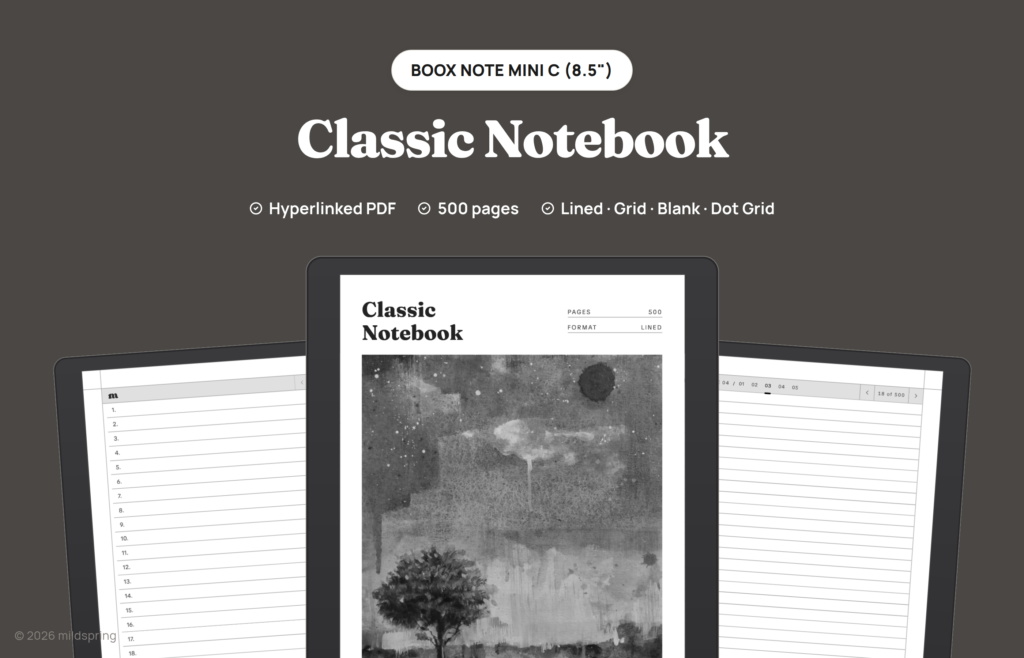
A BOOX notebook template that stays organized as it fills: 500 pages with a linked index, so you can name a page now and tap straight back to it later. Lined, Blank, Dot Grid and Grid are all included, each drawn for your BOOX’s screen.
A BOOX notebook template that stays organised as it fills.
The Classic Notebook for BOOX is a plain, hyperlinked notebook PDF: 500 writing pages and an index at the front that links to every group of pages. Name an entry in the index, tap it later, and you land back on those pages. Four page styles come as separate PDFs in one download: Lined, Blank, Dot Grid and Grid.
What is inside
- An index at the front, with one linked entry for every five writing pages.
- 500 writing pages, each with a link back to the index.
- Four page styles as separate PDFs: Lined, Blank, Dot Grid and Grid.
That comes to 504 to 506 pages in one file, depending on your BOOX.
How it works
It’s one PDF. Send it from your computer with BOOX’s BooxDrop transfer, then open it in the built-in reader and write on any page with the stylus. The links are standard PDF links, so tapping them works in the reader without an extra app.
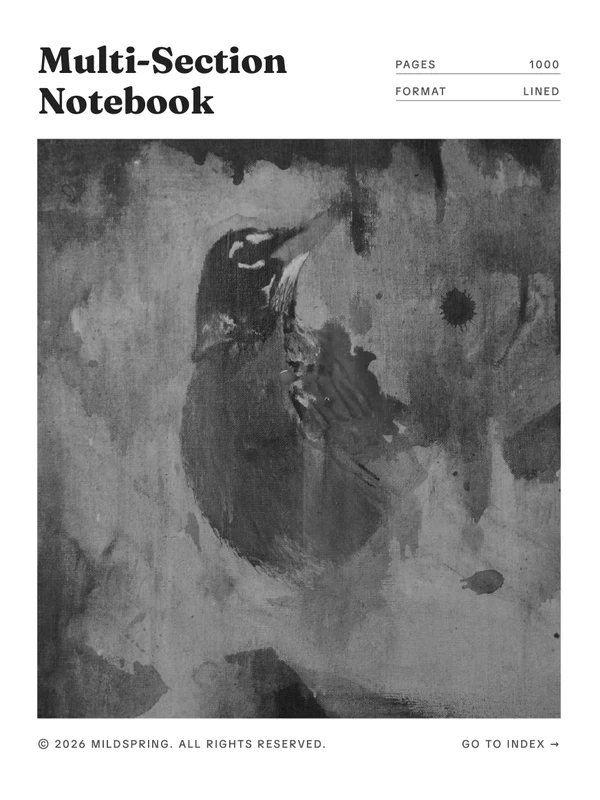
Want named sections instead of one long book? The Multi-Section Notebook for BOOX splits 1,000 pages into ten sections.
Four BOOX sizes
Choose your BOOX from the Device menu. The page is drawn at 119 by 158 millimetres for the BOOX Tab Mini C (7.8″), 130 by 173.4 millimetres for the Note Mini C (8.5″), 157 by 210 millimetres for the Note Air 10.3″ and 203 by 270 millimetres for the Tab X C / Note Max 13.3″. On the Note Mini C that is its 1536 by 2048 pixel screen at 300 ppi, so the page fills the screen at native size instead of shrinking inside a border. Our custom notebook and custom planner builders cover the same four sizes.
Pages by device
Page size and page count for each device in this product.
- BOOX Tab Mini C (7.8″): 119 by 158 mm, 506 pages
- BOOX Note Mini C (8.5″): 130 by 173.4 mm, 506 pages
- BOOX Note Air 10.3″: 157 by 210 mm, 505 pages
- BOOX Tab X C / Note Max 13.3″: 203 by 270 mm, 504 pages
Frequently asked questions
Which BOOX is it for?
The BOOX Tab Mini C (7.8″), Note Mini C (8.5″), Note Air 10.3″ and Tab X C / Note Max 13.3″. Pick yours from the Device menu so the page matches your screen. Other BOOX models need a different file.
How many pages does it have?
500 writing pages plus the cover and index, 504 to 506 pages in each PDF, depending on your BOOX.
How do I get the file?
After checkout you can download it from your order confirmation page, your order email or the Downloads tab in My Account.
Delivery and refunds
Delivery
Instant download after checkout. Add the PDF to your device with its companion app or cloud sync. Need help? See our step-by-step guides.
Refunds
Since these are digital files, we can't offer refunds after download. If something is wrong with your file, get in touch and we'll make it right.