Choosing between a dot grid vs lined notebook sounds minor until you write in one for a week. Lines push your handwriting into rows. Dots give you freedom but still help you keep margins straight. On an e-ink tablet, the choice also affects how clean exports look when you share notes.
This post is a short decision guide. For a longer comparison that includes blank and square grid pages, read our full notebook style guide.
When lined pages are the better fit
Lined notebooks shine for fast text. Meeting notes, lecture capture, journaling, anything that is mostly sentences. The lines remove one decision per line: how big should this row be?
- Daily standups and status updates
- Cornell-style study notes where the cue column needs clear rows
- Personal journaling where readability beats layout experiments
On e-ink, pick a line spacing that matches your natural hand size. Too tight and your descenders collide. Too wide and you waste screen space.
When dot grid pages earn their keep
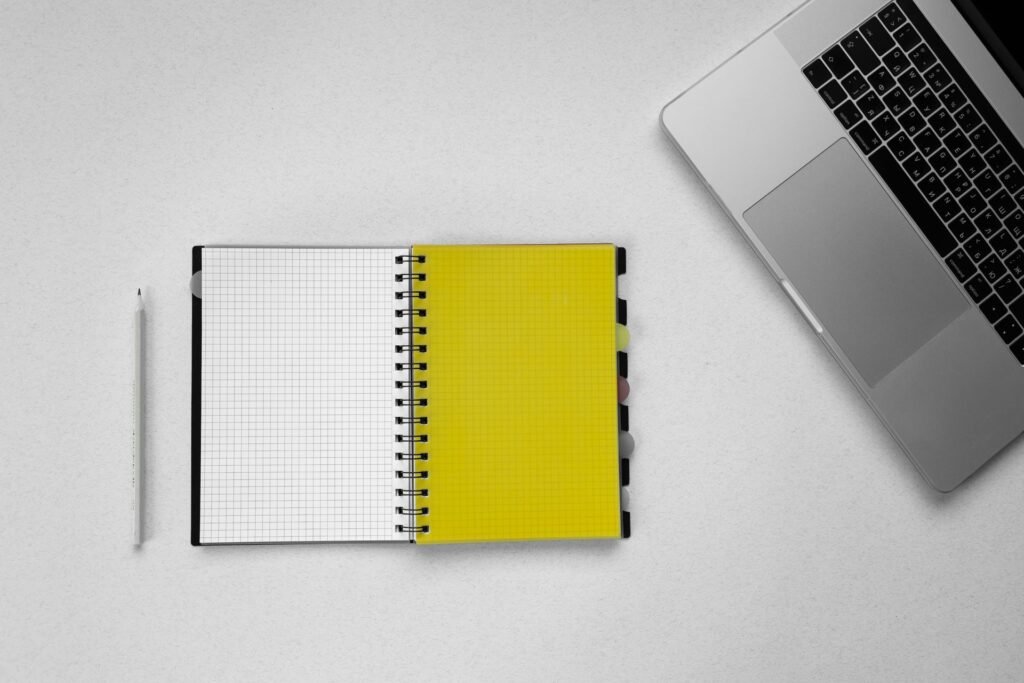
Dot grid pages sit between blank and ruled. You get alignment without visible lines running through your sketches. Diagrams, mind maps, and mixed text-plus-drawing notes feel cleaner on dots.
- Product sketches with short labels
- Language study with characters and romanization
- Planner spreads where you draw your own boxes
Bullet journal collections often use dot grid because you can draw monthly calendars and trackers without fighting horizontal rules.
Dot grid vs lined notebook on e-ink hardware
E-ink refresh makes heavy erasing noticeable on both styles. Dot grid hides corrections a little better because there is no solid line to break. Lined pages make sloppy erasure obvious.
Export matters too. If you email pages to coworkers, lined meeting notes look familiar. Dot grid exports read as designer notebooks. Neither is wrong. Match the audience.
Mixing styles inside one notebook
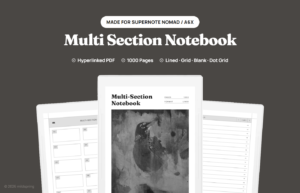
You do not have to pick one style for the whole year. Multi-section notebooks let you keep lined pages for work meetings and dot grid for side projects. The trick is labeling sections so you do not default everything to Section A.
Our guide to ten-section notebooks explains how many sections most people actually use before a layout gets messy.
Templates sized to your tablet
mildspring notebooks ship with linked indexes and page styles chosen per product. The Classic Notebook for Supernote offers lined layouts for everyday notes. The Bullet Journal for Supernote uses dot grid spreads for monthly and daily logs.
Need several page types in one file? Look at the Multi-Section Notebook for Supernote and assign each section its own job.
Browse every format in the shop, or read what a hyperlinked PDF is if you are new to linked notebooks on e-ink.